

 Deutsch
 Français
 Español
 Nederlands
 Italiano




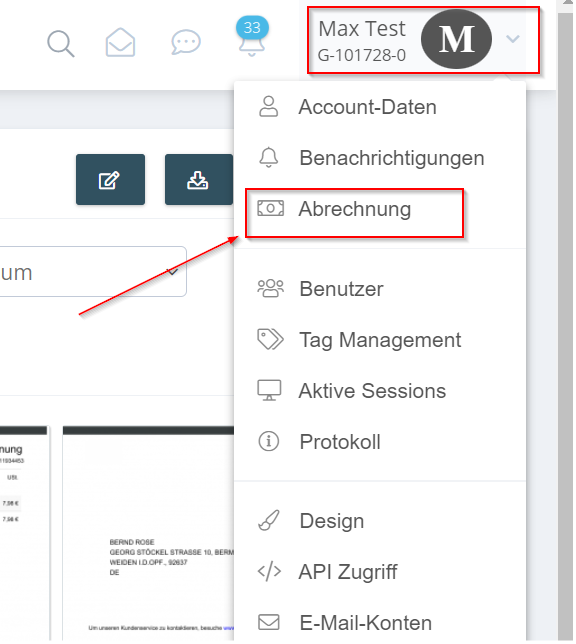
- Navigate the mouse cursor to your account name and then click on “Billing”.
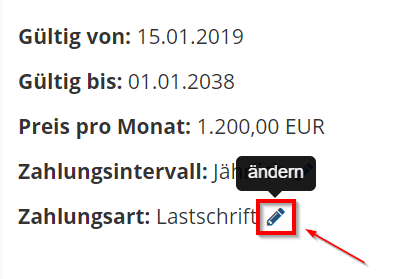
- Click the pencil icon to change the payment method.
When you are finished, click “Save” to apply your changes.