




How do I unlink my GetMyInvoices account from the GetMyInvoices mobile app?


If you wish to unlink your GetMyInvoices account from the GetMyInvoices mobile app, follow these steps.

Step 1. Open the GetMyInvoices mobile app on your mobile device, then tap Settings (gear icon) on the top right corner.
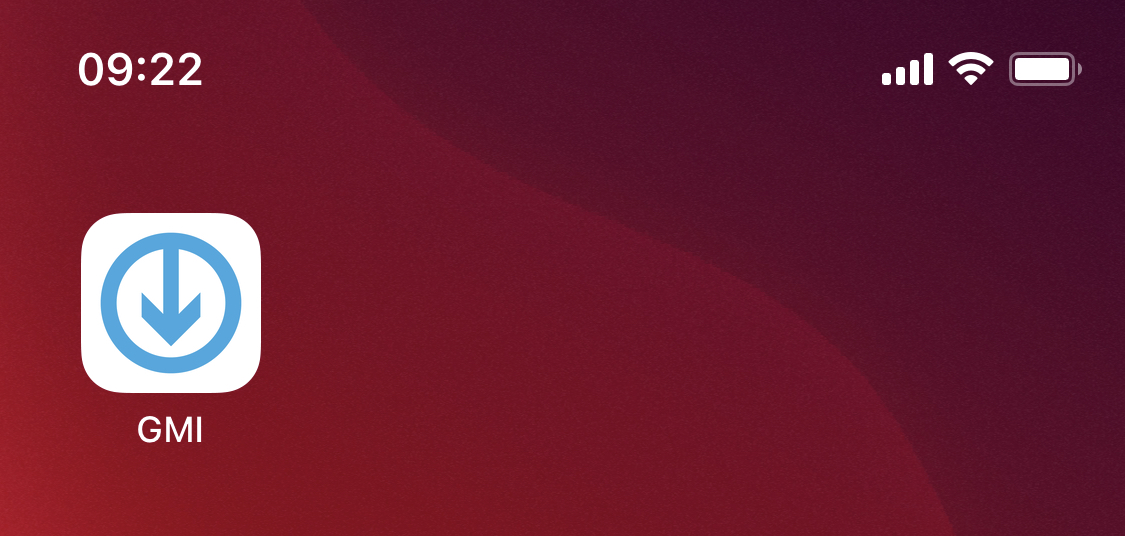
Step 1. Open the GetMyInvoices mobile app on your mobile device, then tap Settings (gear icon) on the top right corner. - How do I unlink

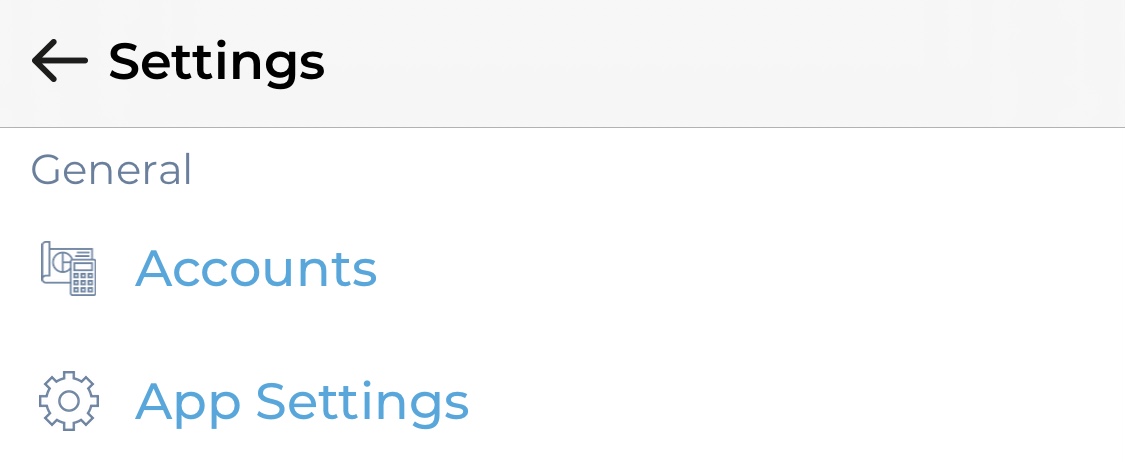
Step 2. Under General, tap Accounts.

Step 2. Under General, tap Accounts. - How do I unlink my GetMyInvoices account from the GetMyInvoices mobile app?
Step 3. Tap the name of your GetMyInvoices account, then tap Edit (pencil icon).
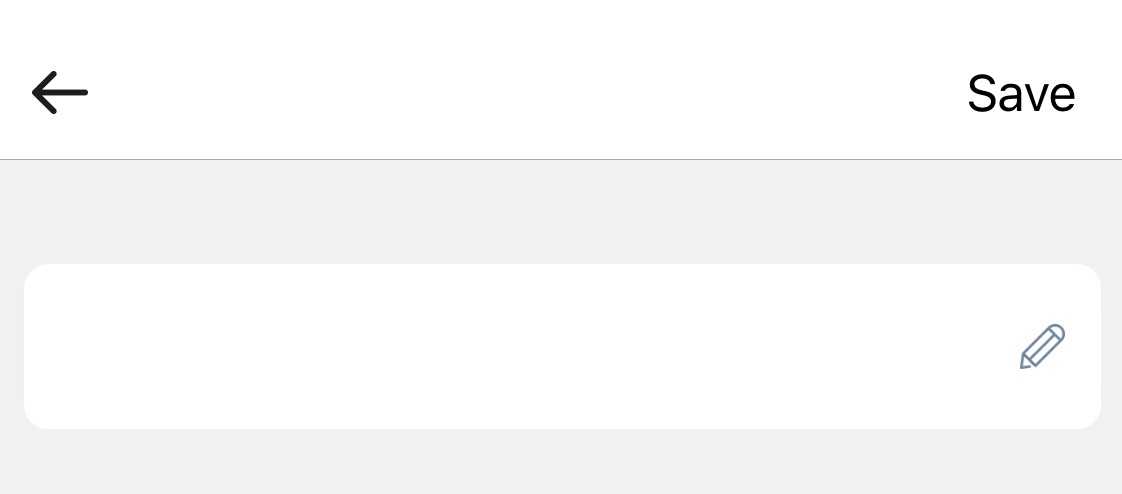
Step 3. Tap the name of your GetMyInvoices account, then tap Edit (pencil icon). - How do I unlink my GetMyInvoices account from the

Step 4. On the pop-up window, tap Delete.
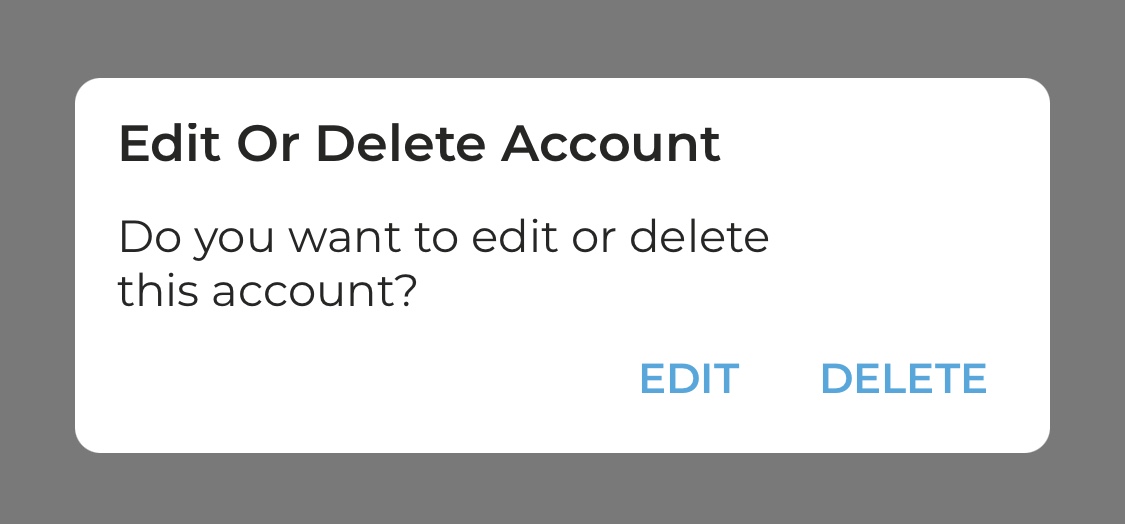
Step 4. On the pop-up window, tap Delete. - How do I unlink my GetMyInvoices account from the GetMyInvoices mobile app?

Step 5. Confirm that you want to unlink your GetMyInvoices account from the GetMyInvoices mobile app by tapping Delete.
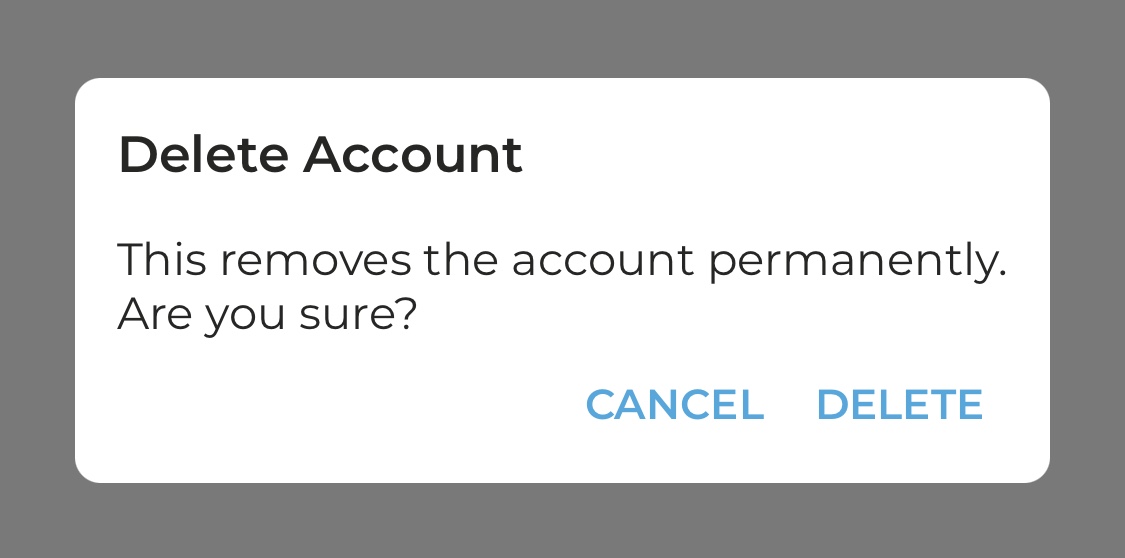
Step 5. Confirm that you want to unlink your GetMyInvoices account from the GetMyInvoices mobile app by tapping Delete. - How do I unlink

Didn't find the right answer?

Get in touch with our support team - usually answered within one business day.

Contact support