Deutsch
 Français
 Español
 Nederlands
 Italiano




Here’s how you can view a record of all activities made on your GetMyInvoices account.
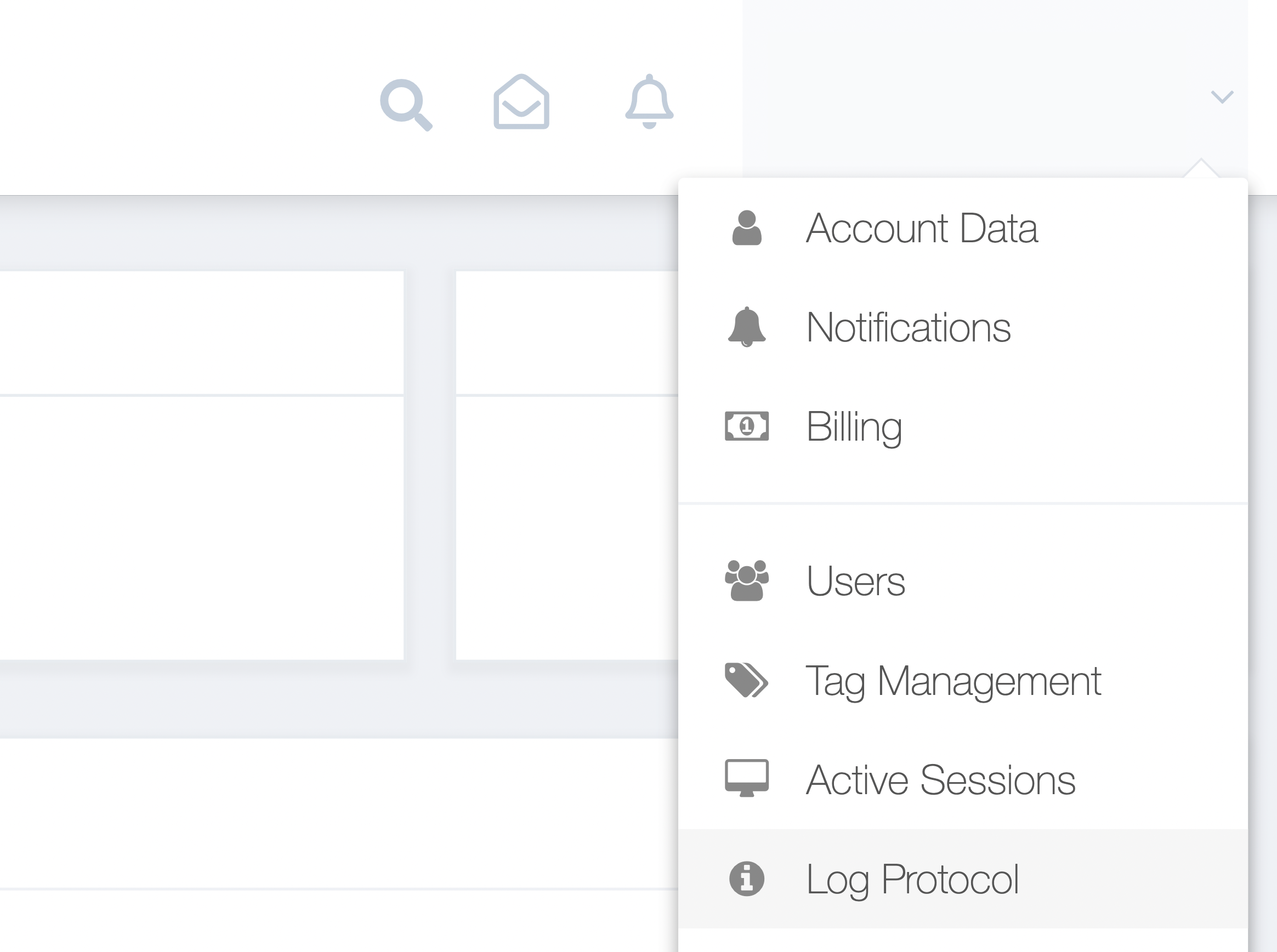
Step 1. From the GetMyInvoices dashboard, navigate to your account name on the top right corner and click Log Protocol from the drop-down menu.
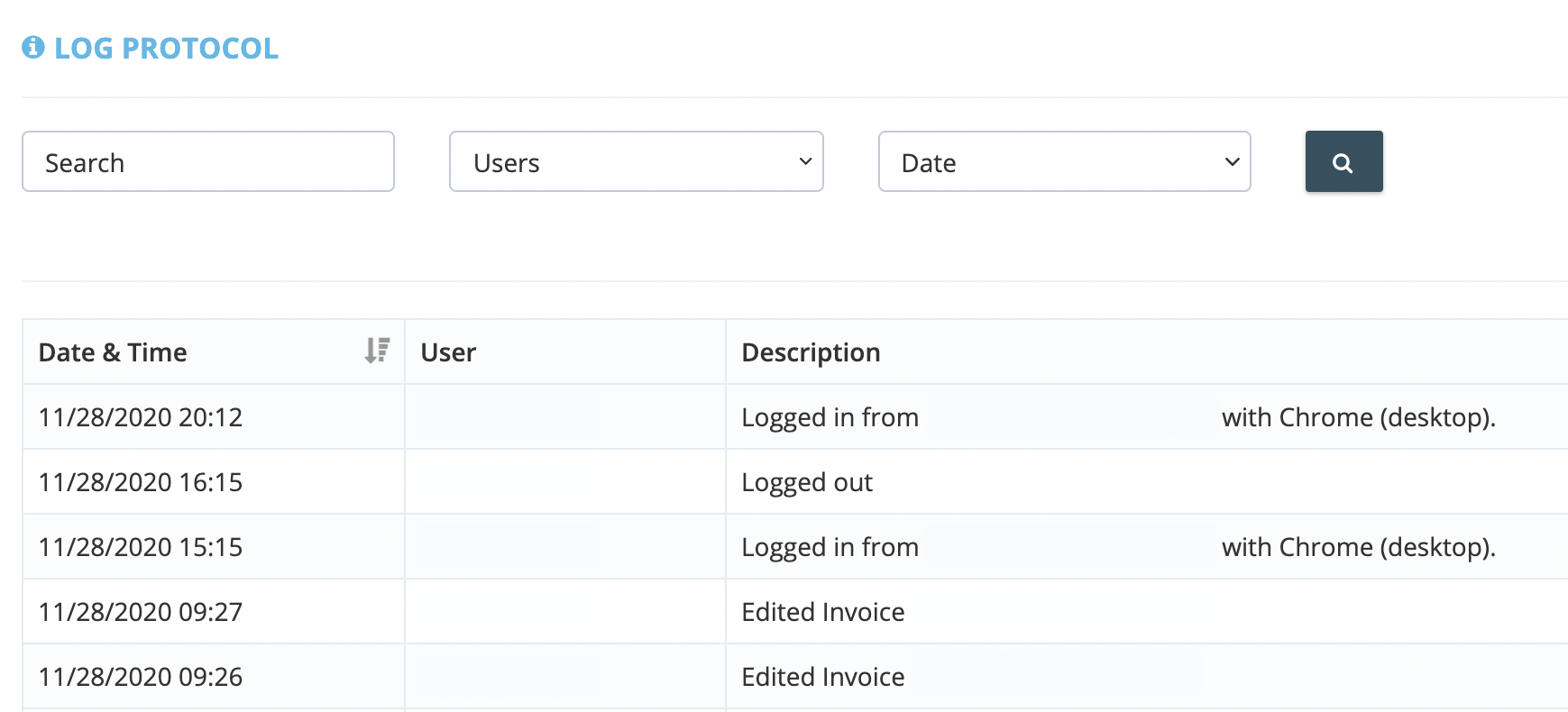
Step 2. A list of all recorded activity on your GetMyInvoices account will be generated, with the first page showing the last 25 account activities. Scroll to see the rest of the log entries.
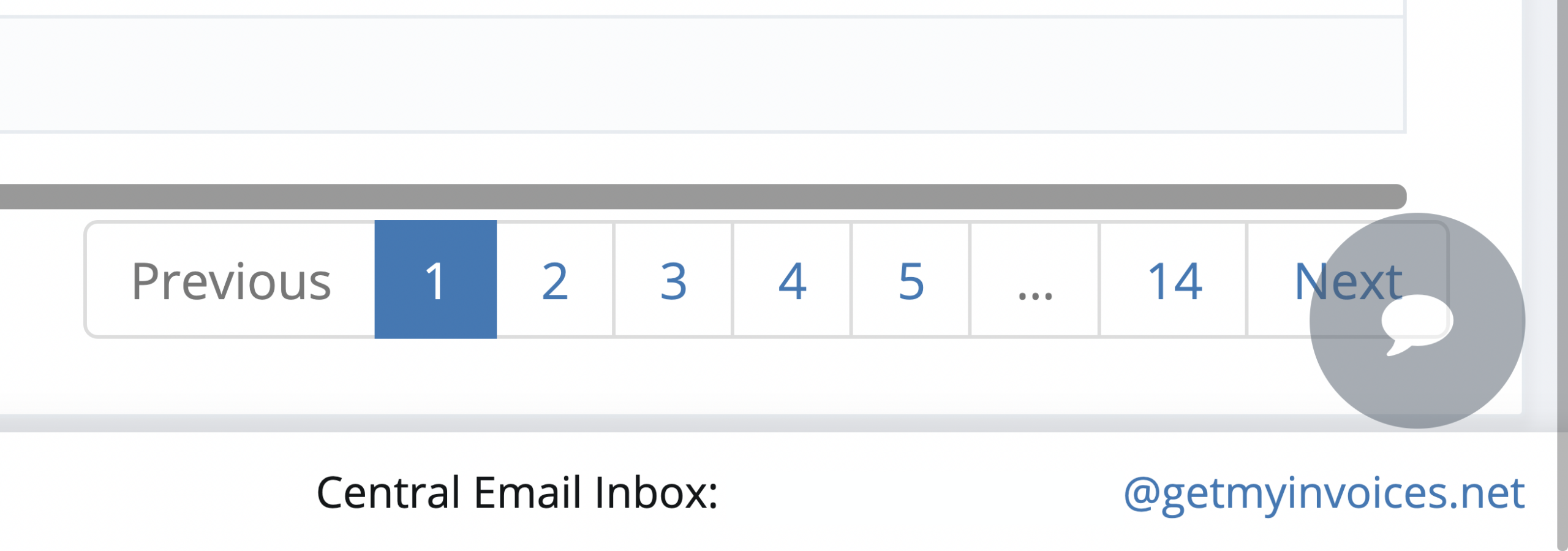
Step 3. To navigate between log results and see older account activity log entries, click Next/Previous on the bottom right corner. You can also click any of the numbered buttons to jump to a corresponding page.
Step 4. Use the search filters found on the upper portion of the Log Protocol page to refine your account activity log results. You can sort account activity records by user, specific activity description, or date range.

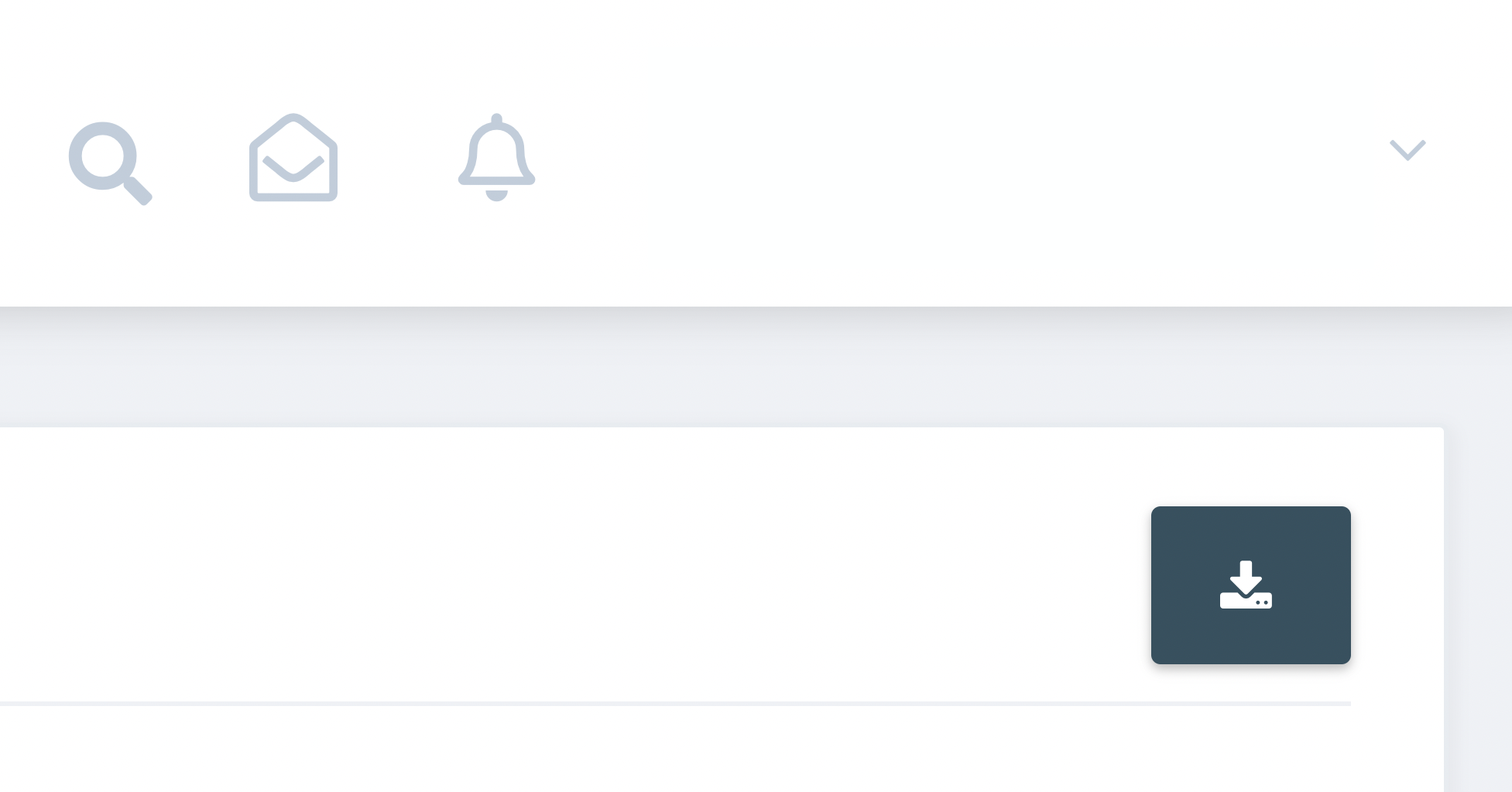
Step 5. If you want to export your account activity log for audit and compliance purposes, click the Download button on the top right corner of the Log Protocol page. The exported logs will be saved in an Excel (.xls) file that can be opened with a spreadsheet application.