Deutsch
 Français
 Español
 Nederlands
 Italiano




With GetMyInvoices , you can customize your account’s design to your liking so that it perfectly matches your company’s branding. Customize the look and feel to ensure your user interface appears consistent and professional.
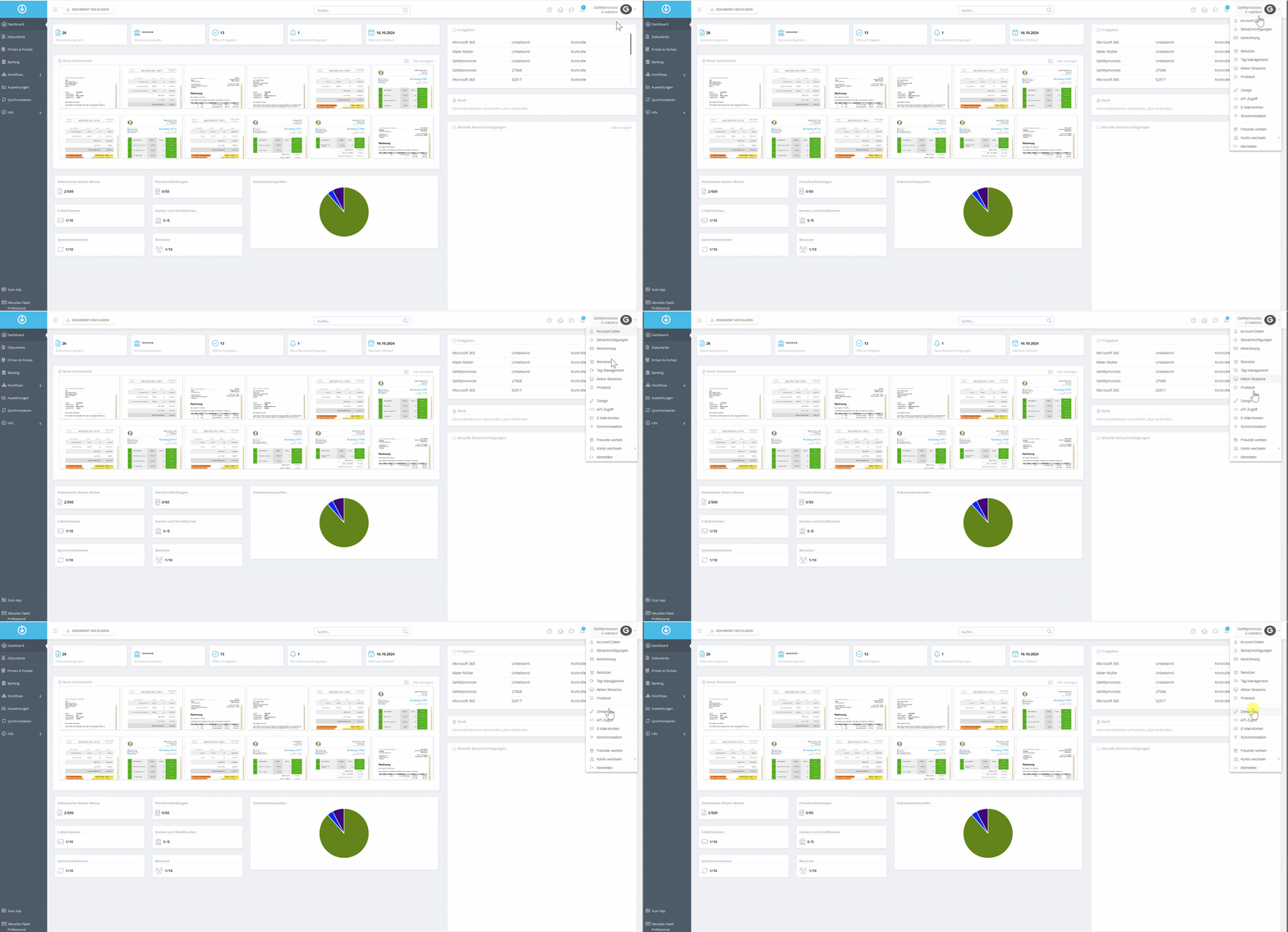
Here’s how to customize the design of your GetMyInvoices account
- Go to Account Name**.**
- Click Design.
- Customize Design.
- Scroll to the bottom of the page and click Custom CSS to upload custom CSS styles.
- Click Save.
- If necessary, click Reset to restore the default settings.