

 Deutsch
 Français
 Español
 Nederlands
 Italiano




You can at any time, customize how you want to receive email notifications about invoice activity from your GetMyInvoices account.
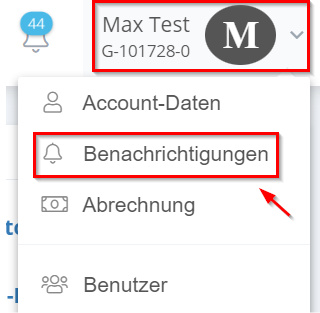
- Navigate with the mouse pointer to your account name and click on “Notifications”.
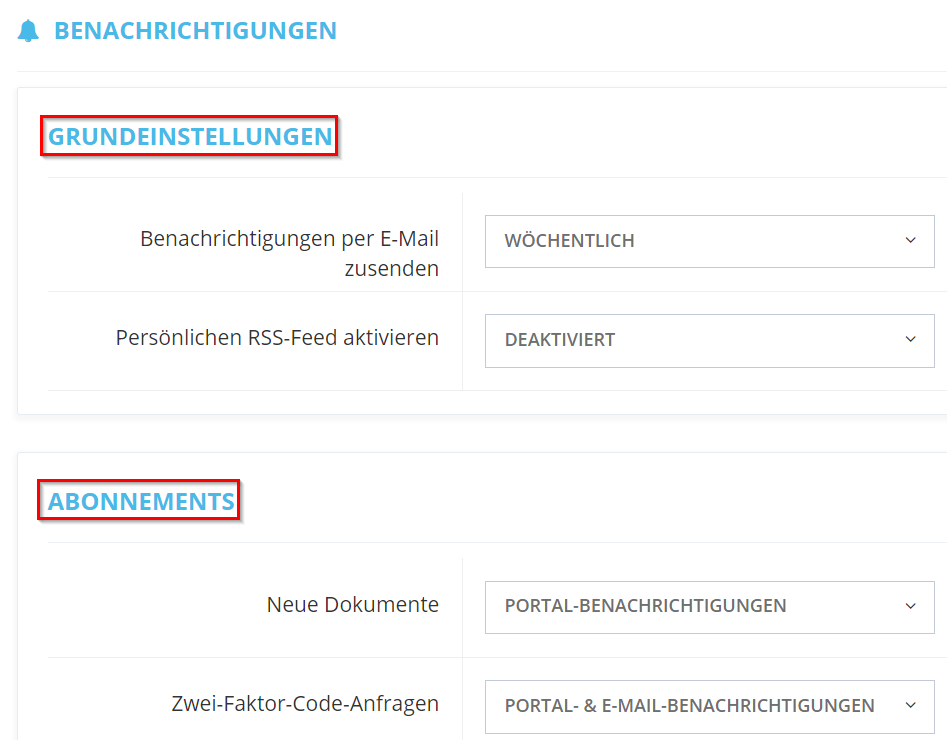
- under “Basic settings” and “Subscriptions” you can set the notification as you like.
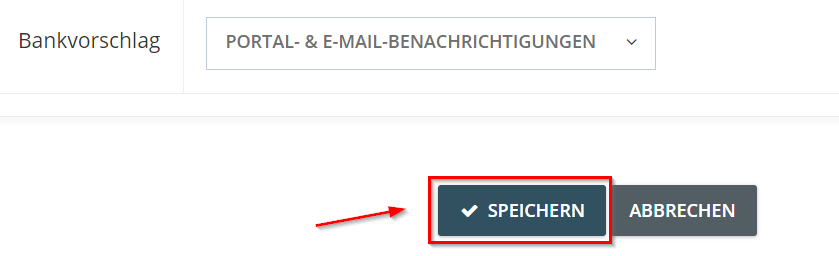
- Then click save “Save” to apply the changes.
Please also have a look at our video tutorial: