Deutsch
 Français
 Español
 Nederlands
 Italiano




If you have linked multiple accounts, you can easily switch between them without a password. To learn how to link your accounts, click here .
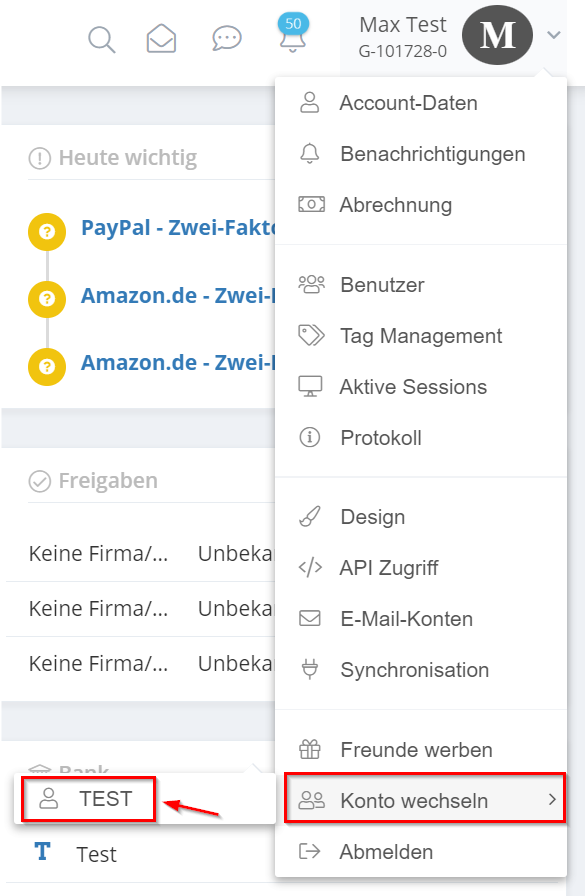
- Hover your mouse pointer over your account name. Then go to “Switch Account,” click on the account you want, and you’ll be redirected there.