Deutsch
 Français
 Español
 Nederlands
 Italiano




If you have multiple GetMyInvoices accounts, you can link them here so you can easily switch between accounts without a password.
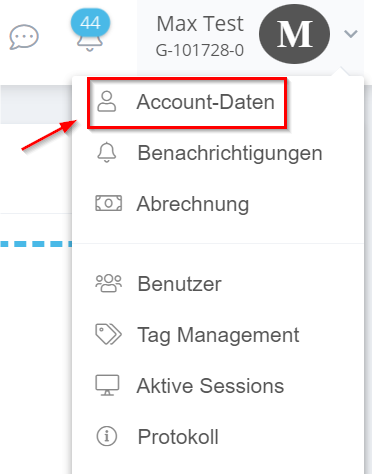
- Navigate with the mouse pointer to your account name and then click on “Account data”.
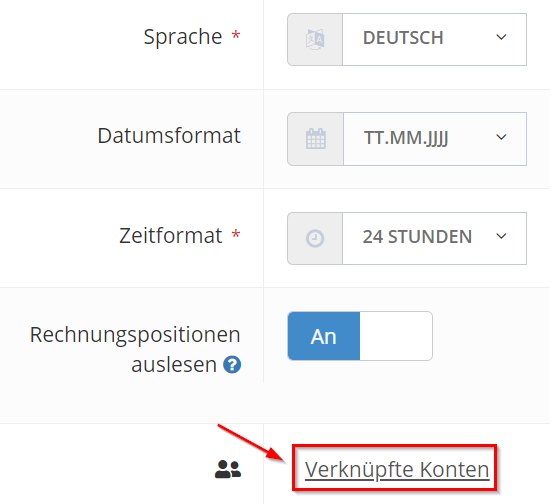
- scroll down to the settings and click on “Linked accounts” at the bottom right.
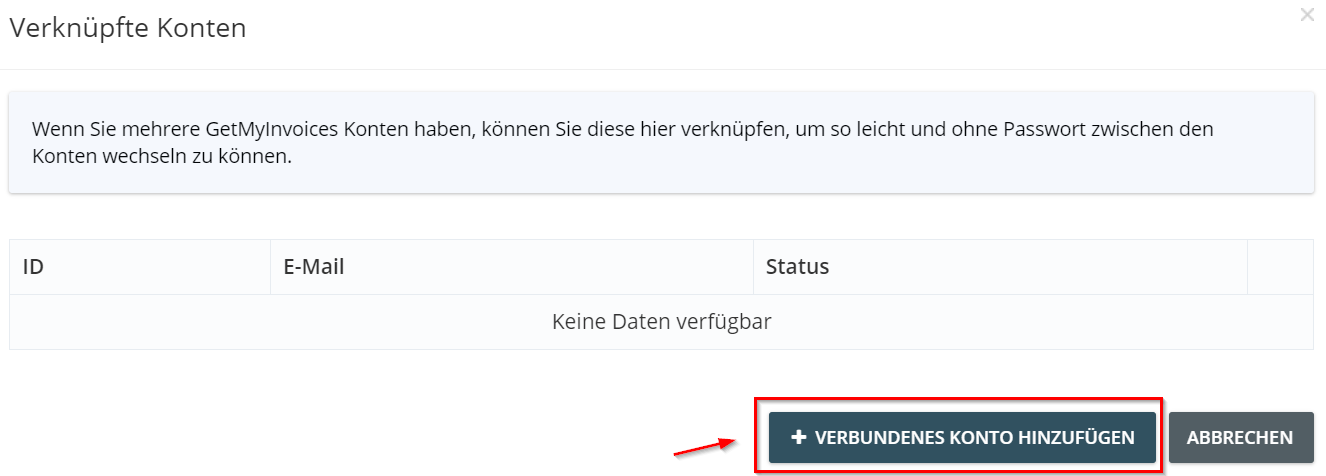
- Click the “Add Connected Account” button.
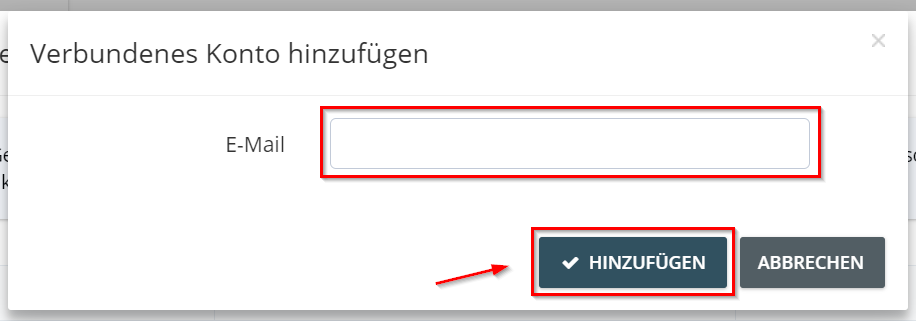
- now enter the email address of the account to be linked and click “Add”. An invitation will then be sent to the inserted email address.
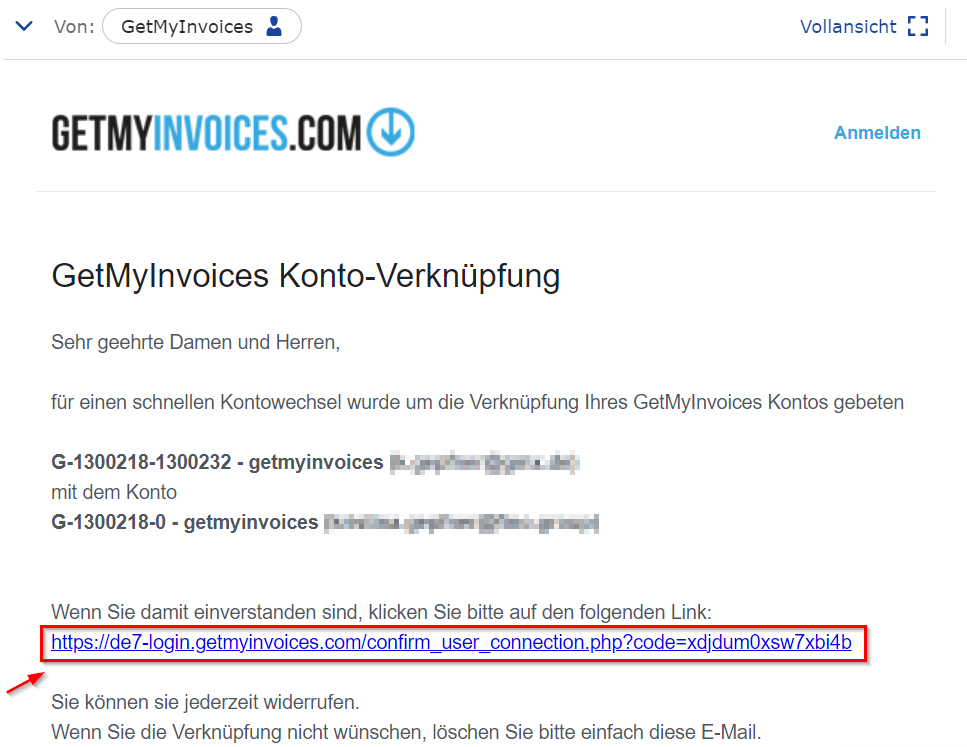
- confirm the account link by clicking the blue link sent to the provided email address.