

 Deutsch
 Français
 Español
 Nederlands
 Italiano




You can connect your Stripe account to GetMyInvoices and import your transactions.
Step 1: Set up a connection
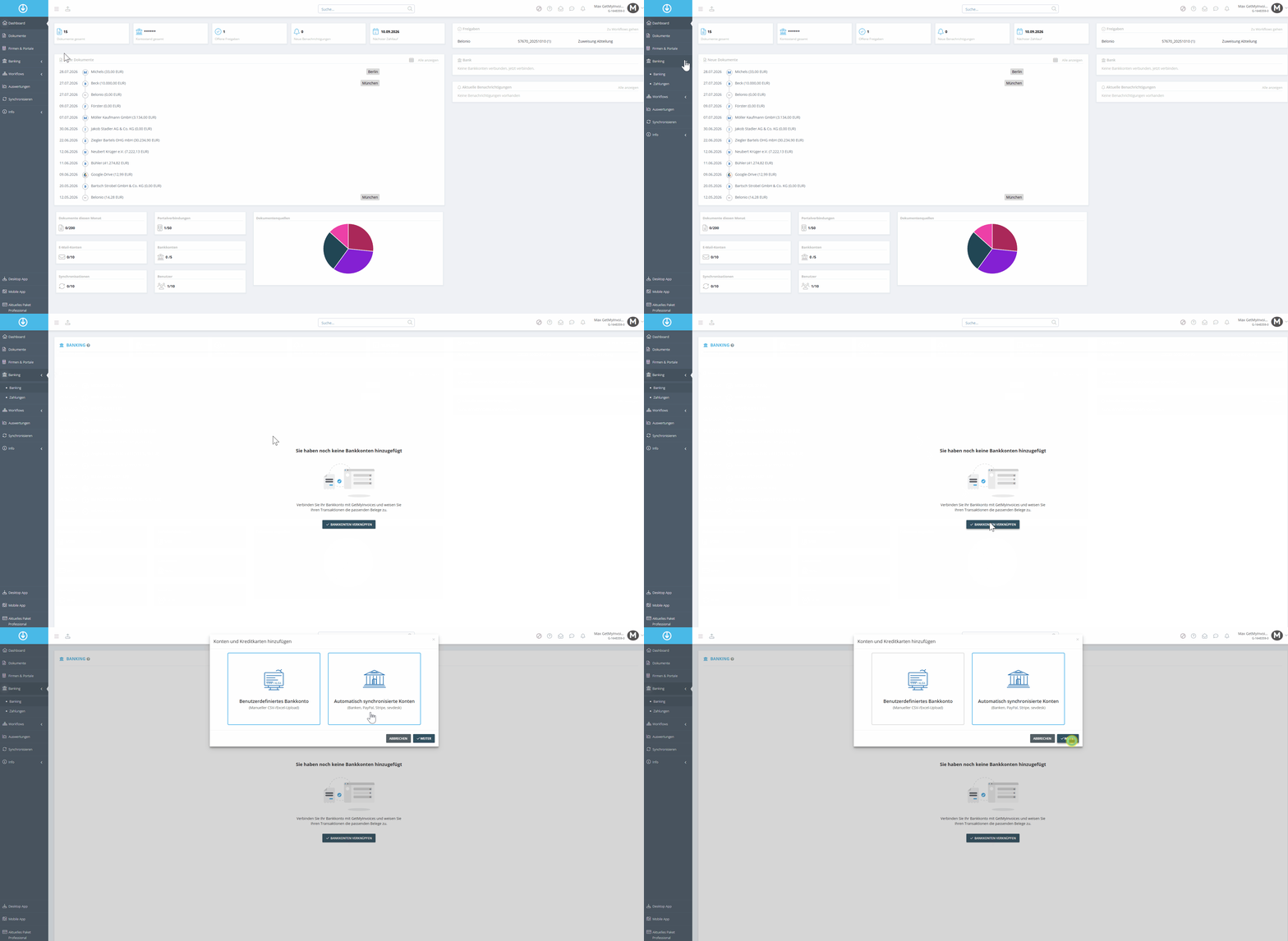
- Go to “Banking” in the menu on the left.
- Select “Link Bank Account”.
- Click “Automatically Synced Accounts” and then “Next”.
Step 2: Select Connection Types
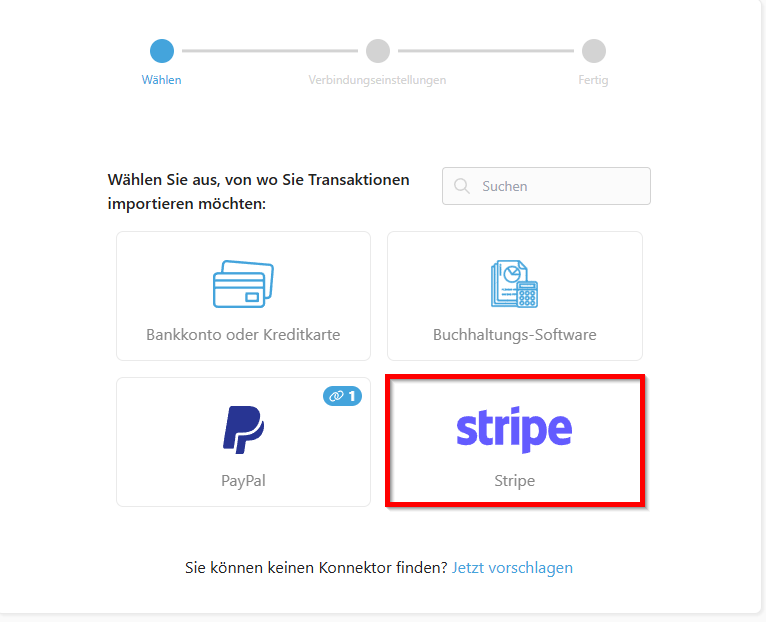
- Select “Stripe”.
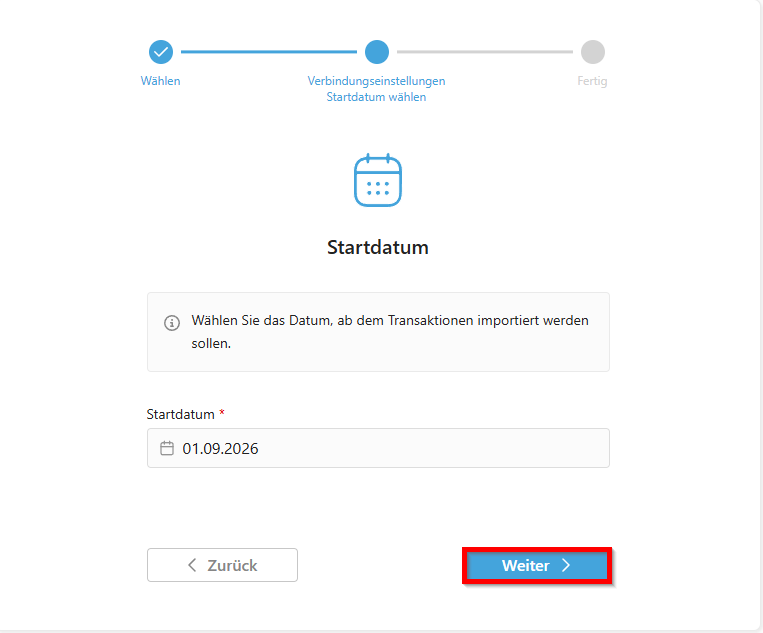
- Select a start date from which transactions should be imported.
Step 3: Enter your login details
- Enter your Stripe login details. You will need your account ID and your API key. You can find the API key here .
- Follow the login process.
Step 4: Complete the connection
Your Stripe account is now connected to GetMyInvoices for retrieving transactions.
Tip: Check with your tax advisor or accounting department to determine which system should be used for bank account reconciliation. The transactions are only visible in GetMyInvoices.