

 Deutsch
 Français
 Español
 Nederlands
 Italiano




In this article, you'll learn how to use your central GetMyInvoices email address to automate document import. With this feature, you can either forward invoices and receipts manually or set up automatic forwarding to simplify the import process.
Step 1
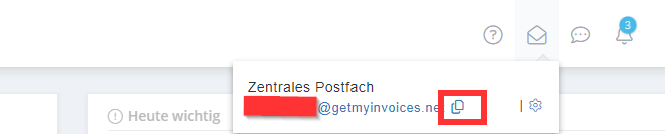
- Click the envelope icon in the top right corner
Step 2
- Copy the GetMyInvoices email address and get started
You can use your central GetMyInvoices email address in two ways. Set up email forwarding to the central GetMyInvoices email address you just copied to automate document import from your email accounts, so you no longer have to import individual documents manually. Alternatively, you can manually import documents from your email accounts by forwarding individual email messages to your central GetMyInvoices email address.