

 Deutsch
 Français
 Español
 Nederlands
 Italiano




Your GetMyInvoices account comes with a central mailbox by default. This allows you to import incoming invoices that are not supported by online accounts and portals. Thanks to your own specially set up GetMyInvoices email address, you can receive documents sent to this address and import them for automatic invoice processing and management. It’s as simple as forwarding emails from any of your external email accounts (Gmail, iCloud, Microsoft Exchange/365, etc.).
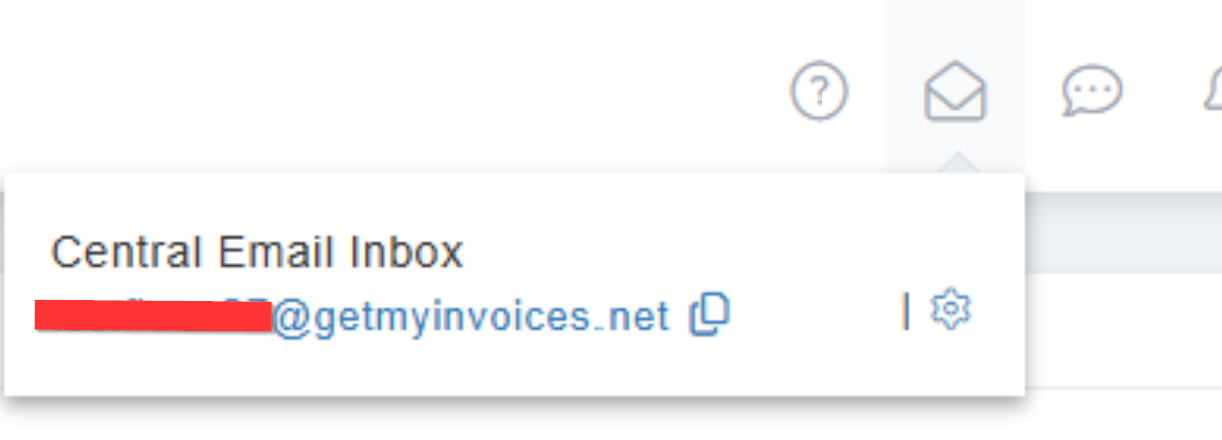
Another scenario where the document box is useful: You ask your suppliers to send invoices directly to your GetMyInvoices email address. All documents sent to this central document box are automatically imported and processed according to the import rules you have set. To use your central mailbox, find the envelope icon at the top right of your GetMyInvoices dashboard page (next to your account name).