

 Deutsch
 Français
 Español
 Nederlands
 Italiano




You have the option to rename your **central GetMyInvoices email inbox **.
Step 1
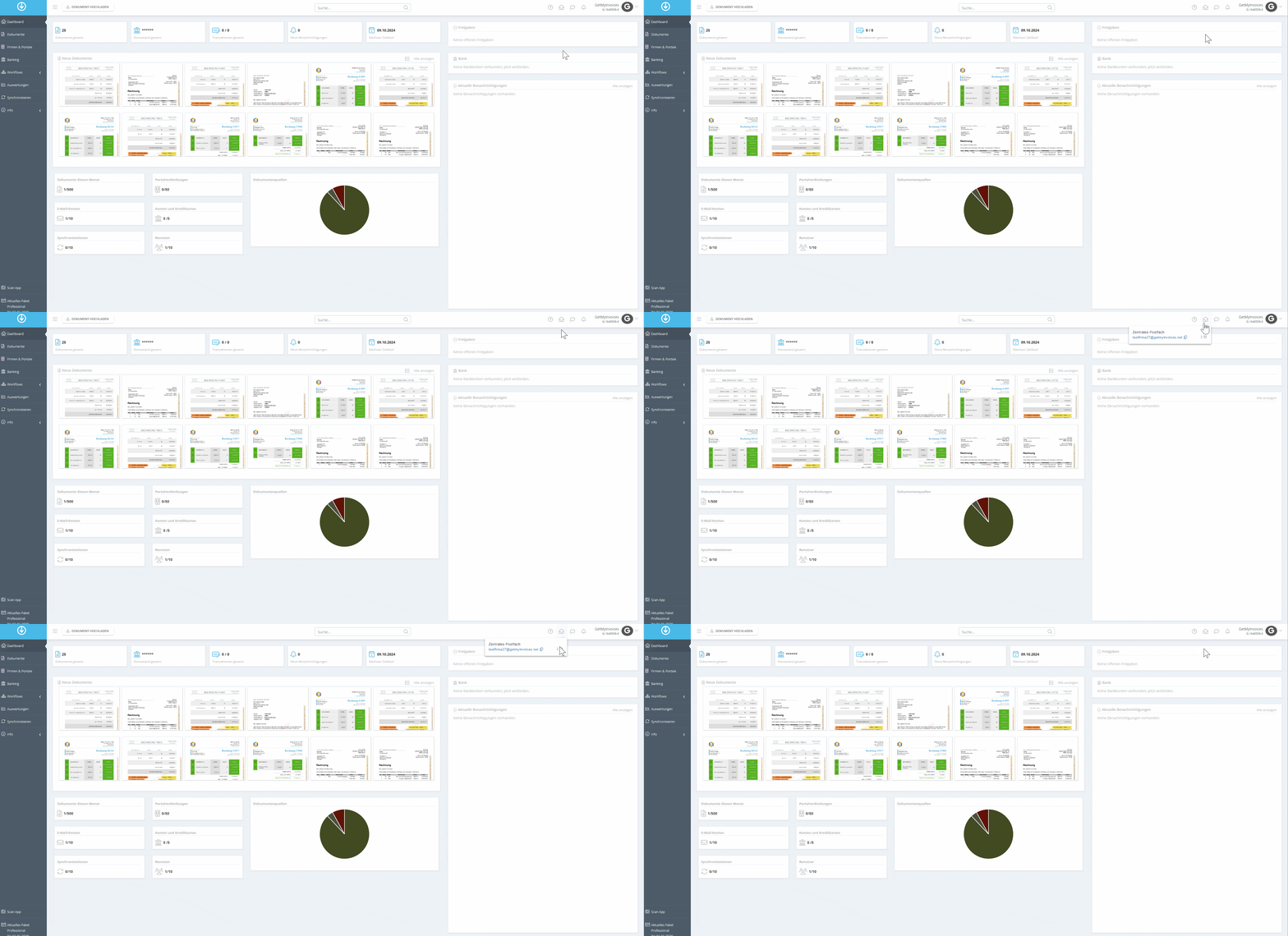
- In the dashboard, navigate to the envelope icon in the upper-right corner.
- Click the gear icon.
Step 2
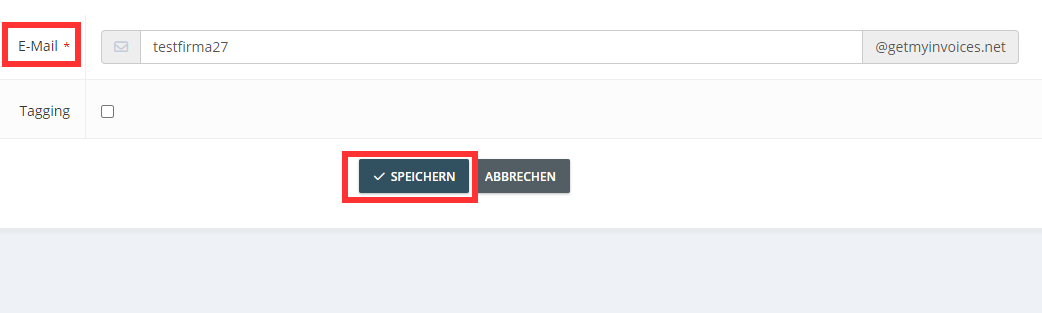
- After changing the mailbox name, click Save.
Please note that changes to the name of the central mailbox may need to be communicated to your suppliers, or you may need to adjust your forwarding settings.