

 Français
 Español
 Nederlands




You can upgrade to the next higher plan at any time in your GetMyInvoices account. You will be charged only the difference from your current plan.
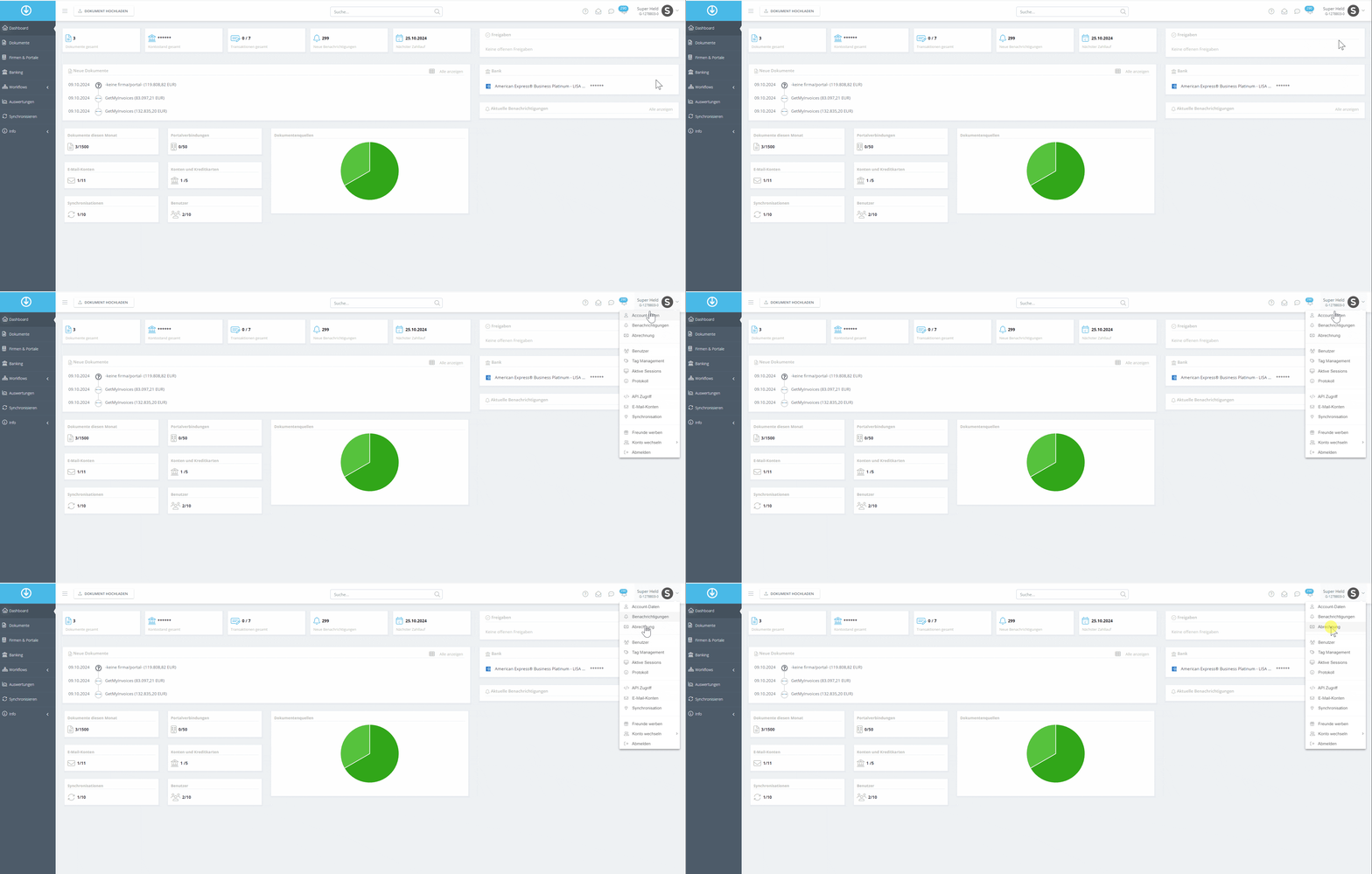
Step 1
- Click Account Name in the top right corner.
- Select Billing from the dropdown menu.
Step 2
- Find the plan you want and click Upgrade.
- Review your payment information and make sure it’s correct.
- Click Order Now to complete the upgrade.
If you need assistance, we’re happy to help via our contact form .