

 Français
 Español
 Nederlands




In your GetMyInvoices account, you can switch to a lower-tier plan to better meet your needs. Please note, however, that according to the Terms and Conditions (T&C) , a downgrade is only possible at the end of the agreed contract term.
Step 1
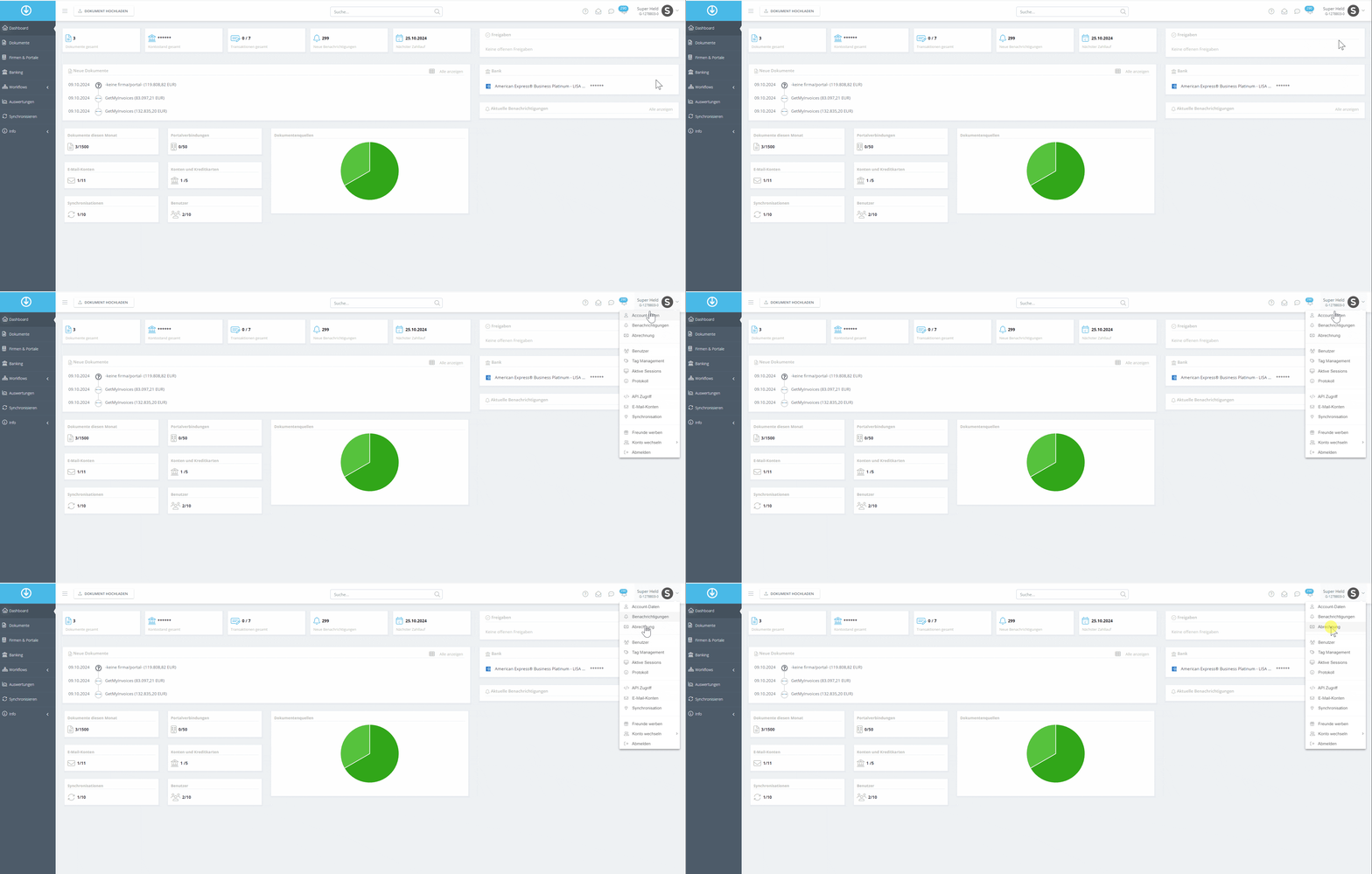
- Click your account name in the top right corner.
- Select Billing from the dropdown menu.
Step 2
- Find the desired plan and click Downgrade.
- Review your payment information and make sure it’s correct.
- Click Order Now to complete the downgrade.
If you need assistance, we’re happy to help via our contact form .