Deutsch
 Français
 Español
 Nederlands
 Italiano




If you’re visualizing your accounting data in other data analysis tools such as Microsoft Excel or Google Sheets, you may want to export invoice reports data from your GetMyInvoices account. The Reports page offers a one-click solution for exporting reports information. Follow the steps below to learn how.
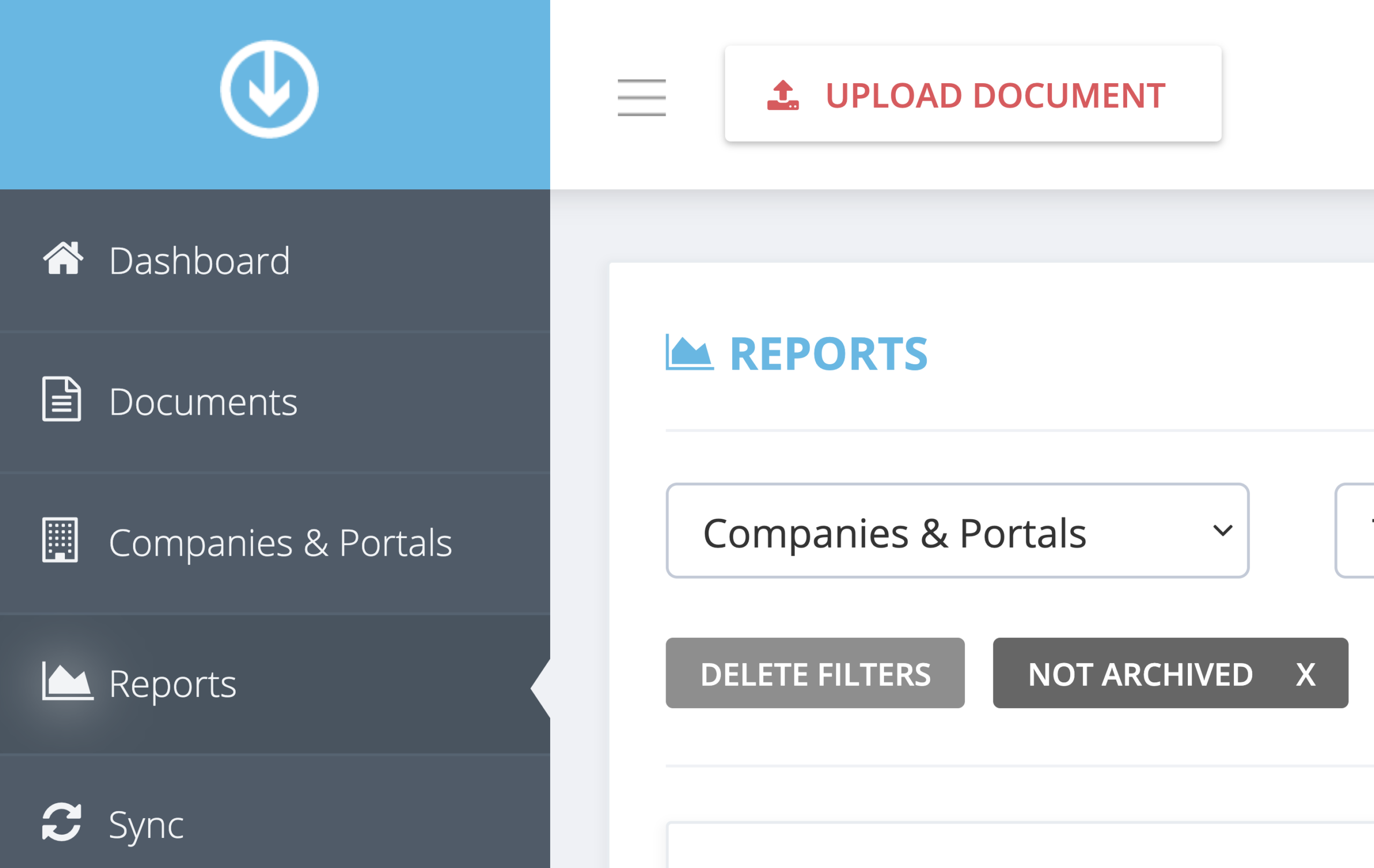
Step 1. From the GetMyInvoices dashboard, click Reports on the left-side menu.
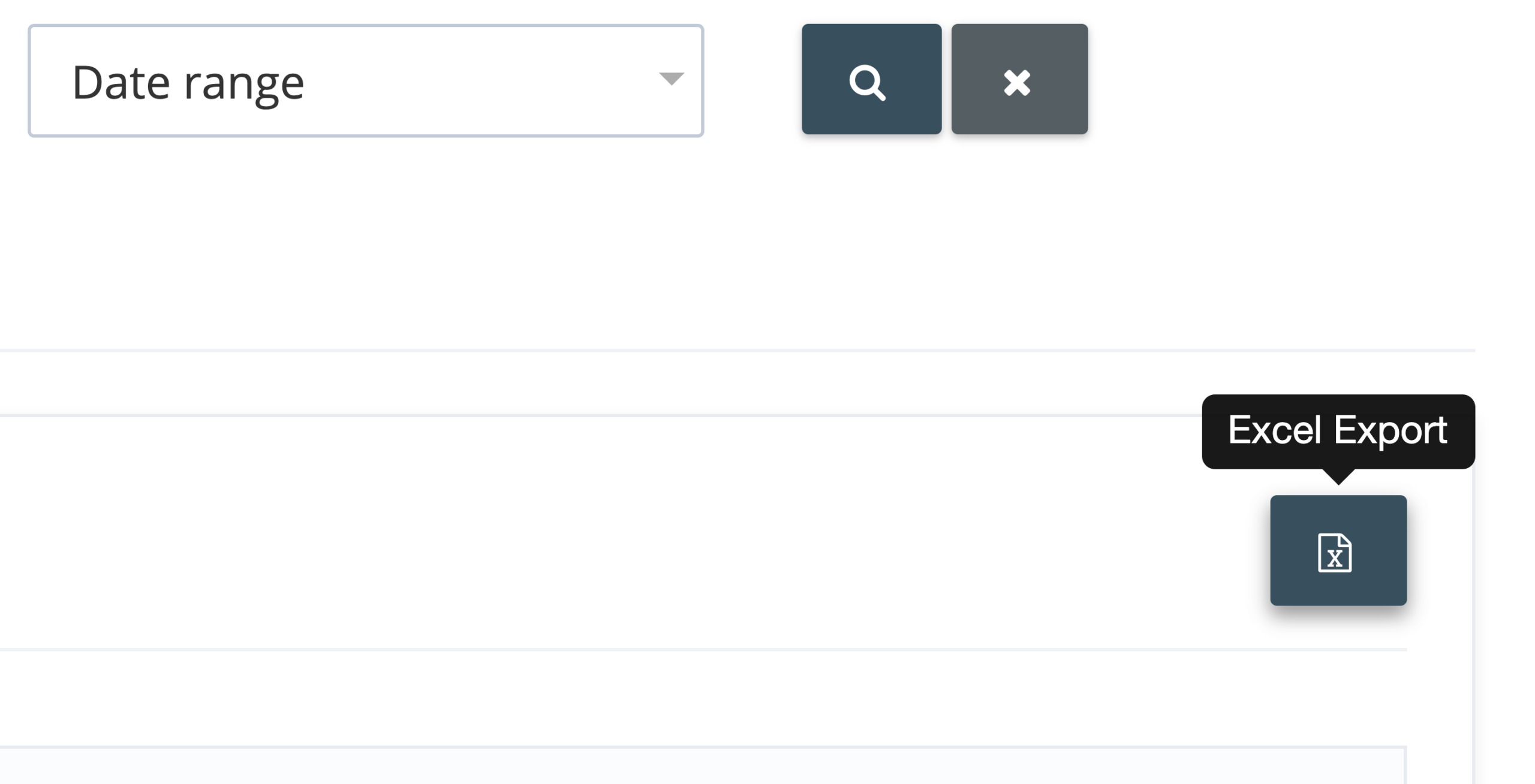
Step 2. Navigate to the reports section that you wish to export your reports data from. Click the Export button on the upper right corner.
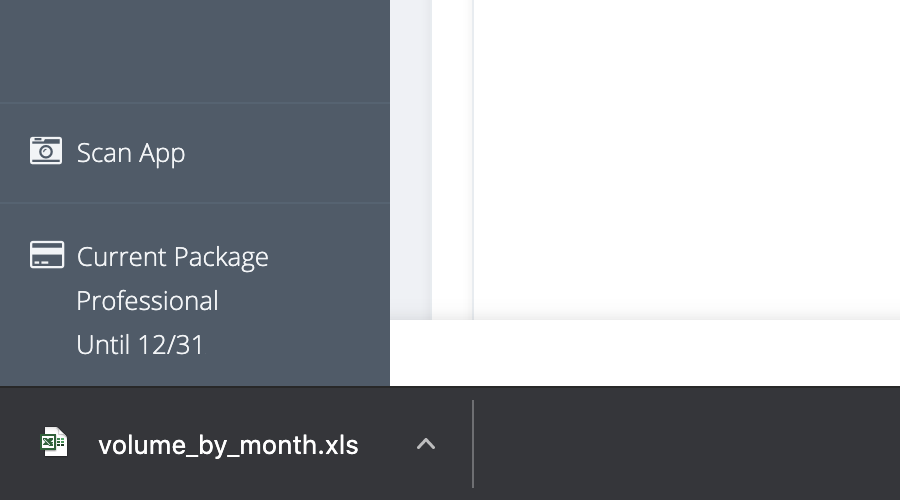
Step 3. Your reports data will instantly be downloaded to your computer or device in XLS format.