

 Deutsch
 Français
 Español
 Nederlands
 Italiano




The sevdesk interface allows you to enter additional data for invoice transfer directly into GetMyInvoices .
Note: The following steps are provided as examples. You are responsible for maintaining the data in sevdesk and GetMyInvoices.
Step 1
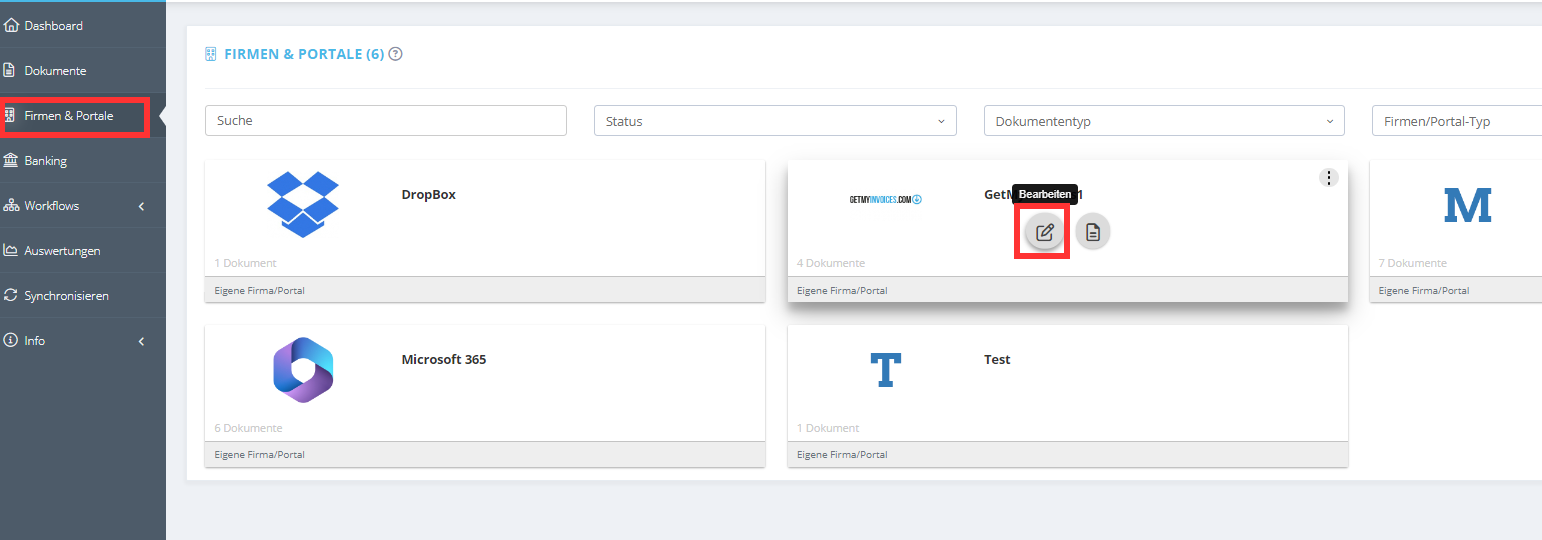
- Click on Companies & Portals.
- Select the desired company or portal.
- Click Edit.
Step 2
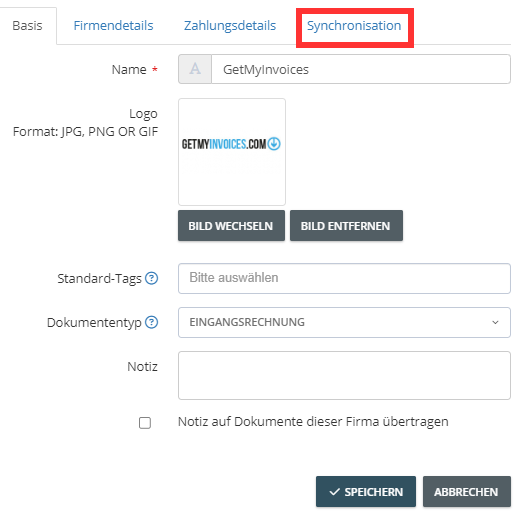
- Click Synchronization.
Step 3
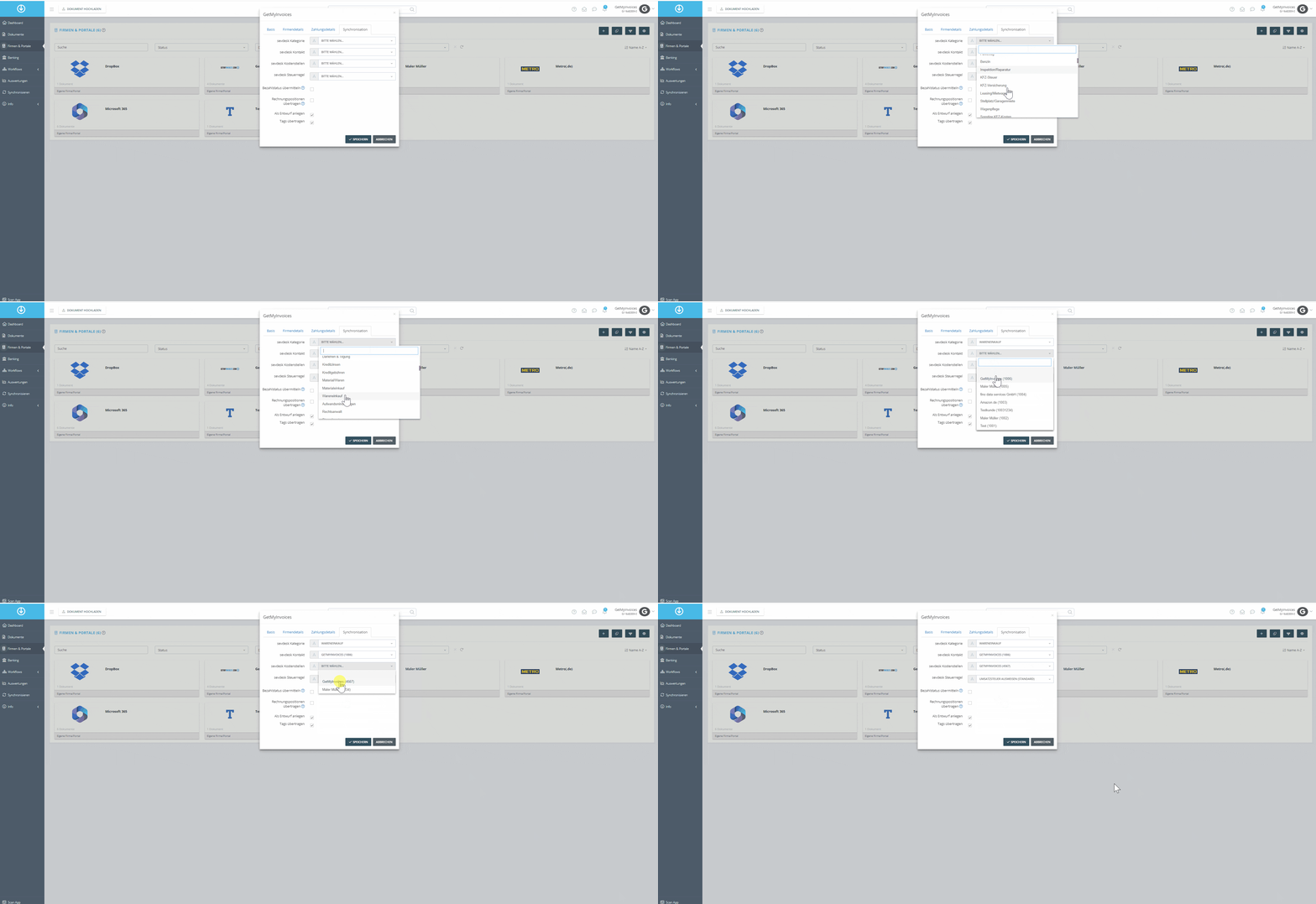
- Add the data you previously maintained in sevdesk:
sevdesk Category
sevdesk Contact
sevdesk Cost Centers
sevdesk Tax Rule
Step 4
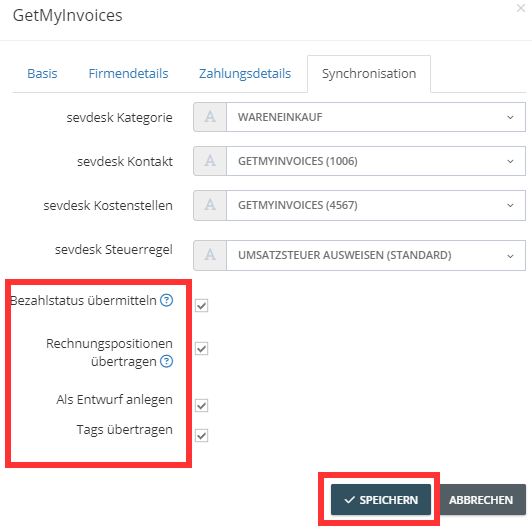
- Transfer the payment status, which is stored as default .
- Invoice line items and tags can be transferred to sevdesk, and supplier invoices can be created as drafts in sevdesk.
Step 5
- Click Save. From now on, this data will be included with every transfer to sevdesk.