

 Deutsch
 Français
 Español
 Nederlands
 Italiano




Absolutely! You have the freedom to customize your GetMyInvoices account to match your brand identity and design. Here’s how it works.
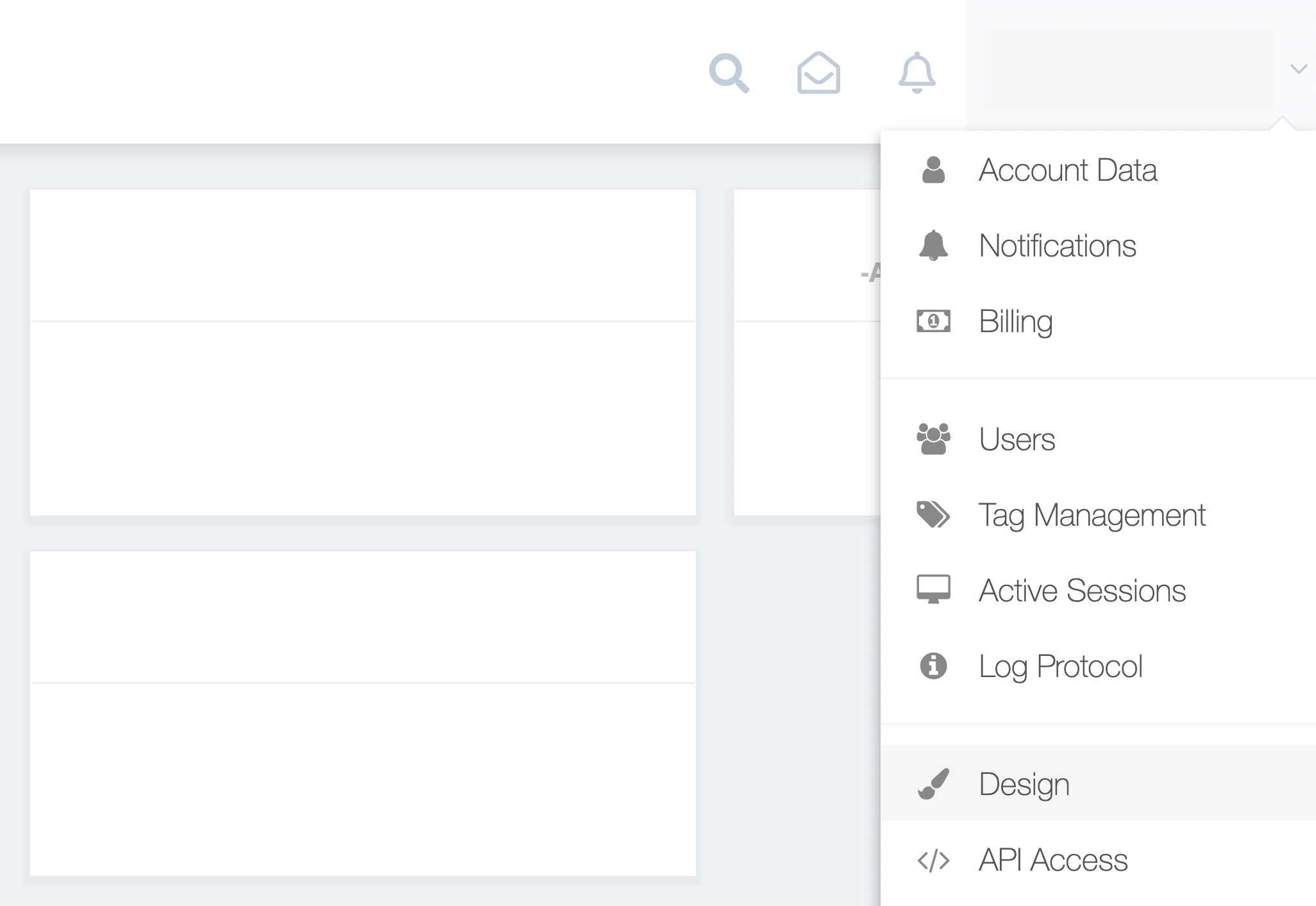
Step 1. From the GetMyInvoices dashboard, navigate to your account name on the top right corner and click Design from the drop-down menu.
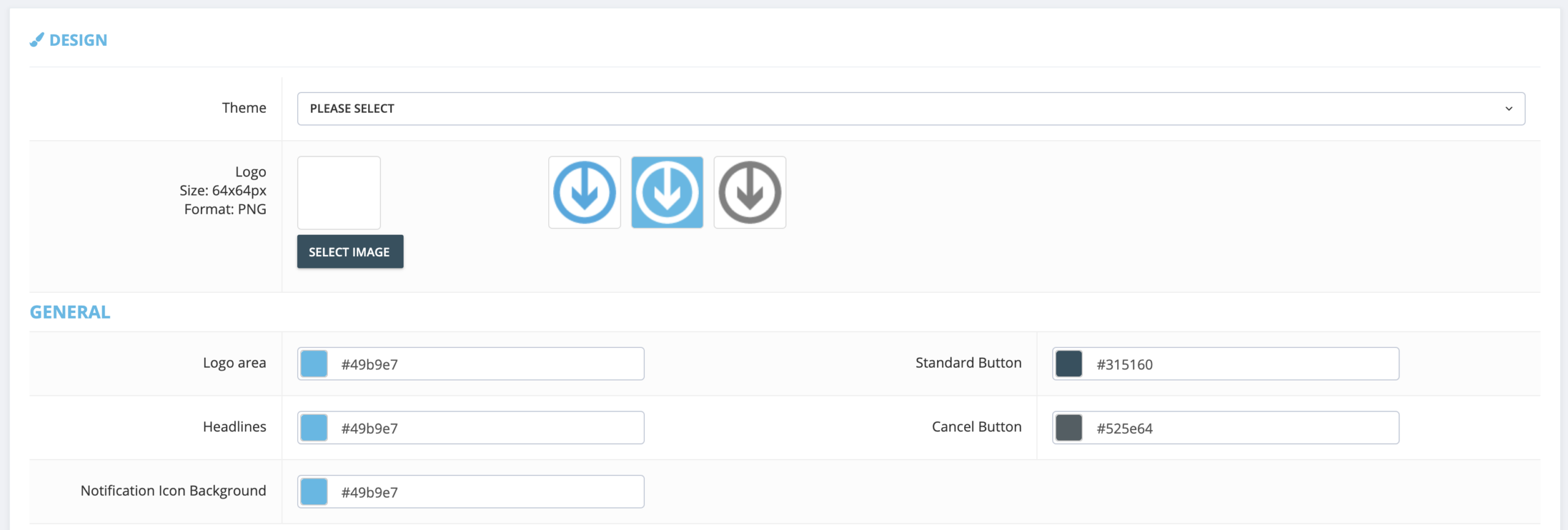
Step 2. You can choose among several theme presets on the Design page. You can also upload your custom business logo. If you want to create your own theme from scratch, click any of the options under General, Header, and Menu sections and pick your desired theme colors for each page element.
Step 3 (optional). For advanced design customization, you can also upload your custom CSS. Scroll down and click the text field for Custom CSS.
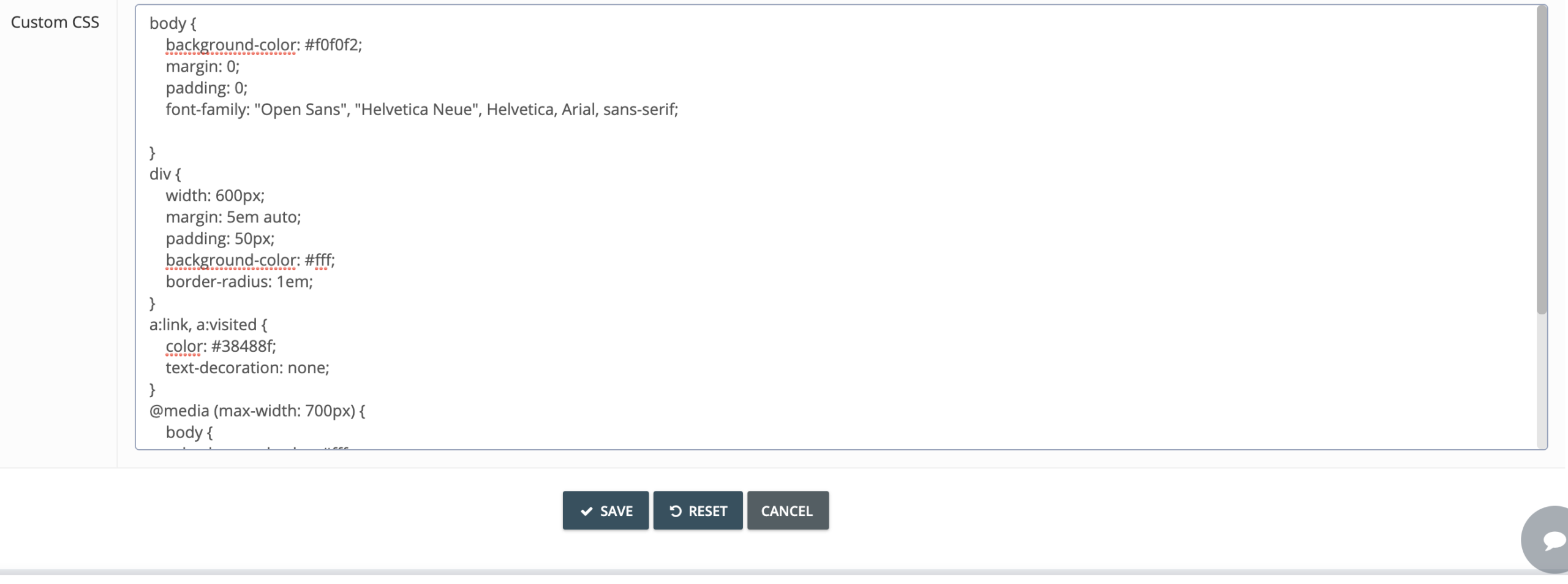
Step 4. Click the Save button to confirm your changes, or click the Reset button to restore your default design settings.
Note: Any design changes you’ve made will also apply to client accounts linked to your GetMyInvoices tax consultant account.