Deutsch
 Français
 Español
 Nederlands
 Italiano




With the client management feature in GetMyInvoices , once you’ve created your clients , you can log in directly to each client’s account to review all processes. This gives you a quick and comprehensive overview of your clients’ incoming invoices.
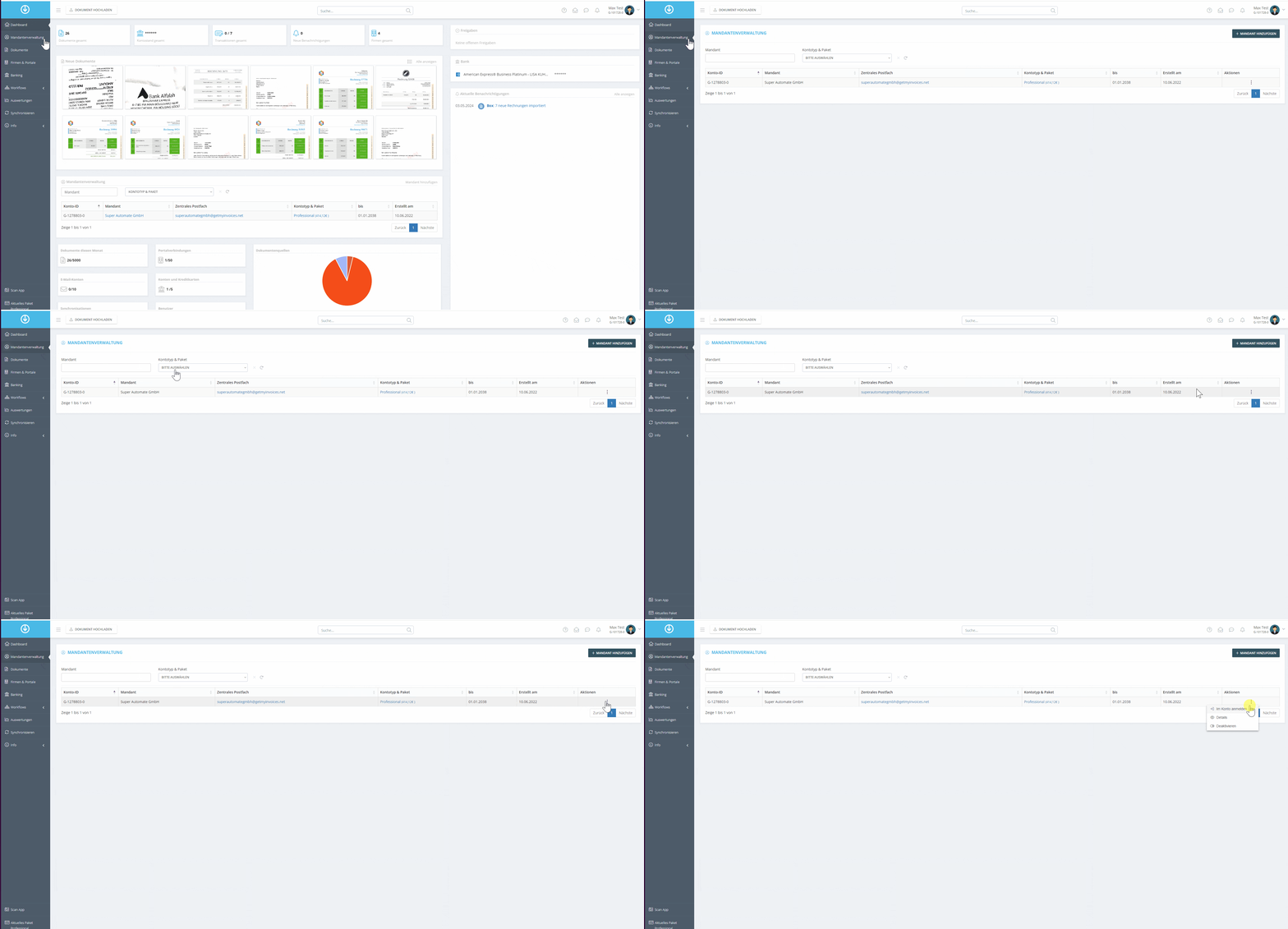
- Open Client Management.
- Click the three dots (⋯) next to the desired client.
- Select Log in to account.
- The client account will open after a few moments.