

 Deutsch
 Français
 Español
 Nederlands
 Italiano




It’s easy to add your clients in GetMyInvoices and choose the billing method that matches your client billing preferences. Here’s how.
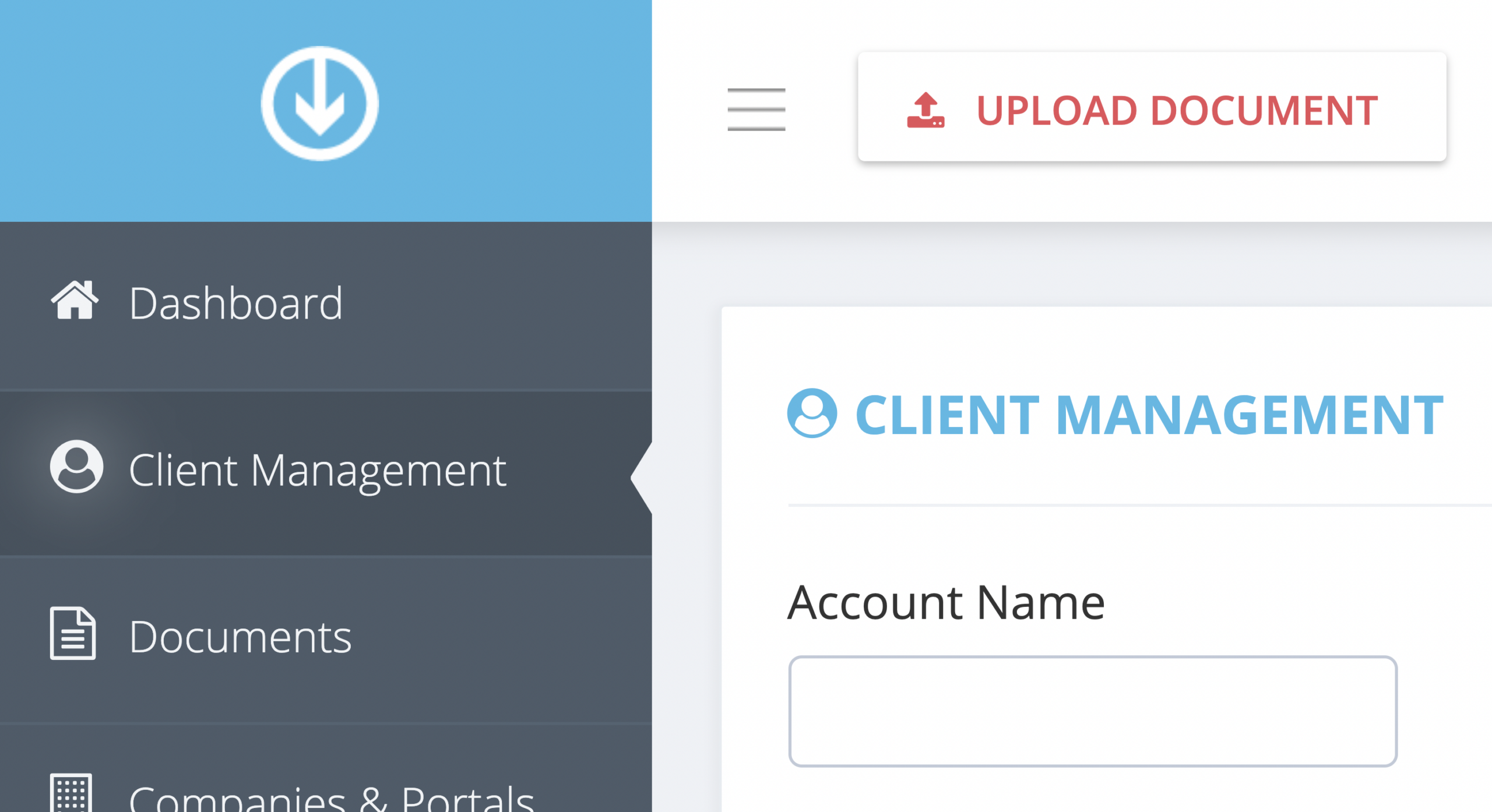
Step 1. From the GetMyInvoices dashboard, click Client Management on the left-side menu.
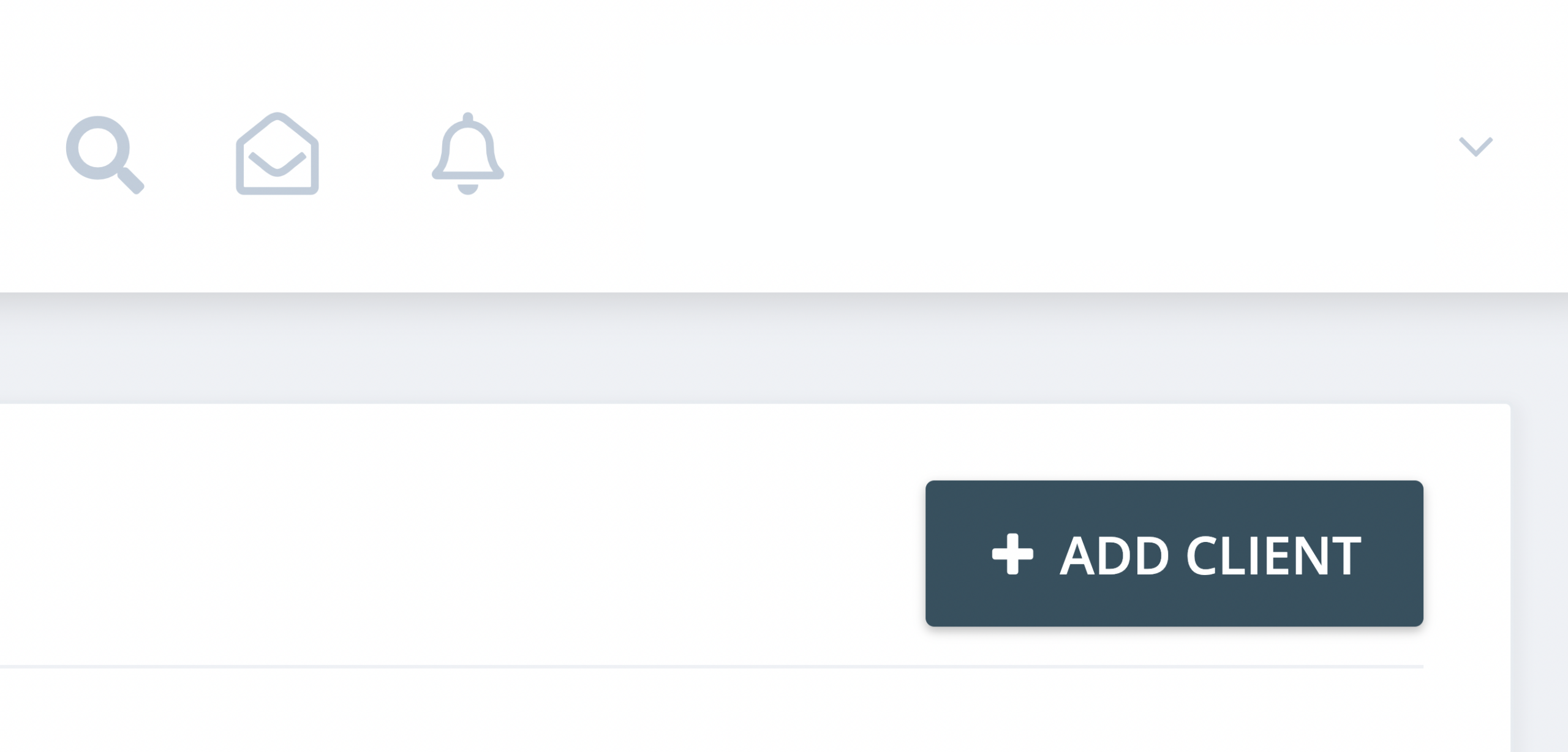
Step 2. Click Add Client on the upper right corner of the Client Management page.
Step 3. Choose from three client billing methods:
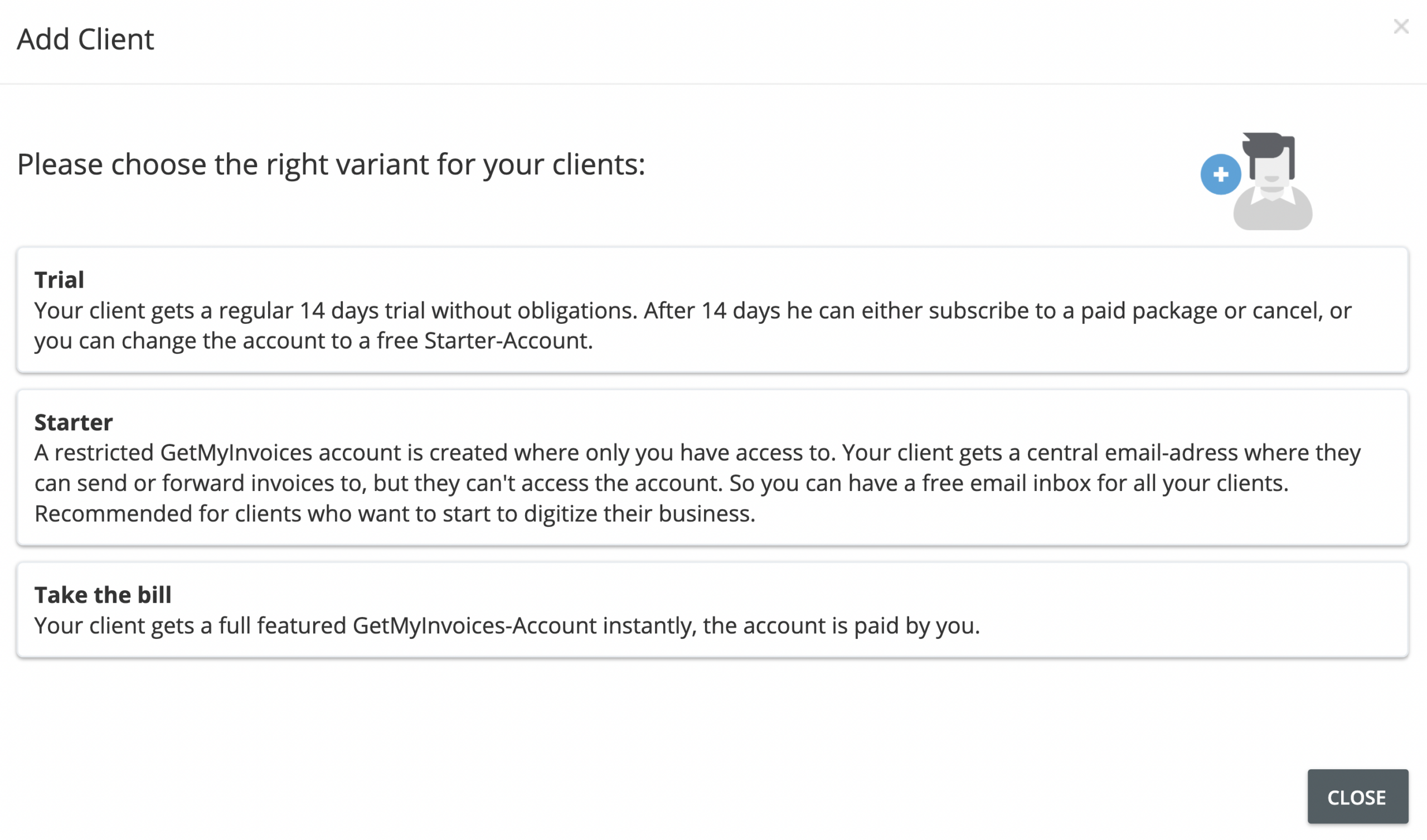
- Trial: Your client gets a no-obligation 14-day trial to use GetMyInvoices.
- Starter: This gets your client a restricted version of GetMyInvoices that only allows them to send invoices to their own central email address (receipts inbox).
- Take the bill: You pay for the client’s full access to GetMyInvoices.
Step 4. Choose to either invite your clients individually or by uploading a list of clients contained in a comma-separated values file (CSV).
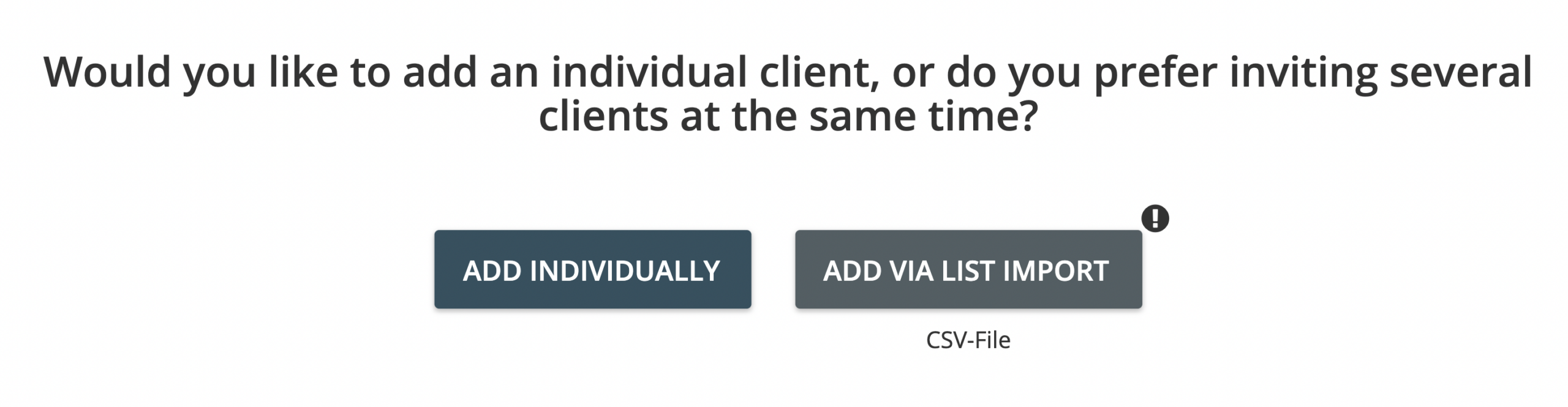
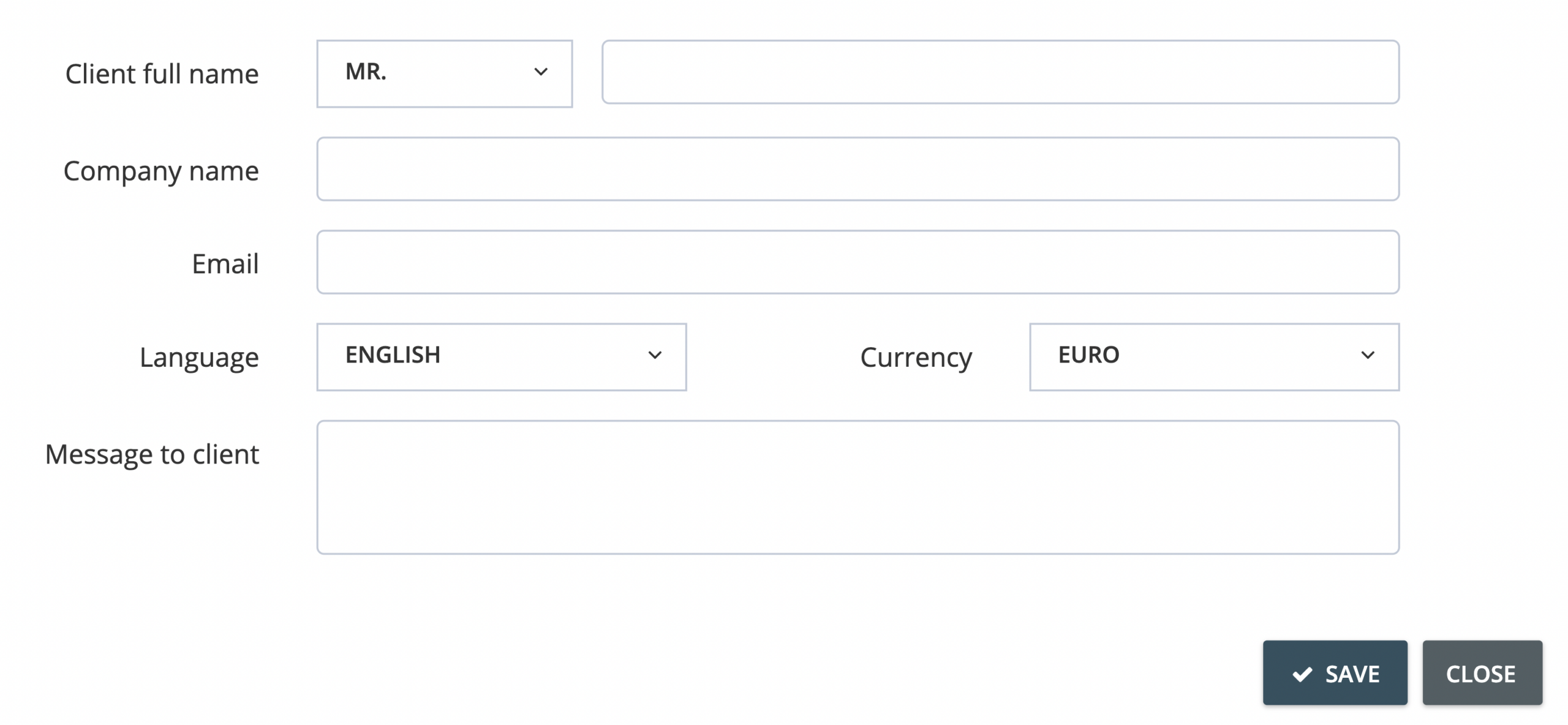
Step 5. If you choose to invite clients individually, enter their information on the next window. Click Save to continue.
Step 6. If you choose to upload a client list in CSV, locate the CSV file on your computer or device to continue.
Step 7. Your client/s will receive a notification email that invites them to activate access to GetMyInvoices. Once they accept the invitation, they will be prompted to finish their GetMyInvoices account setup. Depending on the billing method you chose in Step 3, your client/s may only access certain features of GetMyInvoices.
Have questions about client billing? Reach out to our Customer Support team through the chat button on your GetMyInvoices dashboard or by creating a support ticket here .