Deutsch
 Français
 Español
 Nederlands
 Italiano




With GetMyInvoices , you can save filters in workflows to find invoices faster and conveniently apply frequently used filter settings.
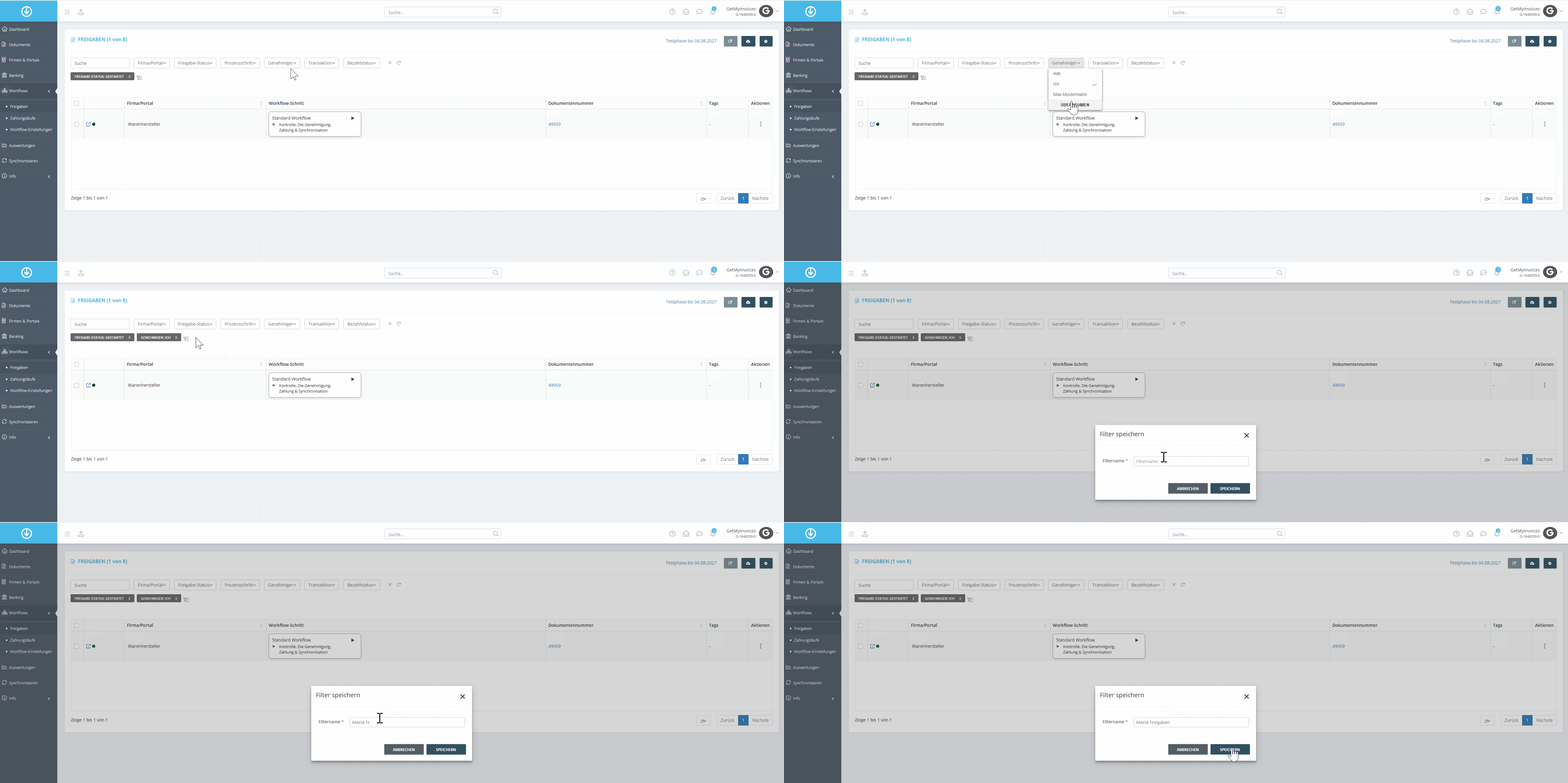
Step 1
- In the menu on the left, click Workflows.
- Select Shared Folders.
Step 2
- Select the desired filters.
- In the top-right corner, under “Search,” click Save Filter.
- Enter a name for the filter.
- Click Save.
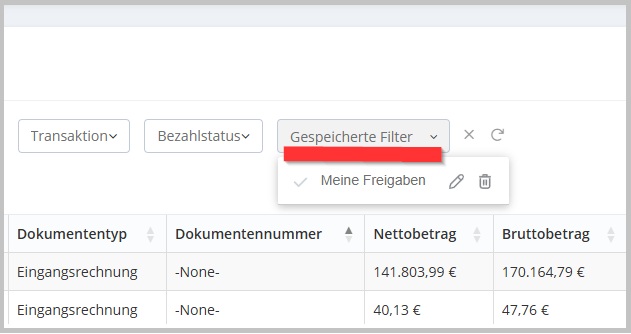
You can now select the desired filter at any time using the “Saved Filters” field.