Deutsch
 Français
 Español
 Nederlands
 Italiano




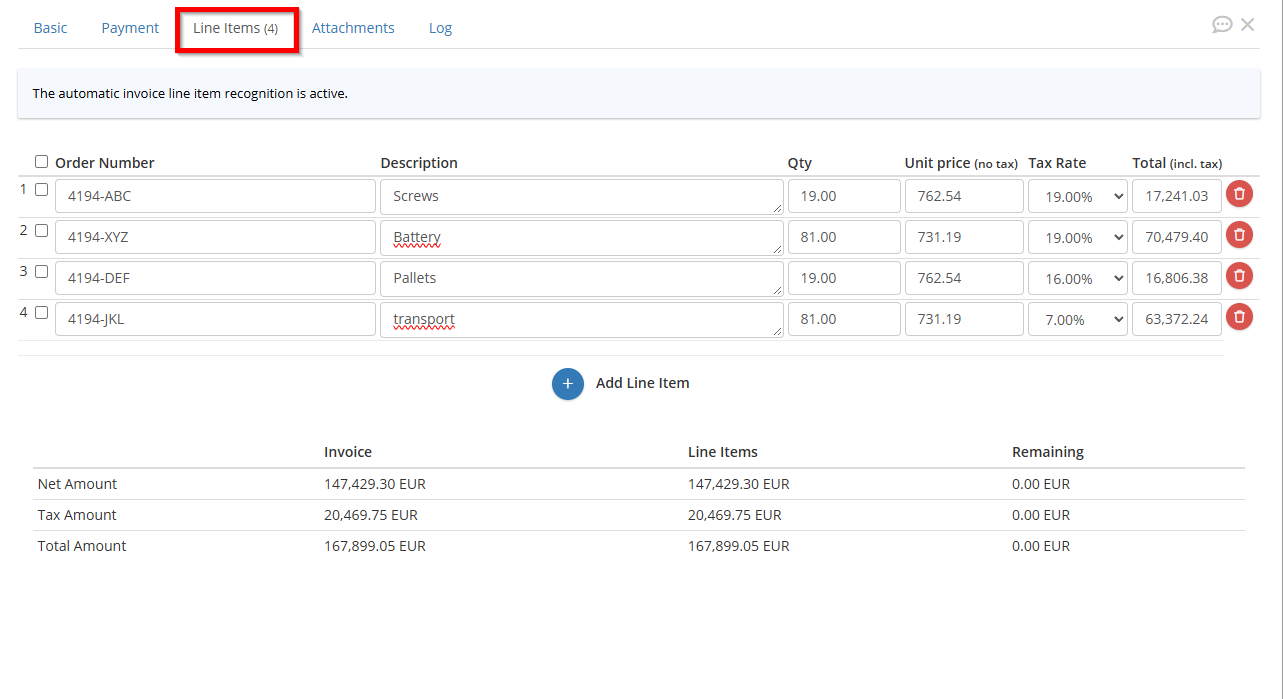
Using the “Extract Invoice Line Items” feature, GetMyInvoices reads individual items, services, and line items directly from your imported invoices. This saves you from having to enter data manually and reduces errors.
Step 1: Select the add-on
- Click your profile name in the upper-right corner.
- Select “Billing” from the drop-down menu.
- In the pricing table, click “Add Add-ons” next to your current plan.
- In the new window, select the checkbox next to “Add Invoice Line Items.” The additional costs will be displayed.
- Complete your order by clicking “Buy Now.”
Once activated, GetMyInvoices automatically extracts the line items from all imported documents.
How This Helps You
- Automatic data capture: Line-Items are scanned without manual entry, which reduces the error rate.
- Detailed Bookkeeping: Each position is recorded individually, so that amounts can be assigned to the correct accounts and categories.
- Time savings: There is no need to enter invoice details manually, which speeds up processing.