Deutsch
 Français
 Español
 Nederlands
 Italiano




A secure password is essential for protecting access to your GetMyInvoices account and ensuring the security of your data. If you need to change your password-whether for security reasons or because you’ve forgotten it-you can do so quickly and easily by following the steps below.
Step 1
- Hover your mouse over your account name.
- Click Account Details.
Step 2
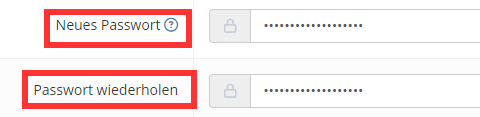
- Enter your desired new password in the New Password field.
- Enter the same password in the Confirm Password field.
- Click Save at the bottom.
The new password will take effect the next time you log in.