Deutsch
 Français
 Español
 Nederlands
 Italiano




MT-940 is an internationally recognized SWIFT standard for the electronic transmission of account statement data. By exporting data from GetMyInvoices, you can transfer your bank and card transactions to accounting systems in a structured format, without the need for manual processing.
Step 1: Open the Export
- Select “Banking” on the left.
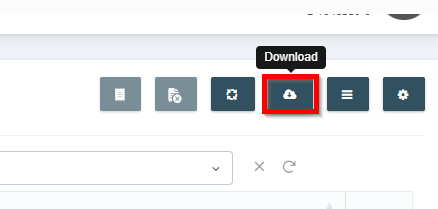
- Click the download icon in the upper-right corner.
Step 2: Download the MT940 file
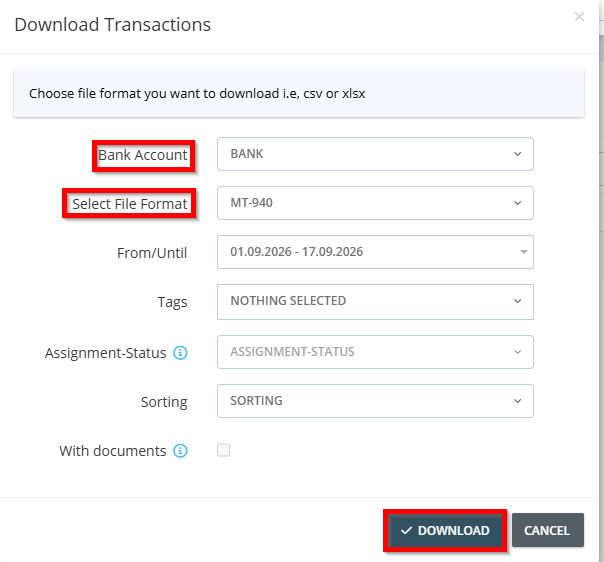
- In the export dialog, select the bank or card account whose transactions you want to export.
- Set the file format to MT-940.
- Specify the time period for the export.
- Click “Download” to download the file.