

 Deutsch
 Français
 Español
 Nederlands
 Italiano




GetMyInvoices keeps your banking transactions up to date and your invoices reconciled during import runs. You can still manually keep your bank accounts and invoices in sync whenever you want, especially when you’ve manually imported invoices that need to be reconciled with new transactions.
Step 1
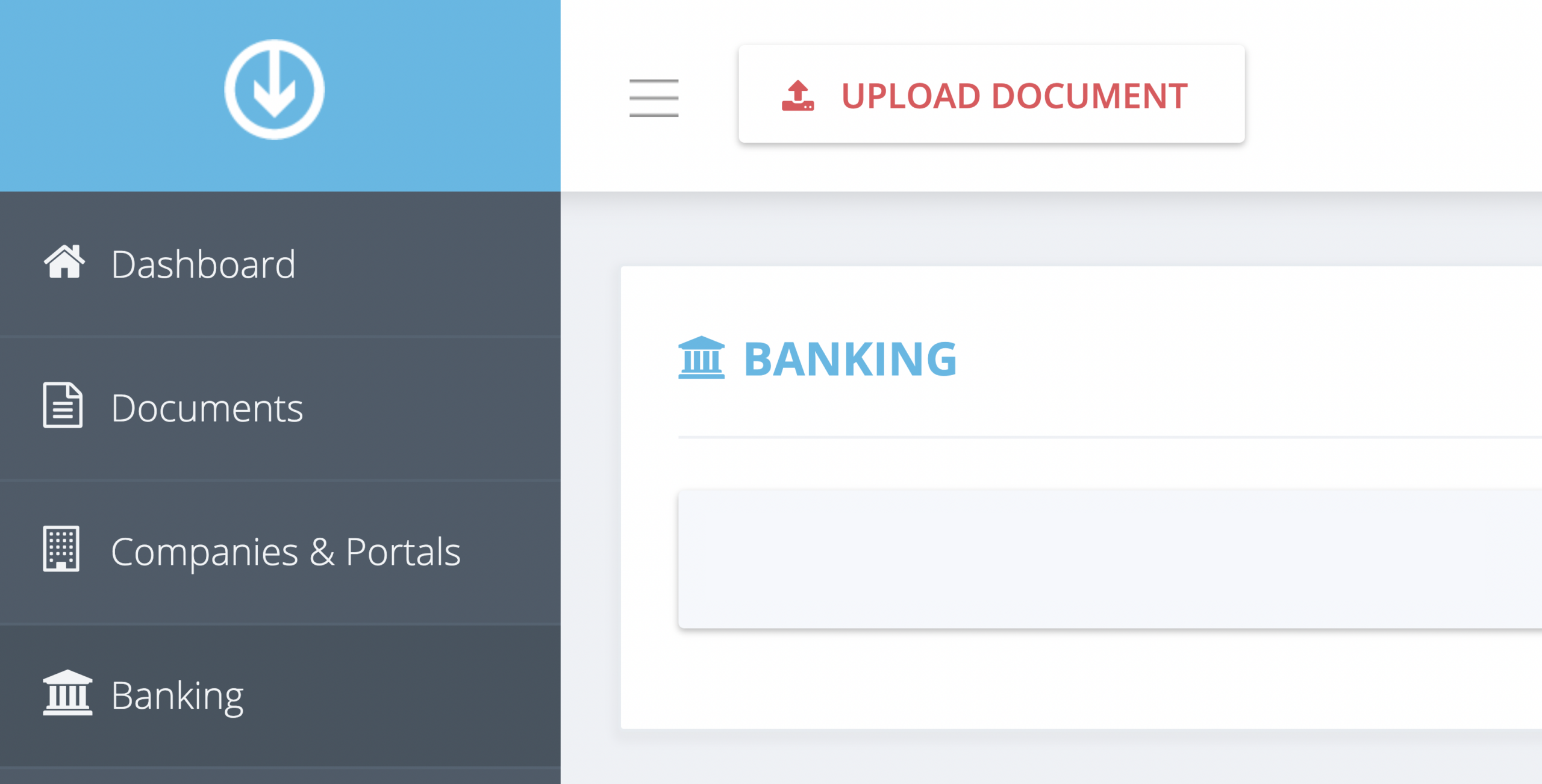
- Click Banking on the left-side
Step 2
- Click Sync All Bank Accounts from the banking toolbar on the upper right corner.
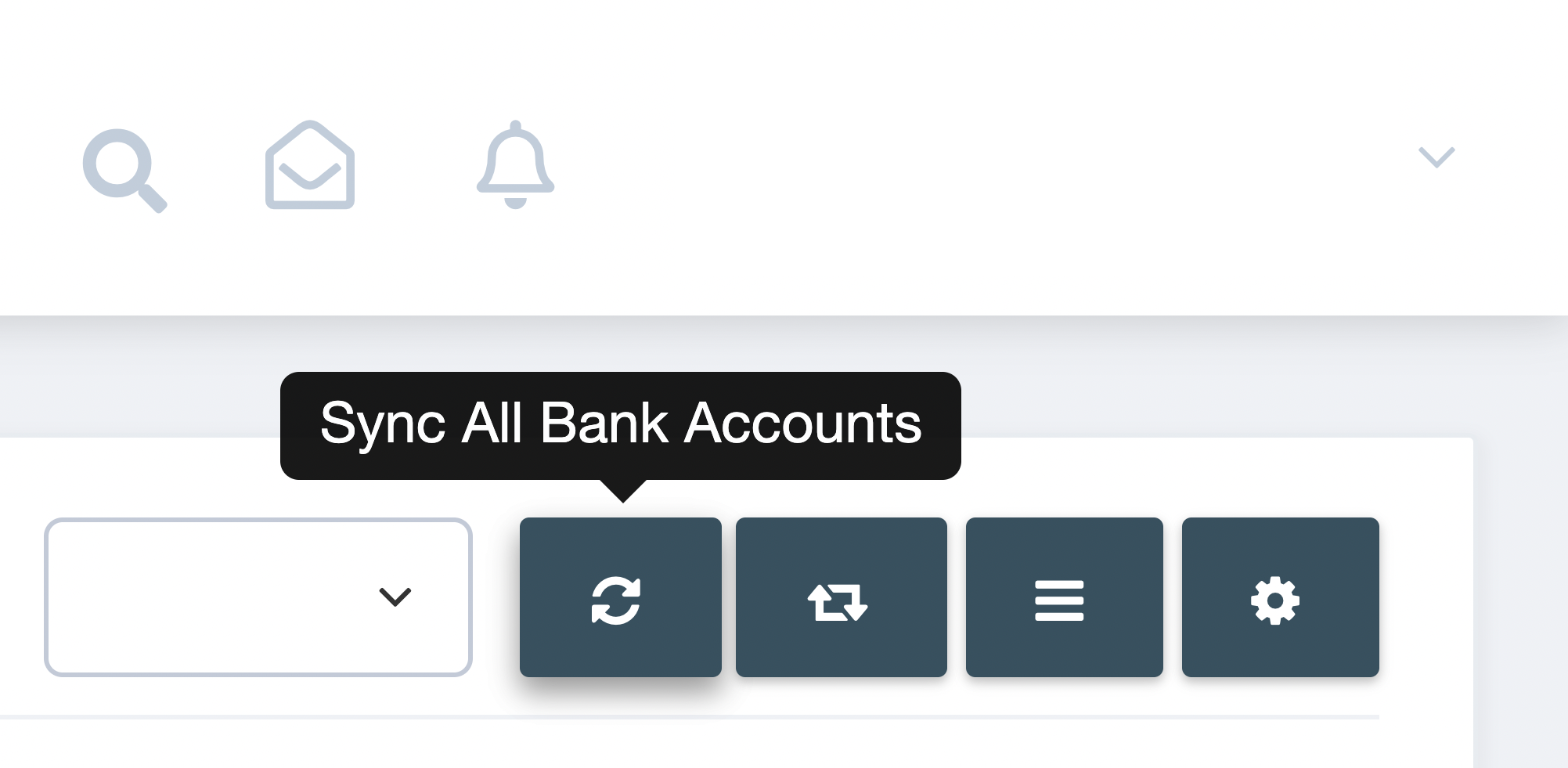
- You will be notified with a pop-up notification once your banking transactions list has been refreshed.
- To manually reconcile newly synced transactions, click Assign Document on the rightmost portion of the transaction you want to match with an invoice. Read this FAQ article for detailed step by step instructions.