

 Deutsch
 Français
 Español
 Nederlands
 Italiano




If you don’t see your online account or portal on the list yet, let us know right away by suggesting it! Here’s how to suggest new portals using your GetMyInvoices account.
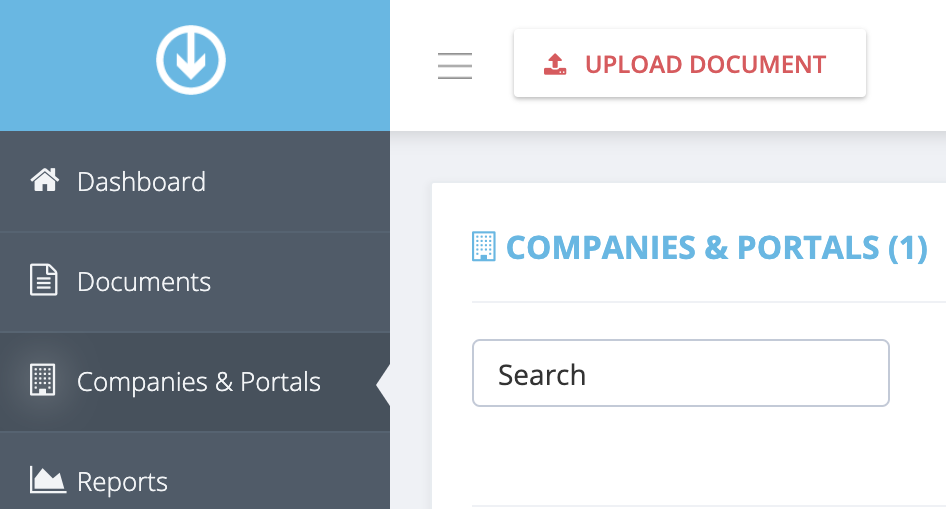
Step 1. From the GetMyInvoices dashboard, click Companies & Portals on the left-side menu.
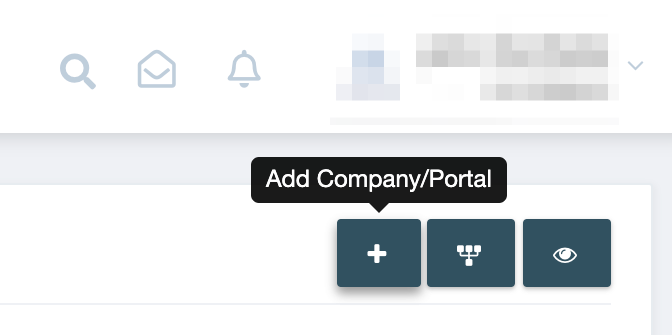
Step 2. Click the plus icon on the top right corner of the Companies & Portals page.
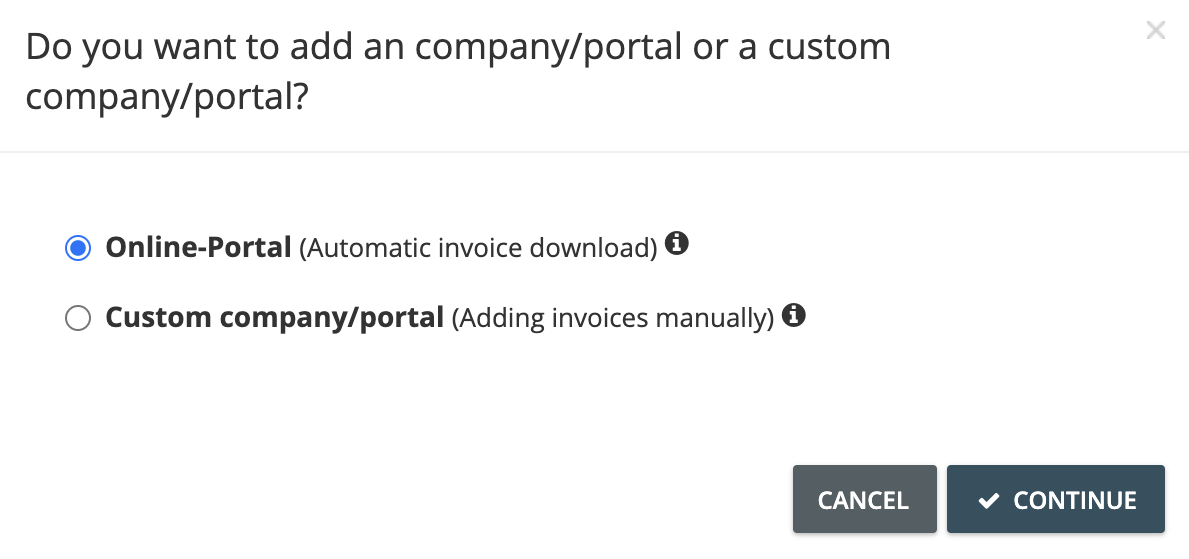
Step 3. On the pop-up window that appears, choose Online Portal then click Continue.
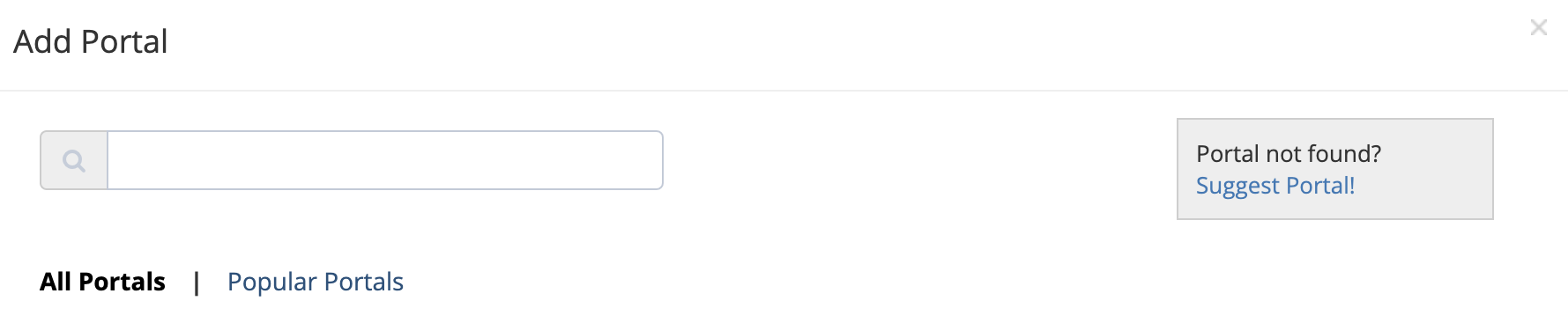
Step 4. Click Suggest Portal on the Add Portal page.
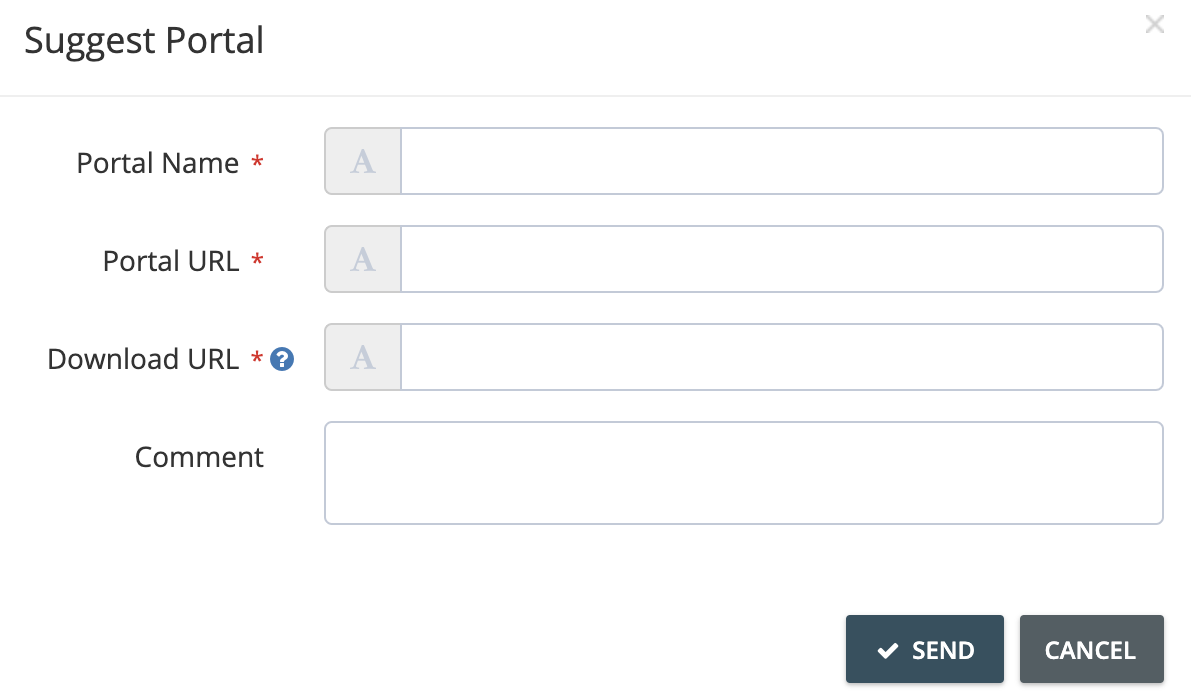
Step 5. Enter the details of the online portal, then click Send.
It usually takes between 5 to 10 days for new portals to be implemented on the GetMyInvoices system.
suggest other online portals getmyinvoices
Video instructions