Deutsch
 Français
 Español
 Nederlands
 Italiano




In addition to automatic text recognition, you can also manually train the OCR in GetMyInvoices. This allows the recognition to adapt to a specific supplier's layout and be automatically applied to future invoices.
Step 1 Open a document
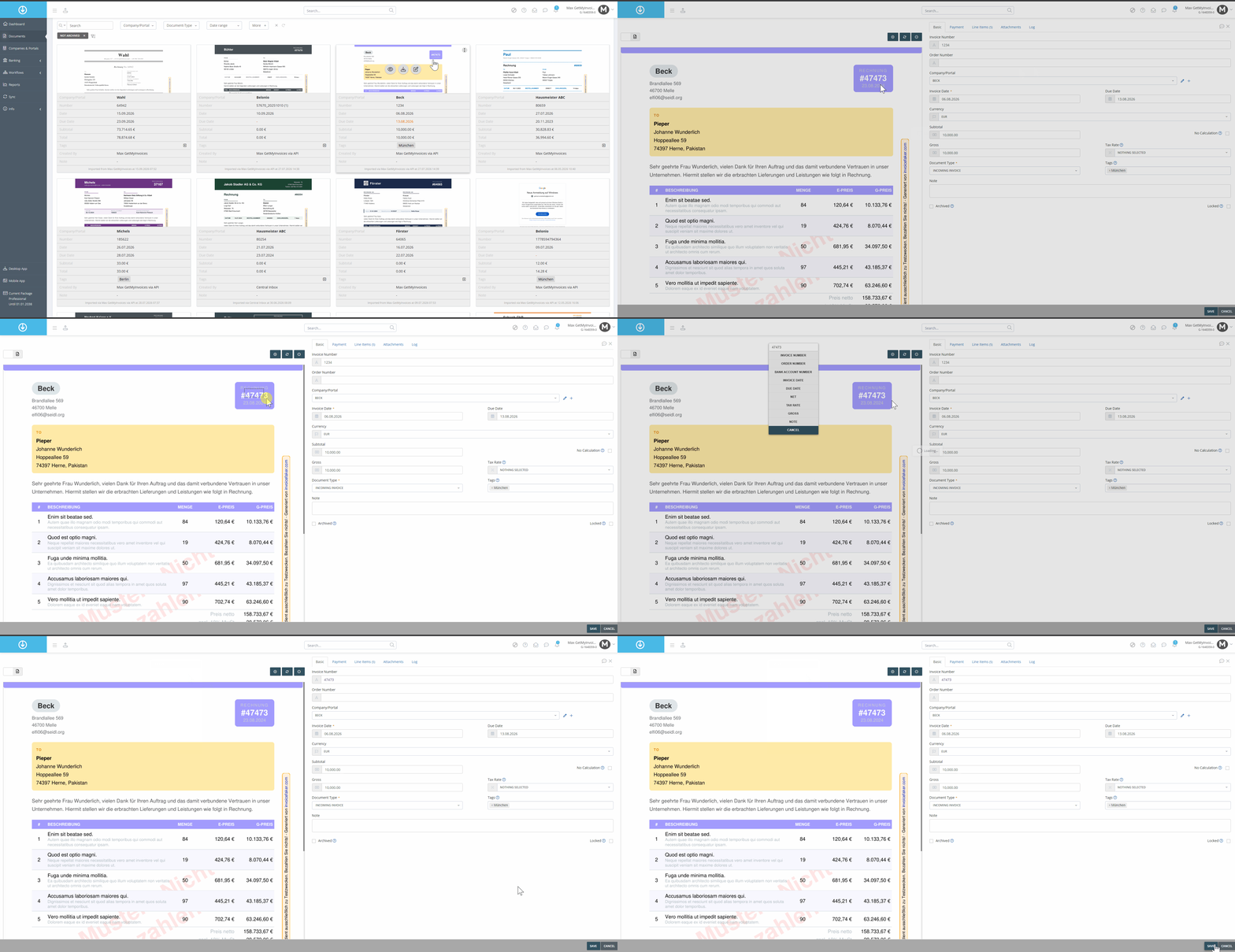
- Click “Documents” in the menu on the left.
- Edit the selected invoice.
- With the left mouse button held down, select an area in the invoice and wait until the fields appear.
- Click on the field you want to edit and make the changes.
- Click “Save.”