Deutsch
 Français
 Español
 Nederlands
 Italiano




If you want to remove a tag from a specific invoice without deleting it entirely, you can do so in GetMyInvoices with just a few clicks.
**Step 1: **Edit Document
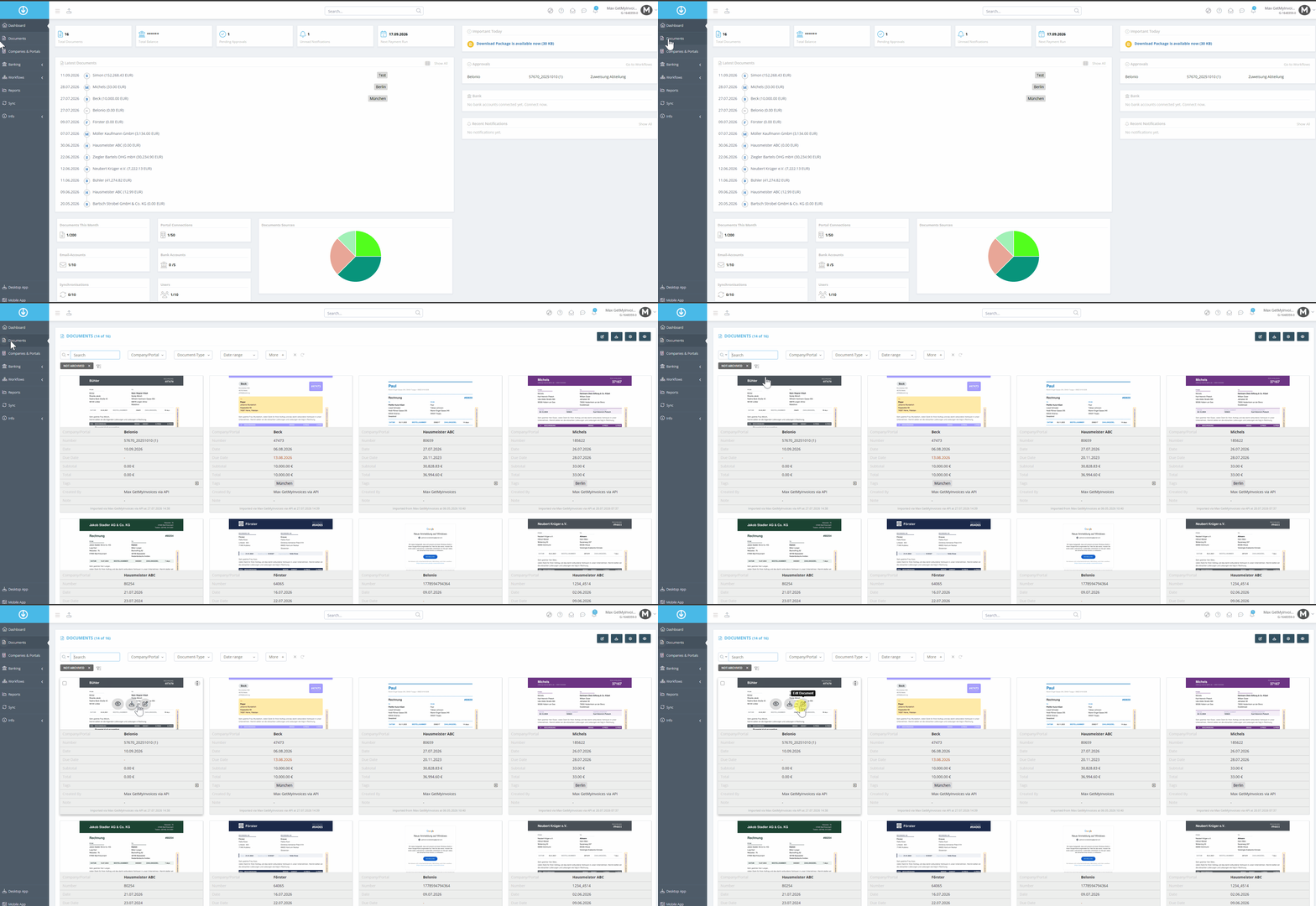
- Click Documents in the menu on the left.
- Find the desired document and click Edit Document.
Step 2
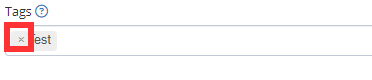
- In the input field on the right, click the x icon next to the tag you want to remove from the document.
- Click Save to confirm the changes.
The tag has now been removed from the invoice.