

 Deutsch
 Français
 Español
 Nederlands
 Italiano




You can upgrade to the next higher plan at any time in your GetMyInvoices account. You will be charged only the difference from your current plan.
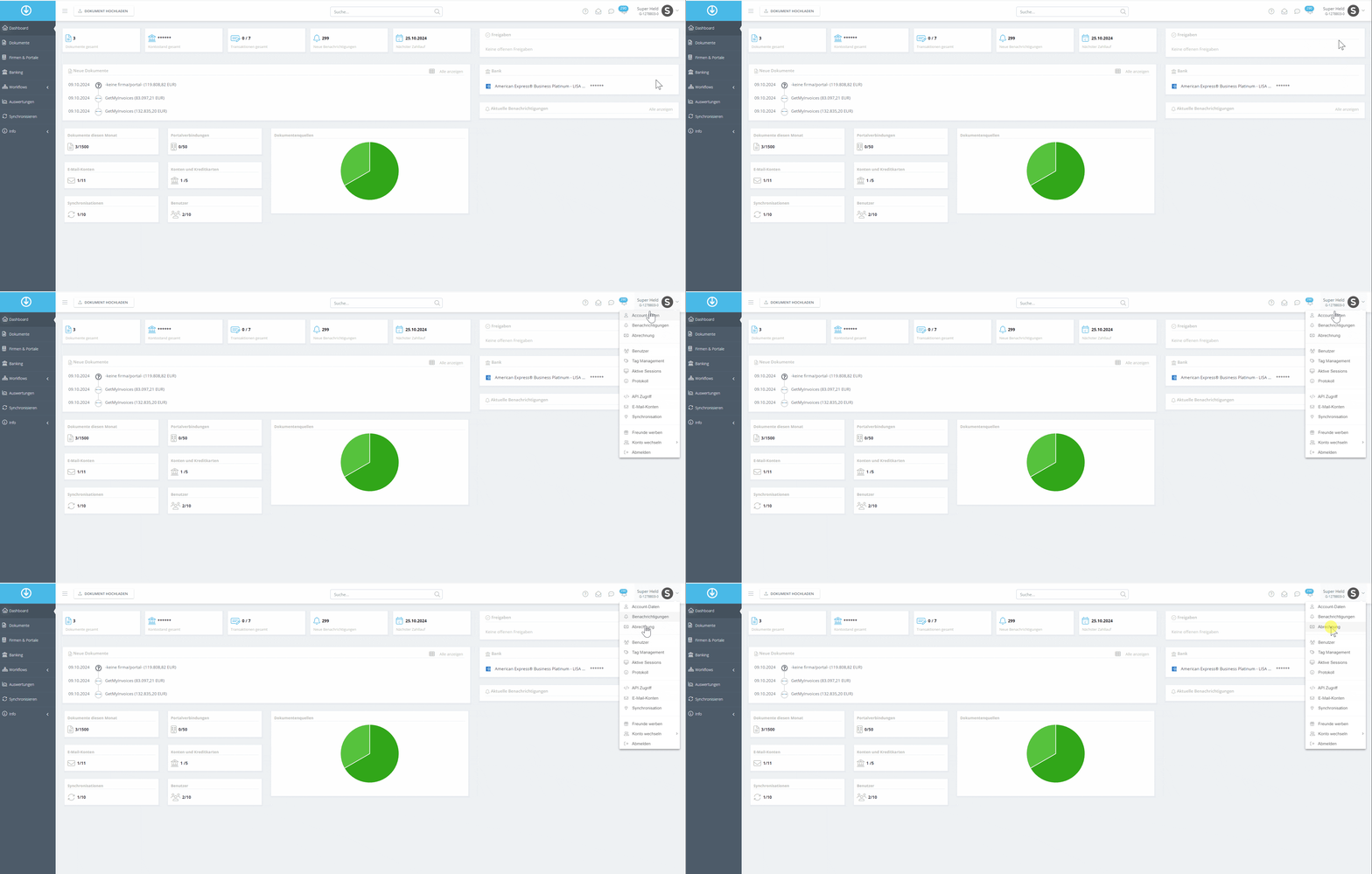
Step 1
- Click on Account Name in the top right corner.
- Select Billing from the dropdown menu.
Step 2
- Find the plan you want and click Upgrade.
- Review your payment information and make sure it’s correct.
- Click Order Now to complete the upgrade.
If you need assistance, we’re happy to help via our contact form .