Deutsch
 Français
 Español
 Nederlands
 Italiano




With GetMyInvoices , you can import your documents from Lexware Office into GetMyInvoices. Here’s how to set up Lexware Office as a synchronization account for importing:
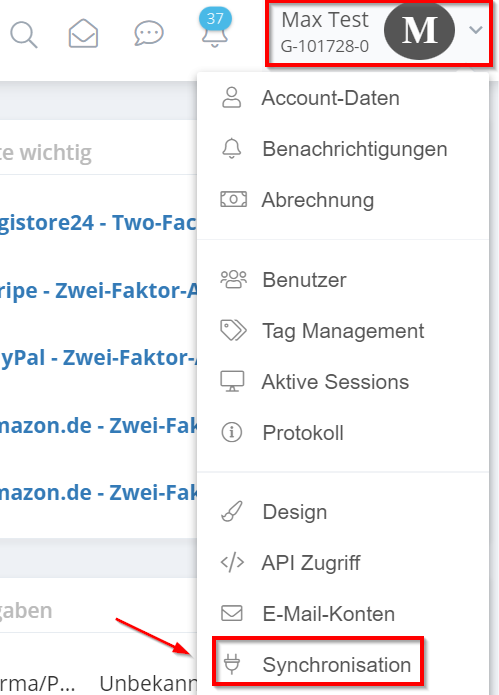
- To connect your Lexware Office account to GetMyInvoices, first go to the top right corner, click on your account name, and then click “Synchronization”.
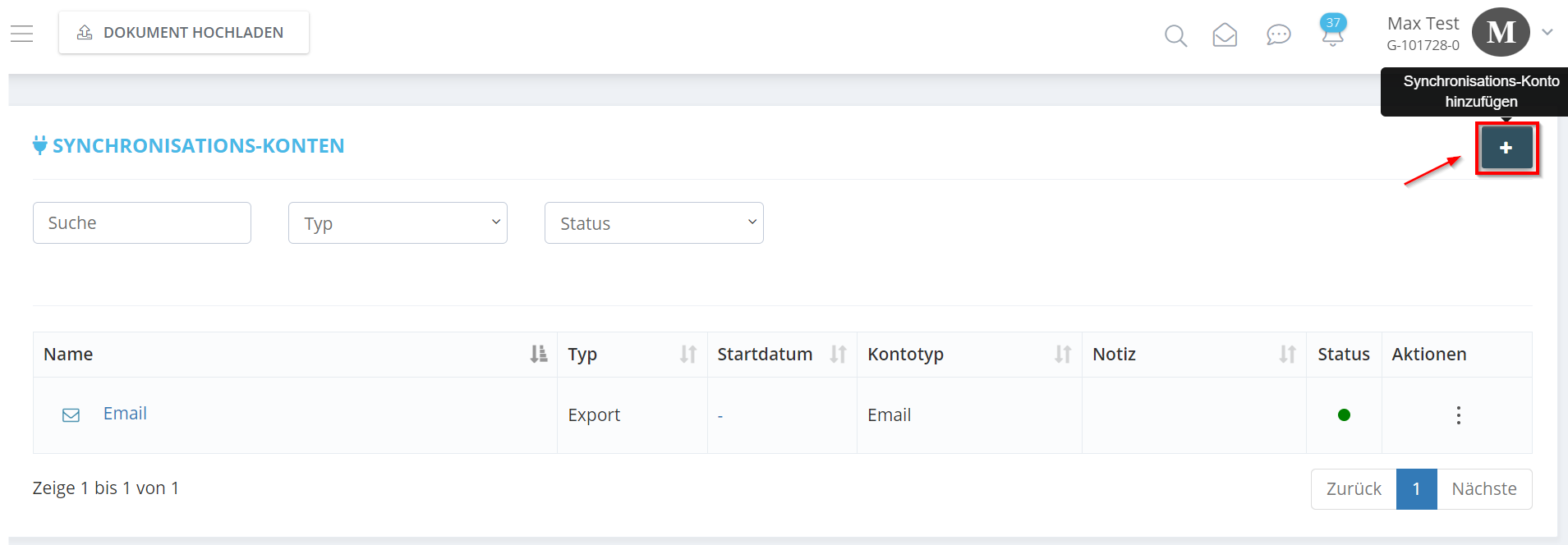
- Now click on the plus icon in the top right corner.
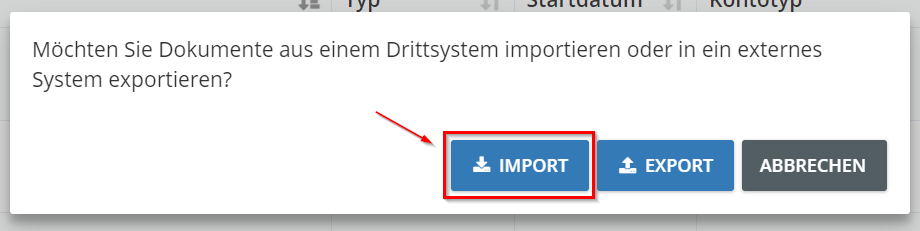
- A small window will open; please click on “Import”.
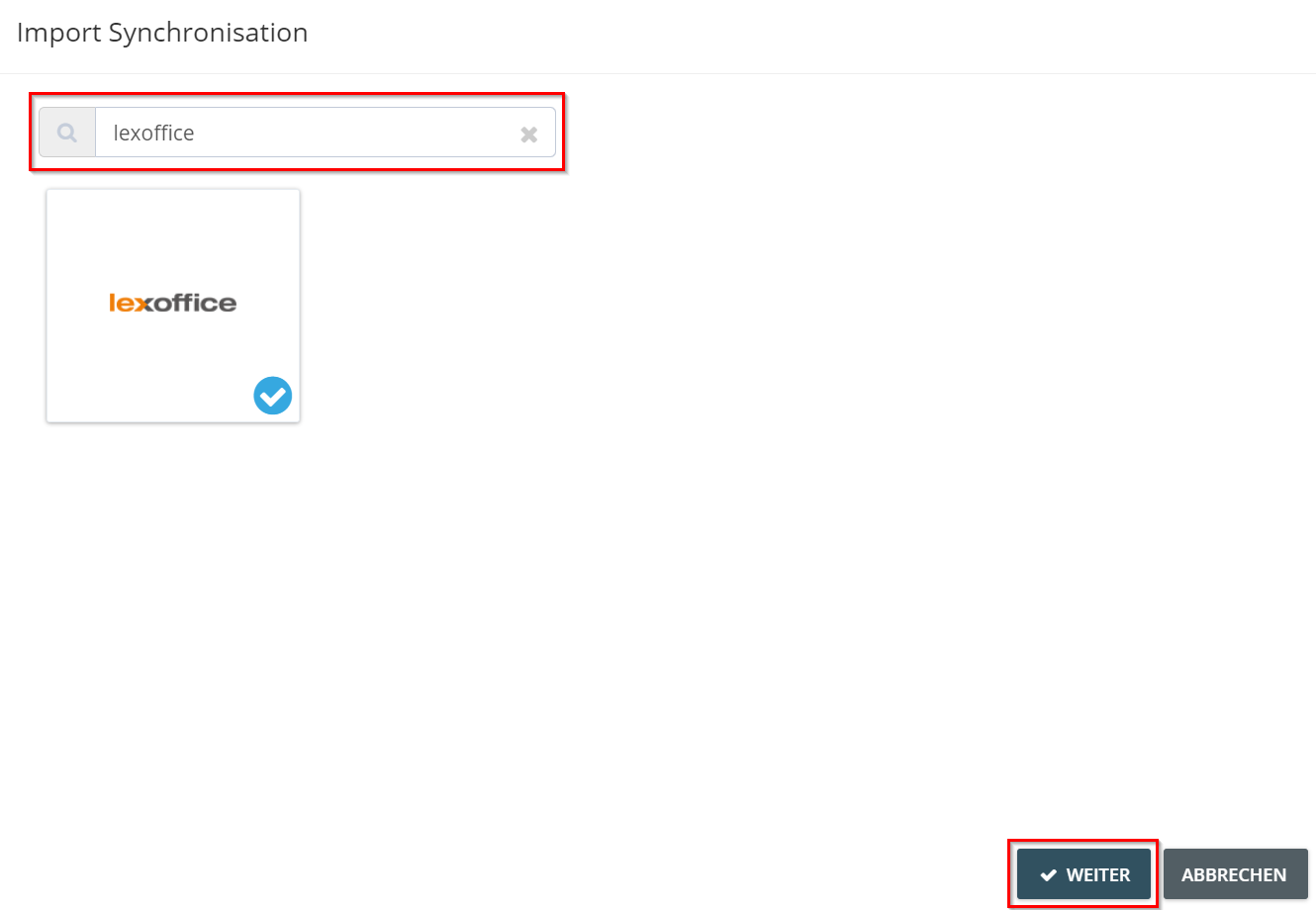
- Now enter “Lexware Office” in the search field. Click on the Lexware Office tile and then on “Next”.
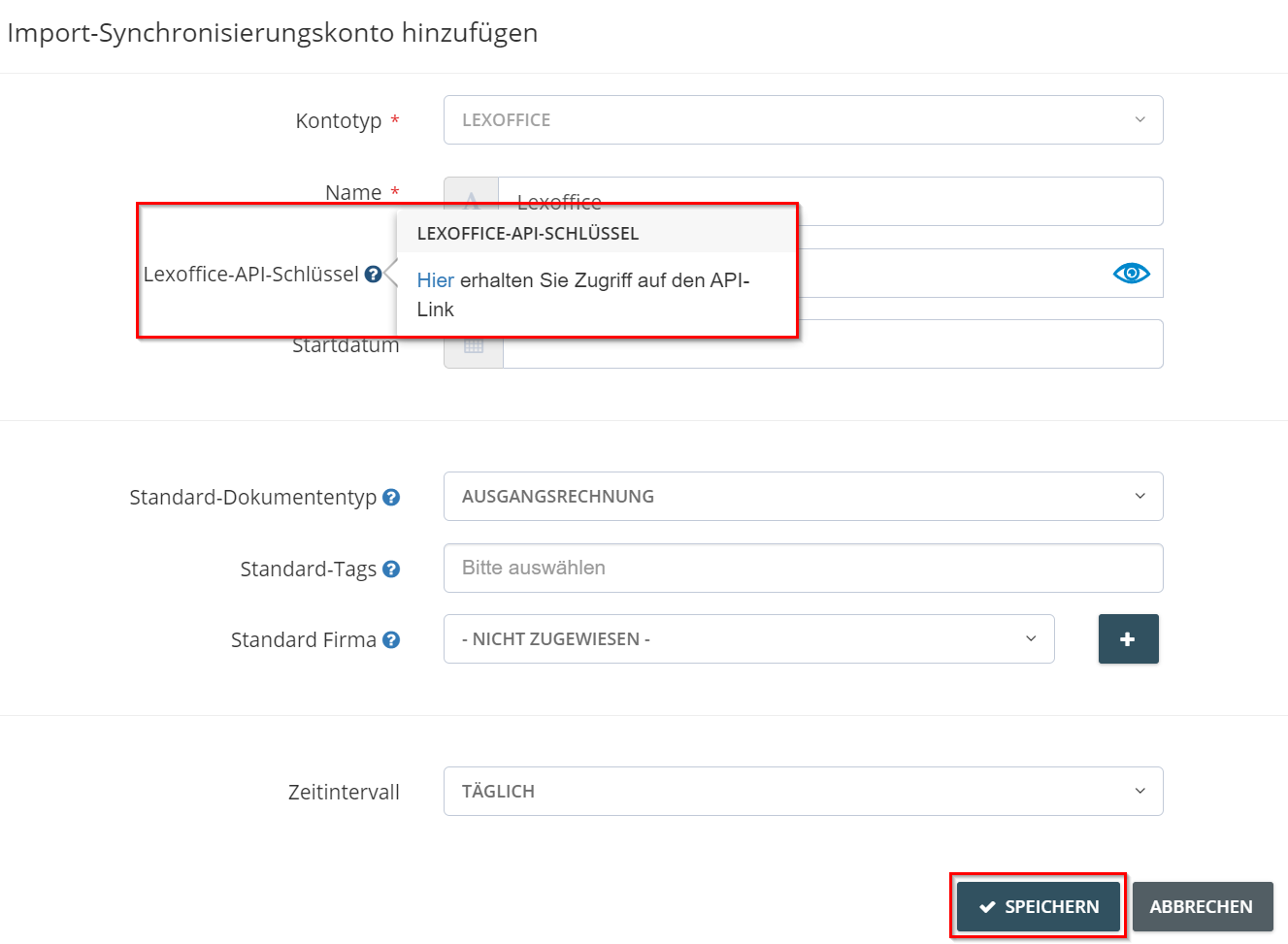
- Now enter your API key in the “Lexware Office API Key” field. You can access the key via this link . Specify any additional criteria for importing the documents, then click “Save”.