Deutsch
 Français
 Español
 Nederlands
 Italiano




With GetMyInvoices , you can easily export documents to Lexware Office. A direct interface is available for this purpose, which is set up as a synchronization account. The export process is automated-this saves time, prevents manual errors, and ensures a seamless transfer to the accounting system. The only requirement: access to Lexware Office (login credentials required).
Step 1
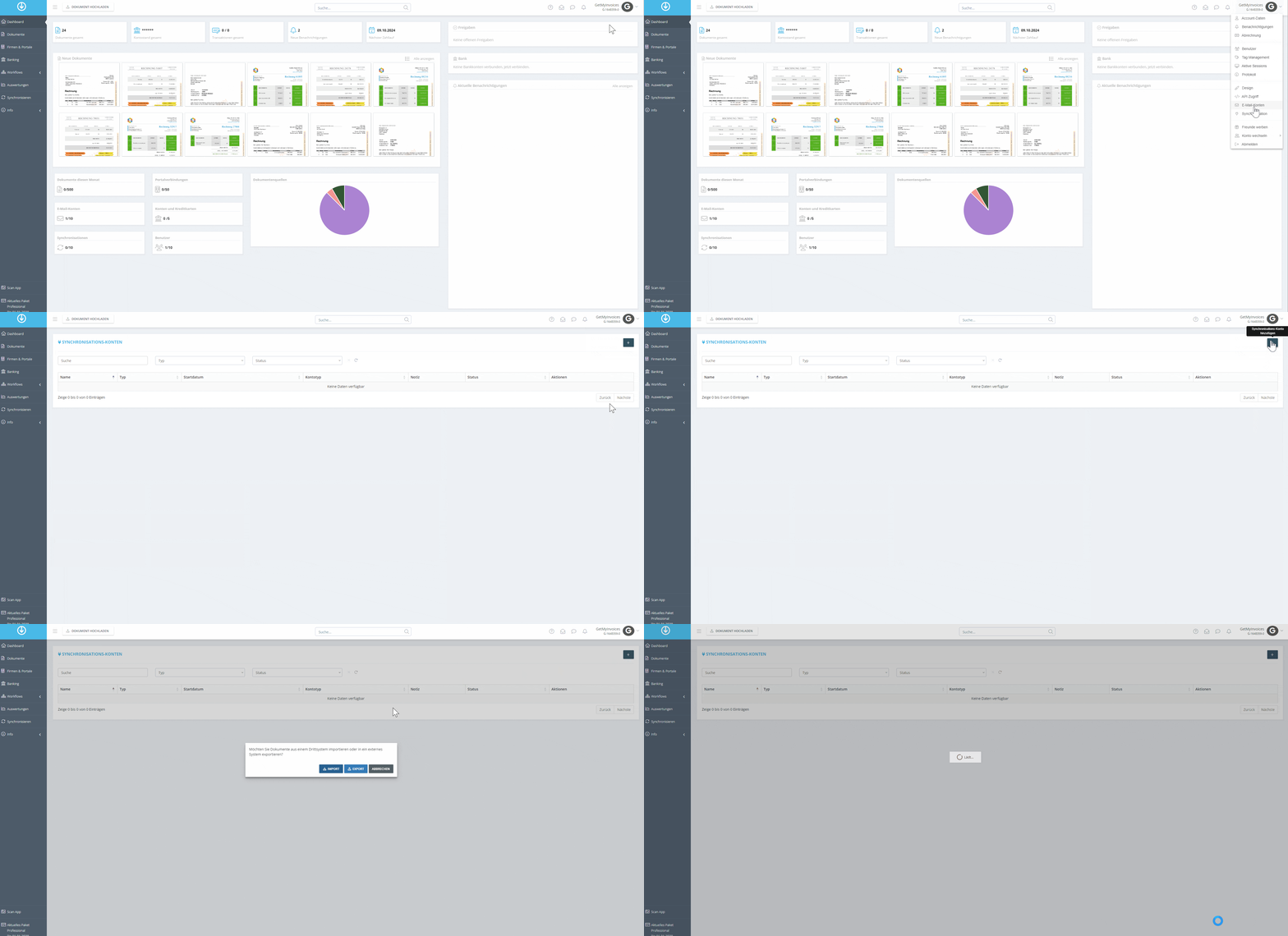
- Click on the account name in the upper right corner.
- Select Synchronization from the drop-down menu.
- In the overview of synchronization accounts, click the “plus” icon in the upper right corner.
- In the new window, select “Export.”
Step 2
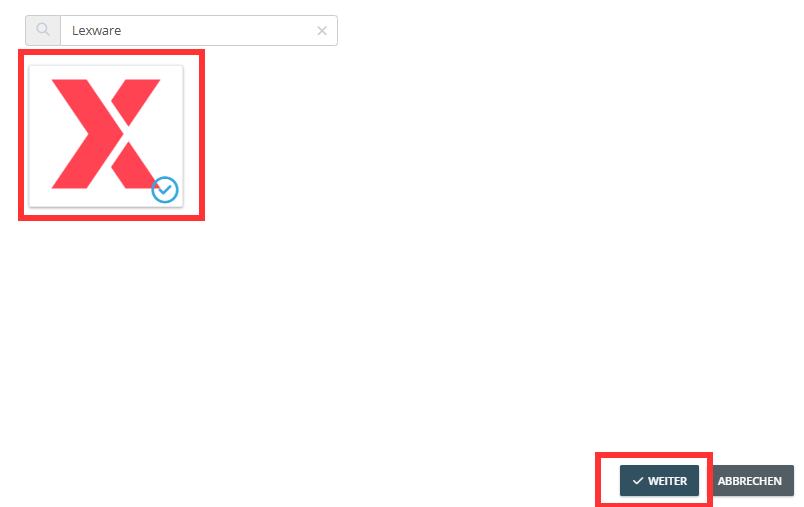
- In the search bar, search for Lexware Office.
- Click on the Lexware Office tile.
- Select Next.
Step 3
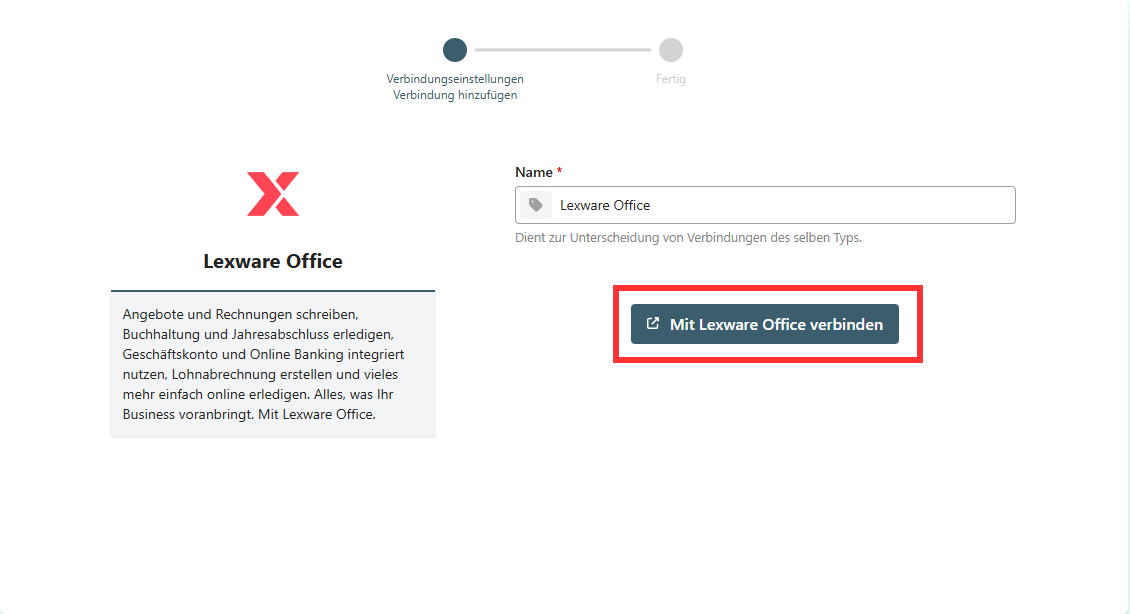
- Wait for the automatic redirection to the Pushdocs interface.
- Select Connect to Lexware Office.
Step 4
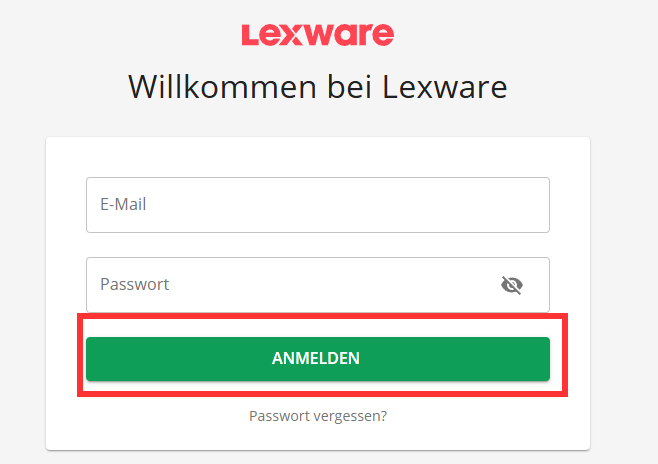
- You will be redirected to the Lexoffice login screen.
- Enter your login credentials.
- Click “Log In.”
Step 5
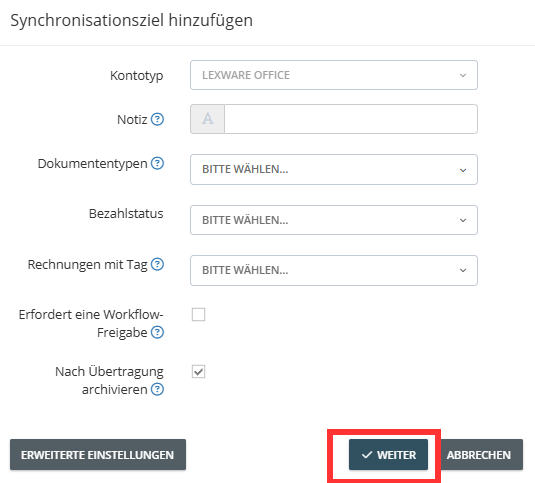
- After successfully logging in, configure the export settings.
- Use Advanced Settings to define additional filters or rules for the export.
- Click Next.
- Select the option to archive documents after a successful export
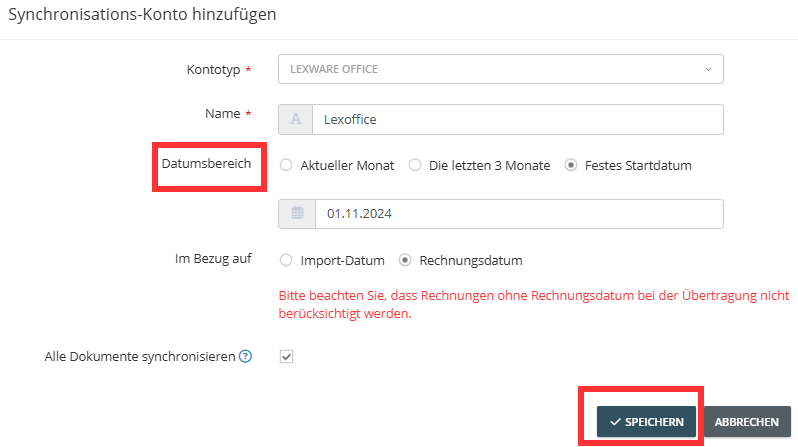
Optional: Set the start date from which documents should be transferred