

 Deutsch
 Français
 Español
 Nederlands
 Italiano




With GetMyInvoices , you can automatically transfer all receipts and invoices to the ERP platform weclapp . The export is seamlessly transferred to the target system.
To connect your weclapp account to GetMyInvoices, first go to the top right corner, click on your
name, and select “Synchronization” from the drop-down menu
After clicking on “Synchronization,” you’ll be taken to the synchronization accounts section. There,
click on the “Plus” icon in the top right corner.
A small window will then open; please click on “Export” here.
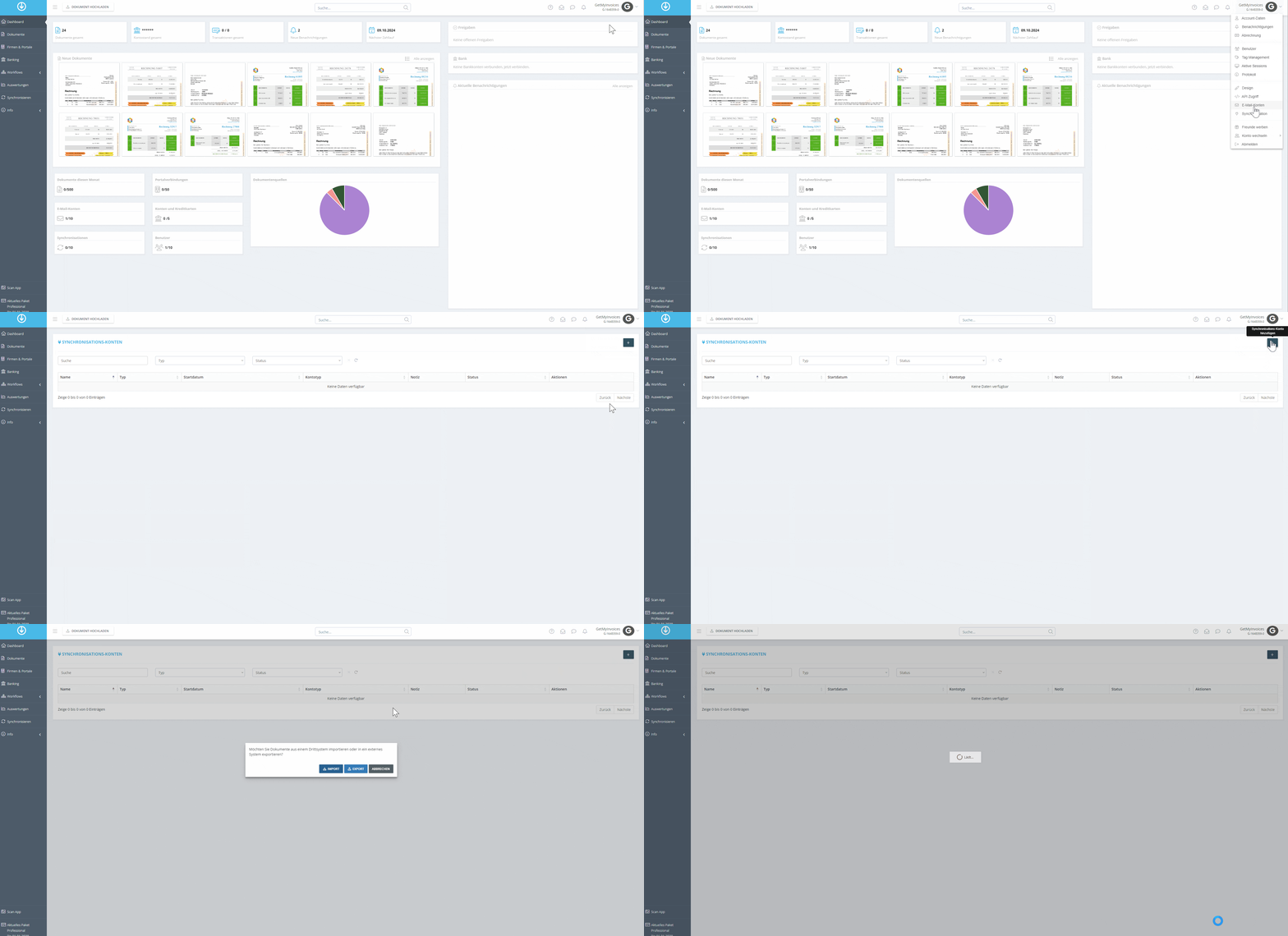
Now you can filter for weclapp in the search area, click on the weclapp tile, and then click “Next”
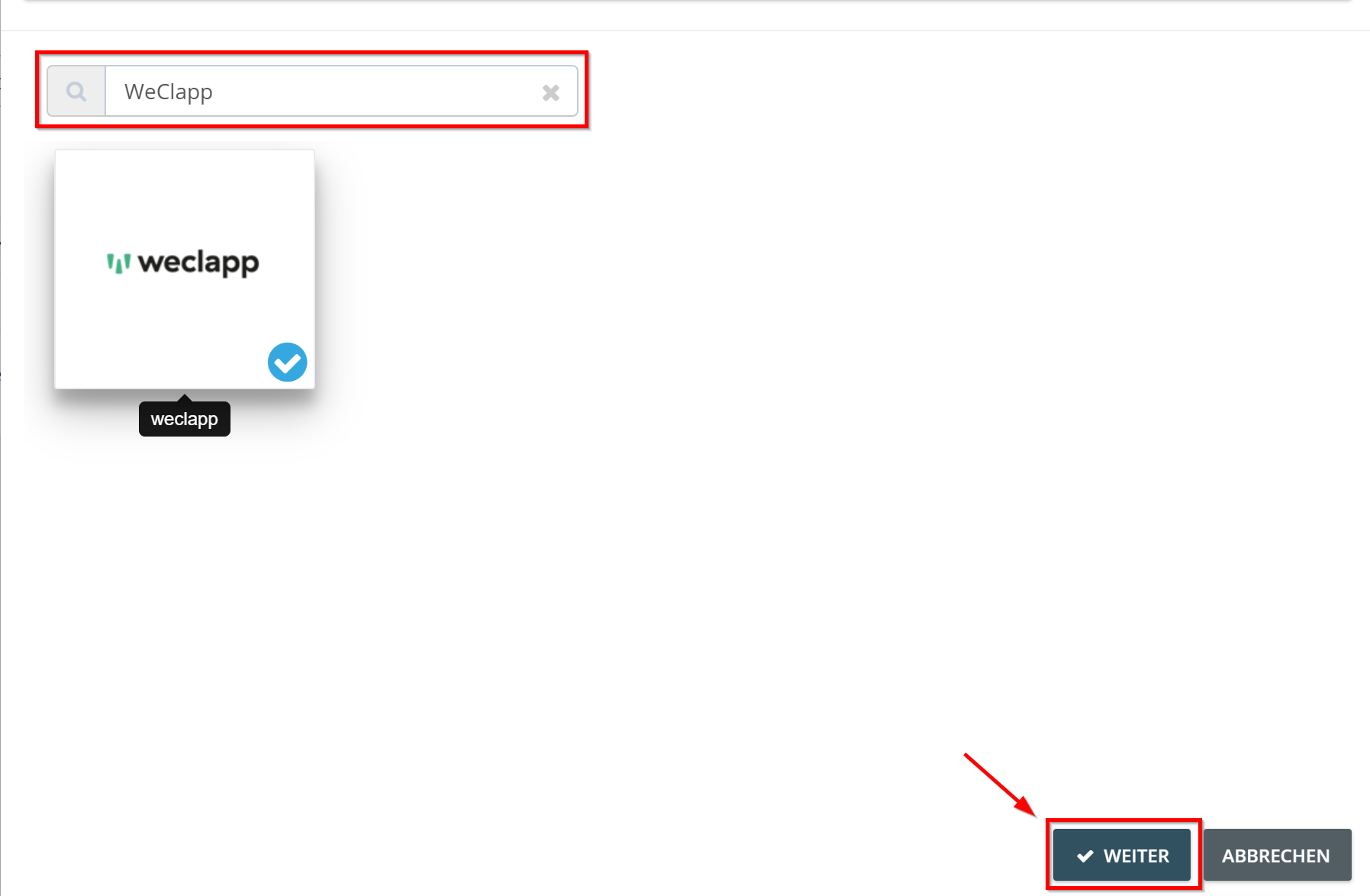
You will now be redirected to the pushdocs interface-here, enter your weclapp subdomain and your API token
Click “Next”
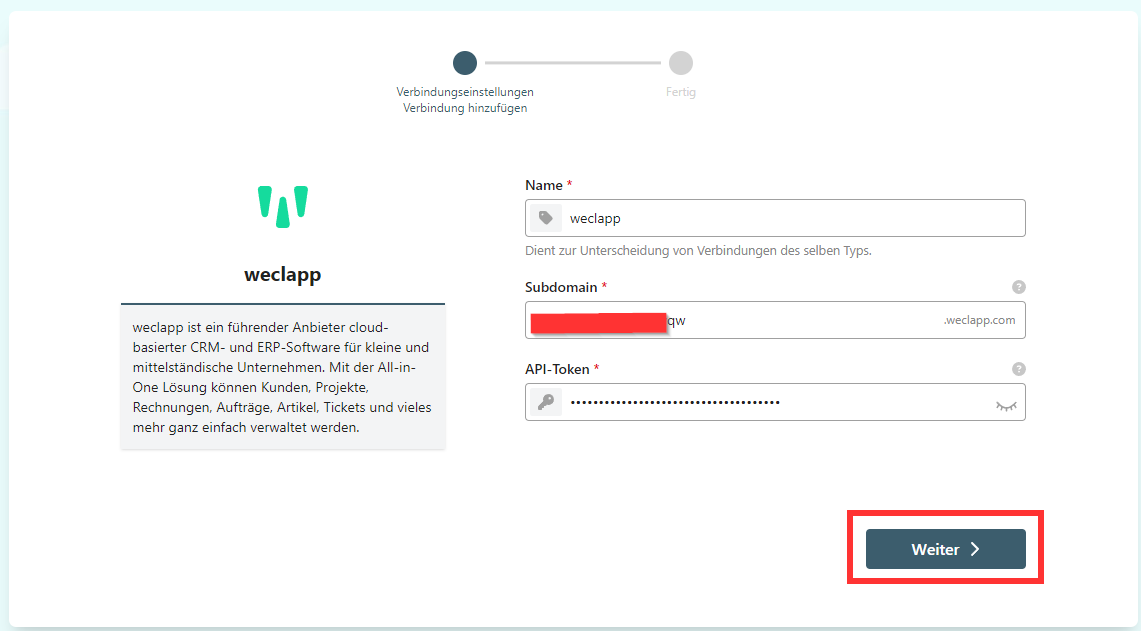
You can configure the settings for exporting the documents. Via **“Advanced Settings” **, you can specify additional criteria for the export. Then click **“Next.”**In our example, we’ll have weclapp archive the invoices after the export is complete
In the final step, you can specify a “default” supplier from weclapp so that all your invoices from
GetMyInvoices are assigned to this supplier
Optionally, you can add a start date for the transfer of invoices.
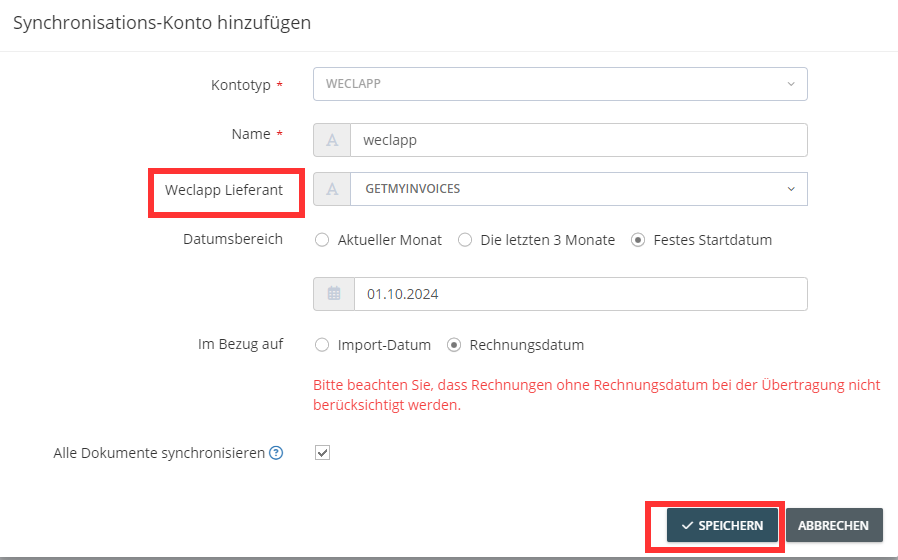
Click “Save”
You have now successfully connected your export interface to BHB.