

 Deutsch
 Français
 Español
 Nederlands
 Italiano




There may be instances where you really need to sync your invoices right away. GetMyInvoices lets you do exactly that, so you can make time for other tasks. Follow the steps below to learn how.
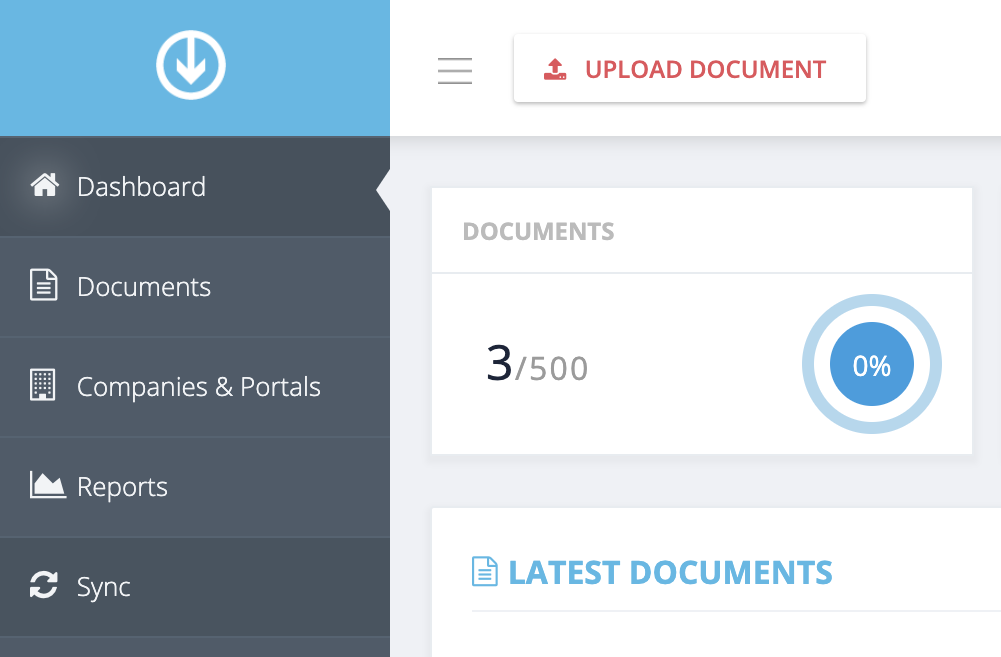
Step 1. From the GetMyInvoices dashboard, click Sync on the left side menu.
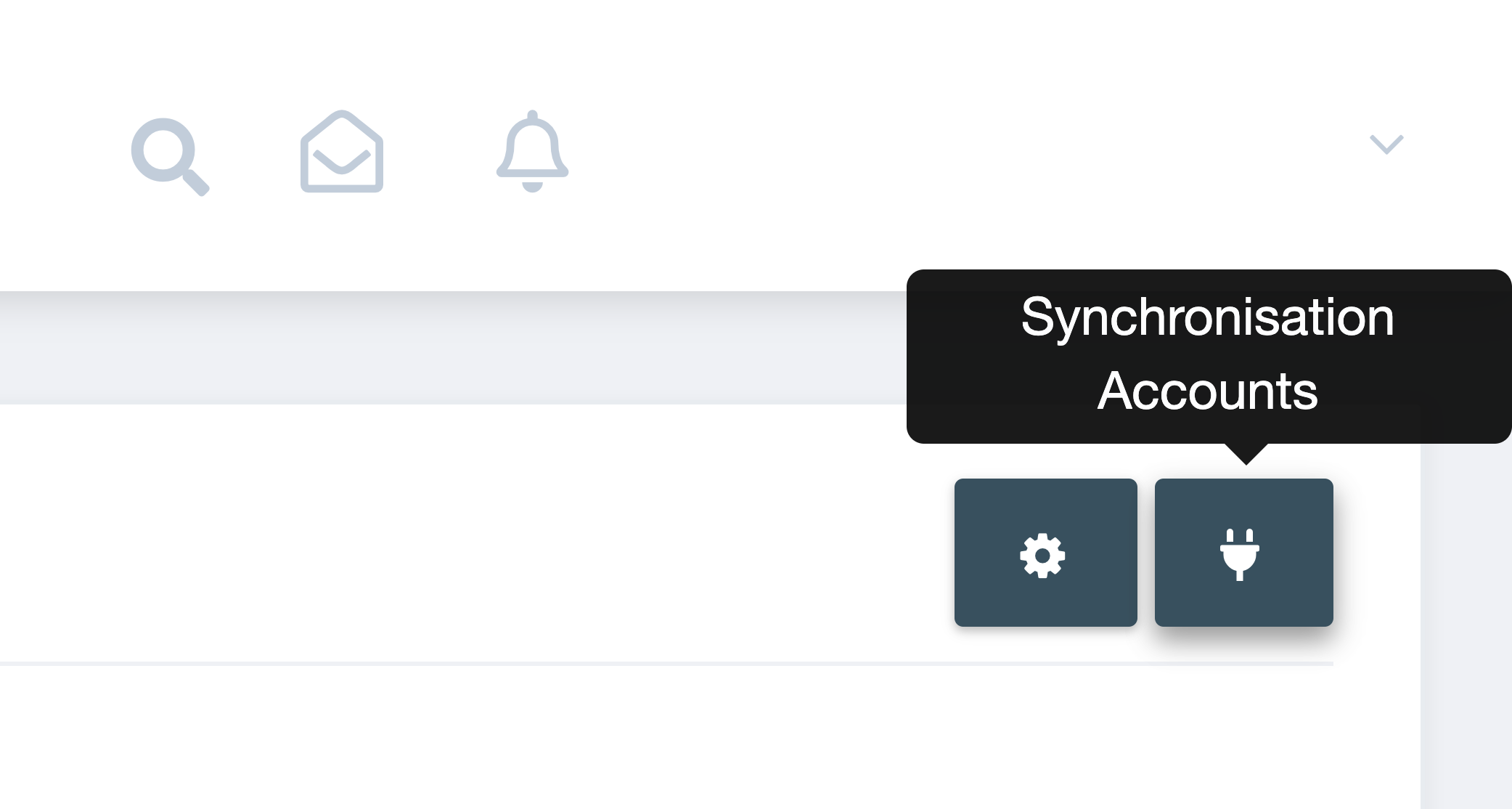
Step 2. On the Sync page, click the Synchronization Accounts button (plug icon) on the upper right corner.
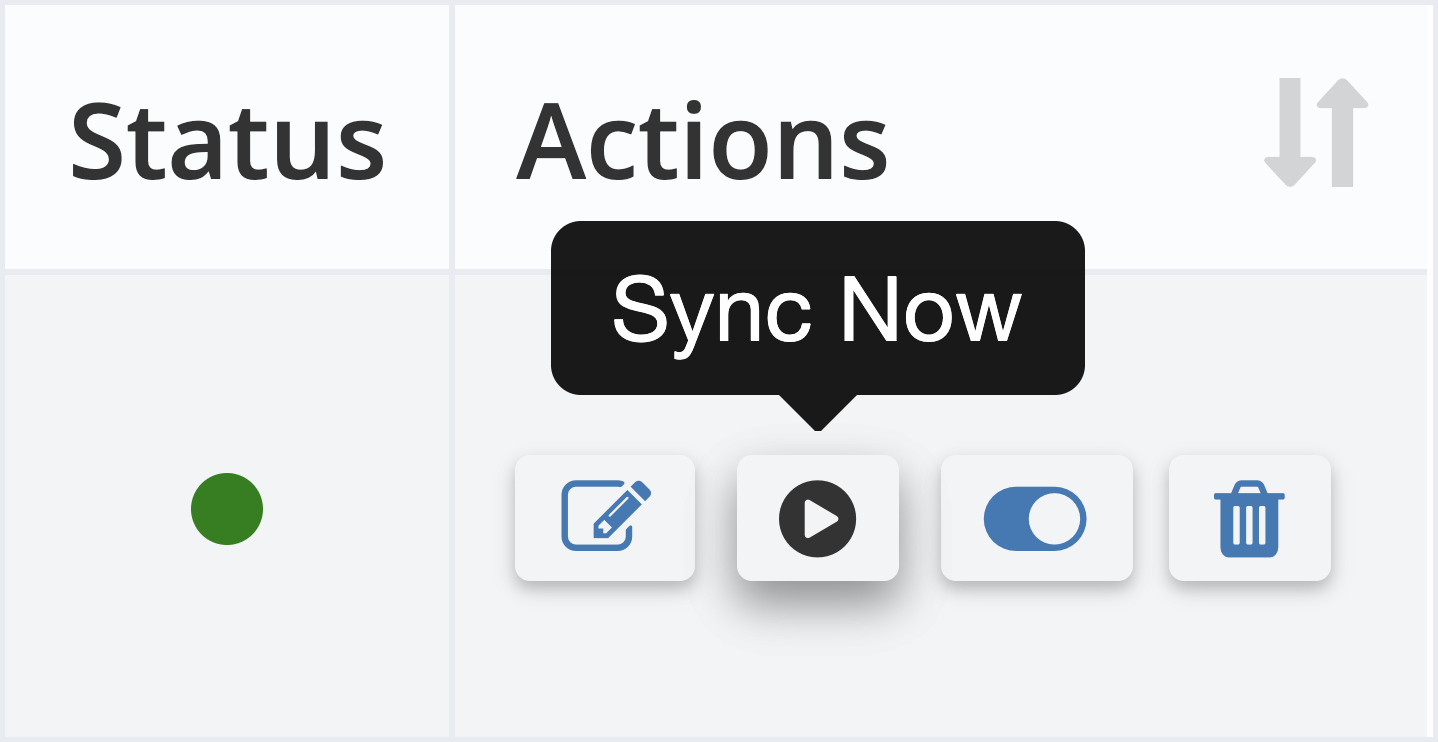
Step 3. Navigate to the sync account you want to sync right away. Under Actions, click the Sync Now button.
Step 4. To check the status of your synced invoices, click Sync on the left side menu. Any newly processed invoices will be synced within 5 minutes.