Deutsch
 Français
 Español
 Nederlands
 Italiano




With GetMyInvoices , you can specify that invoices may only be paid within document approval workflows. This ensures that payments are made only after a defined approval process and prevents unauthorized transactions.
Step 1
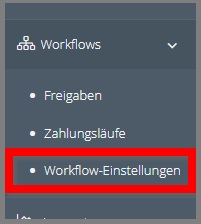
- Click Workflows in the menu on the left.
- Select Workflow Settings.
Step 2
- Click Configure Approval Workflows.
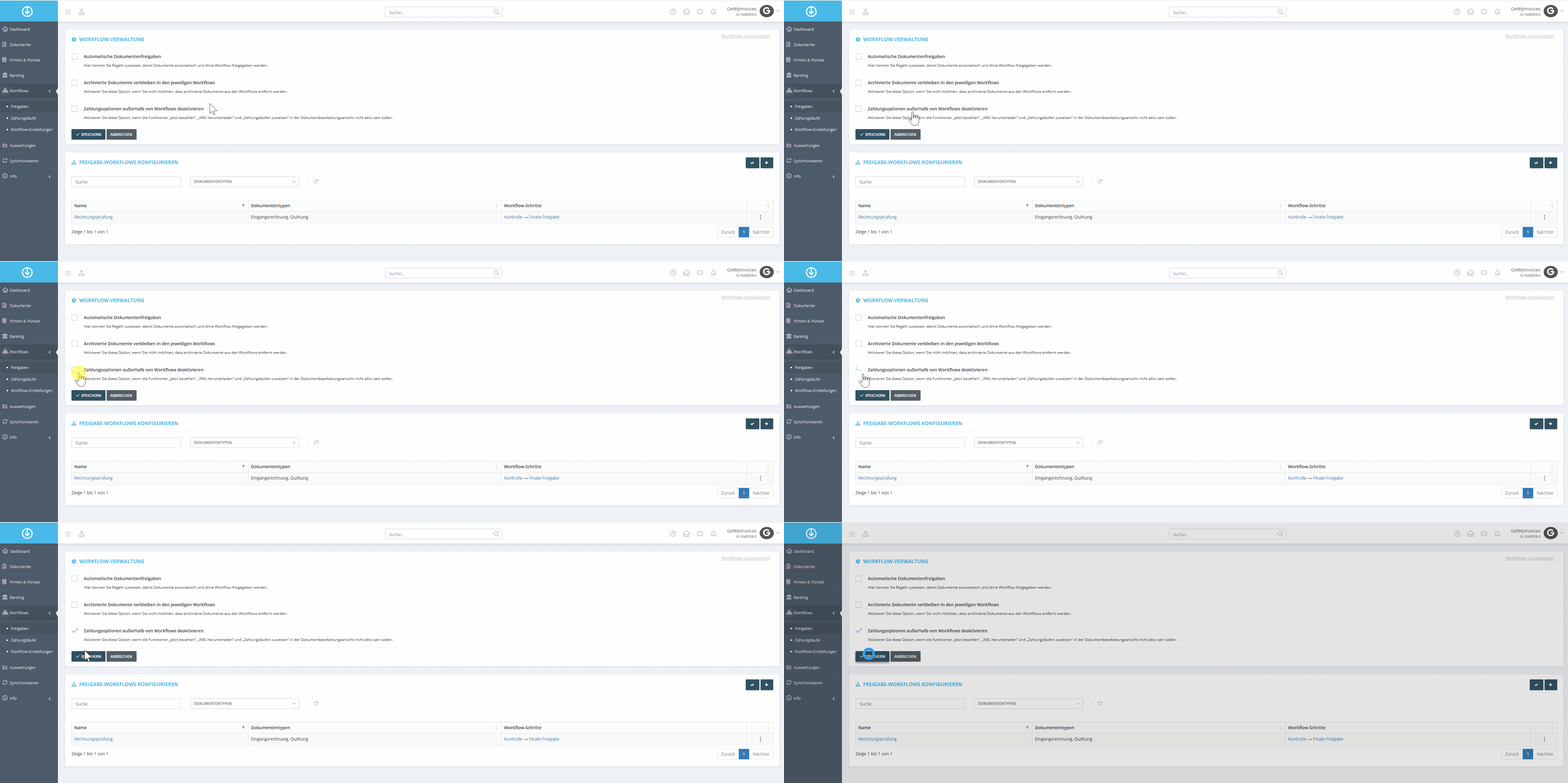
- Enable the option “Disable payment options outside of workflows.”
- Click Save.
Important Note: If you enable this option, payments are only possible in the respective approval steps that include a payment step.