Deutsch
 Français
 Español
 Nederlands
 Italiano




If you want to make changes, you can edit your workflow at any time in GetMyInvoices.
To do so, proceed as follows:
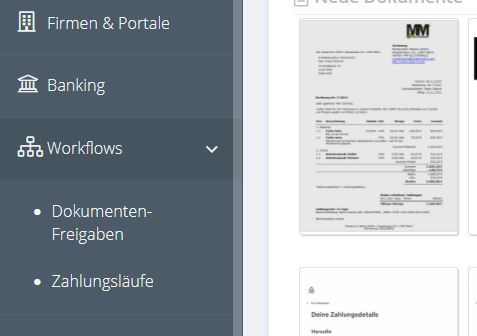
Step 1: Click “Document Releases” in the left pane of your menu.
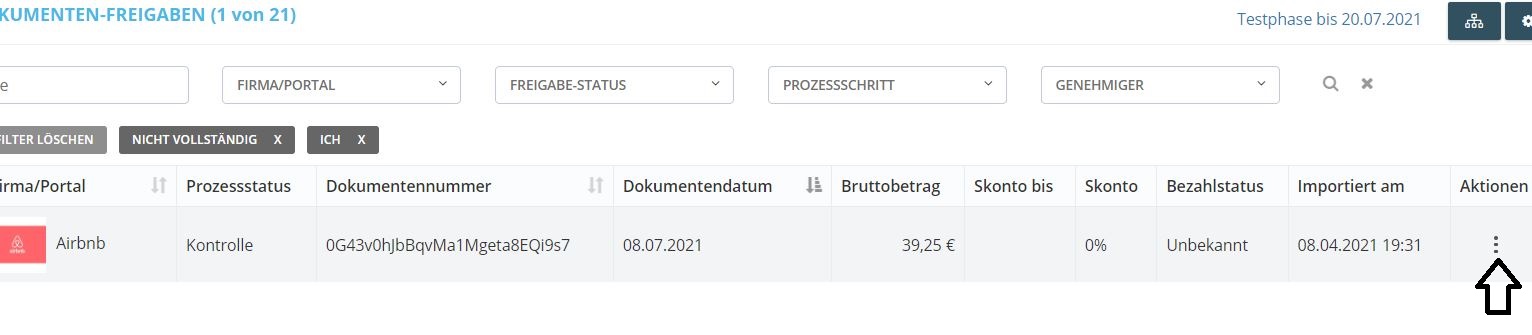
Step 2: Next, click on “Approval Management” in the upper right corner (button in the middle).

Step 3: Now, you will get to the overview of your stored workflows. There you click on the 3 action items on the right side of your workflow and then on “Workflow”
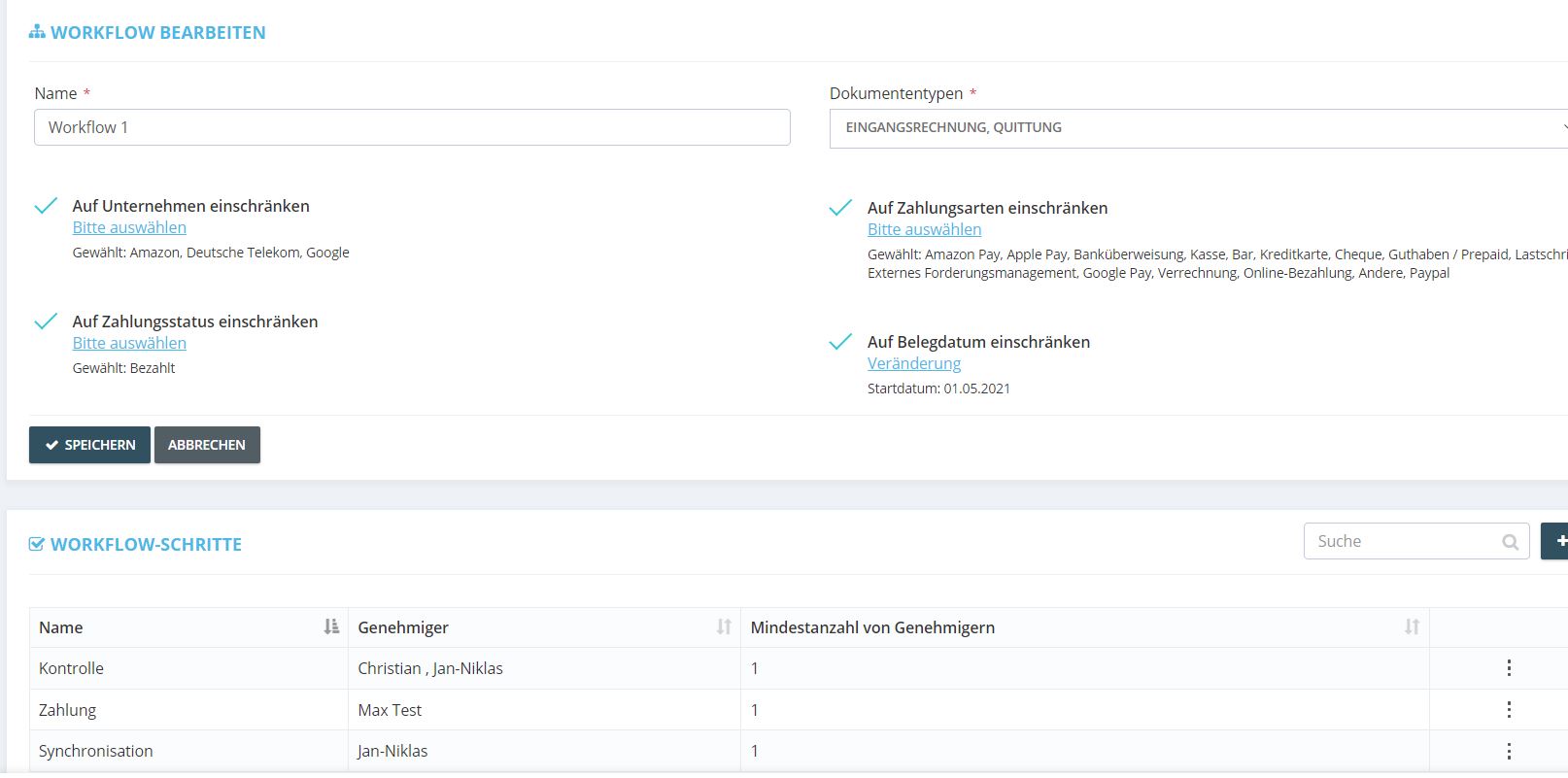
Step 4: The selected workflow can now be edited. This is where you can add companies, for instance, or store additional users for approval.