Deutsch
 Français
 Español
 Nederlands
 Italiano




In GetMyInvoices , you can customize invoice approval workflows to ensure that only specific invoices are approved based on predefined criteria. Configuring these workflows enables targeted review based on parameters such as companies, payment status, payment methods, and tags. This gives you more flexibility and control when processing invoices. Please note that maintaining master data under Companies & Portals is essential for using these restrictions correctly.
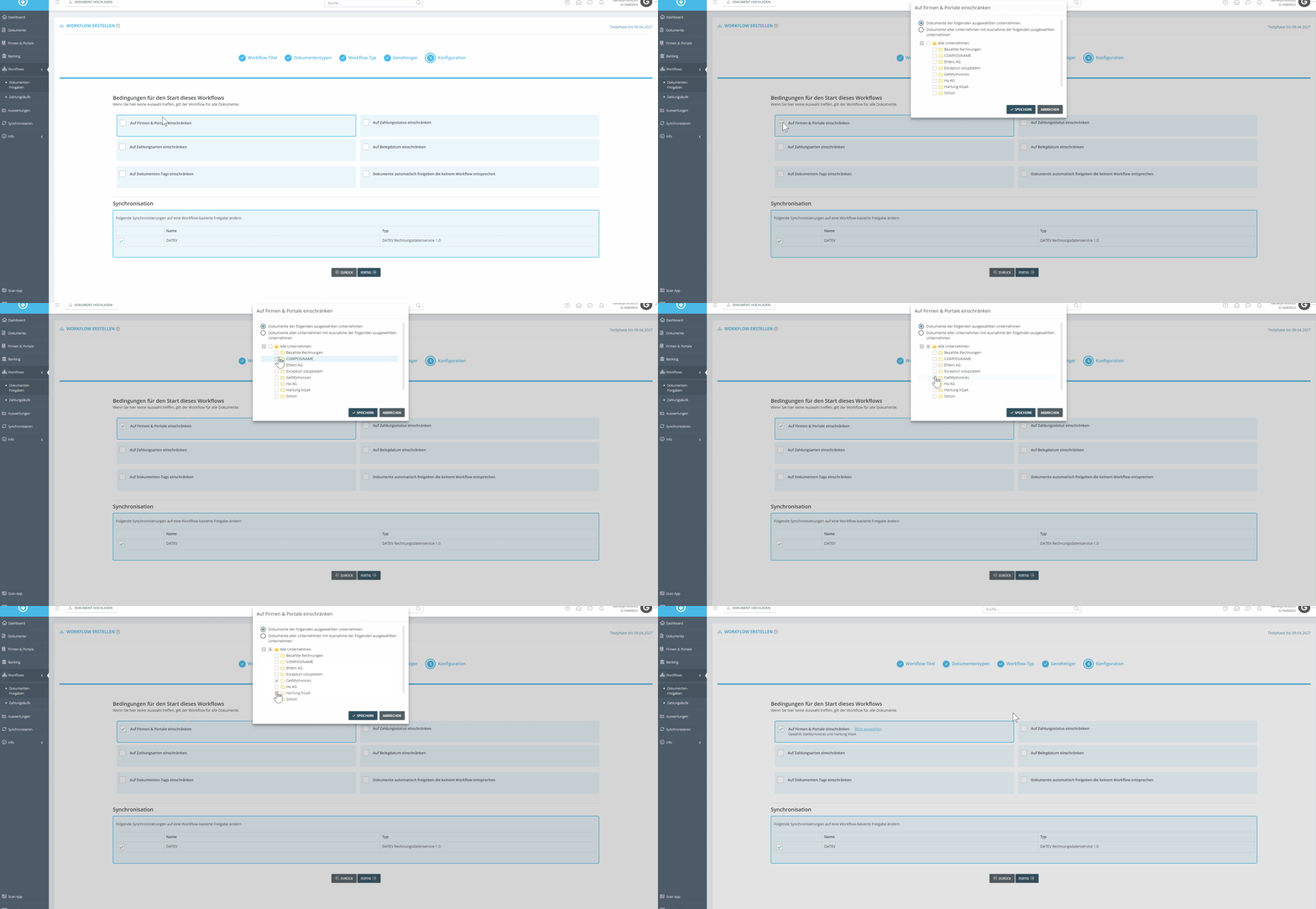
Restrict to Companies & Portals
- Select which suppliers’ invoices you want to review in the approval process by clicking the corresponding field and selecting the desired companies or portals.
** **
**
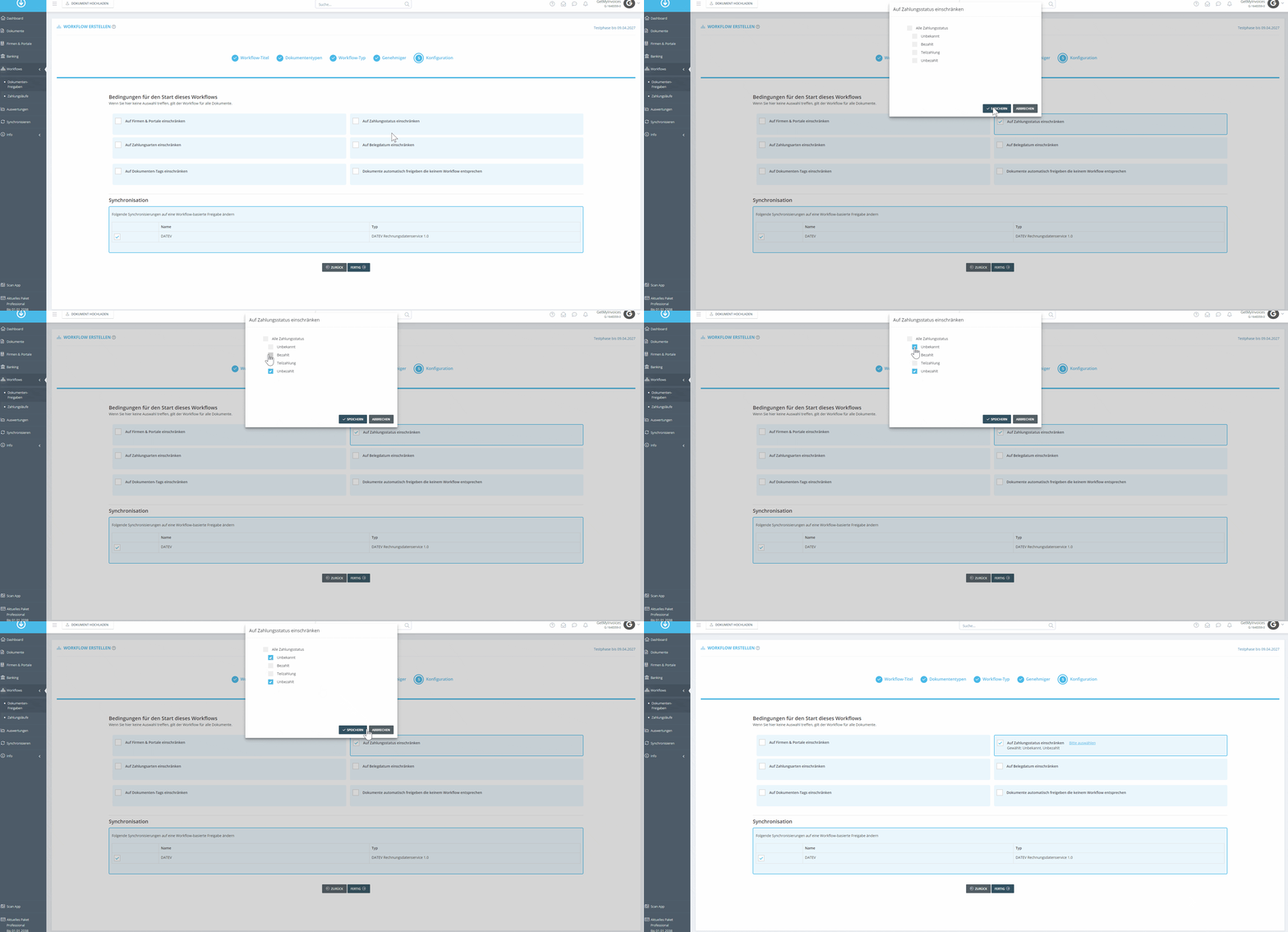
Restrict to payment status
- You can specify that only invoices with a certain payment status, such as Unpaid or Unknown, be checked.
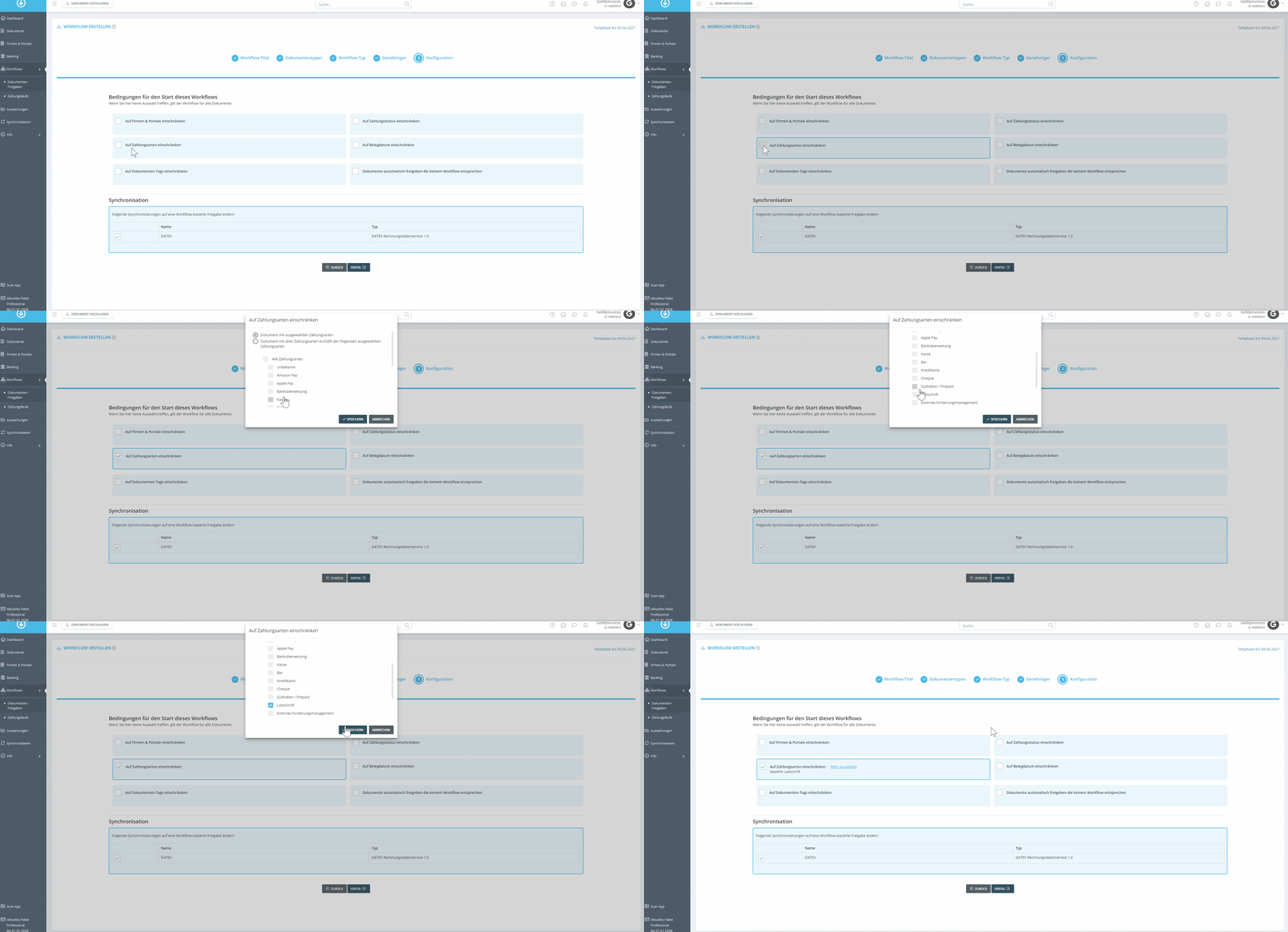
Restrict to payment methods
- Define which payment methods (e.g., direct debits or bank transfers) should be checked during the approval process.
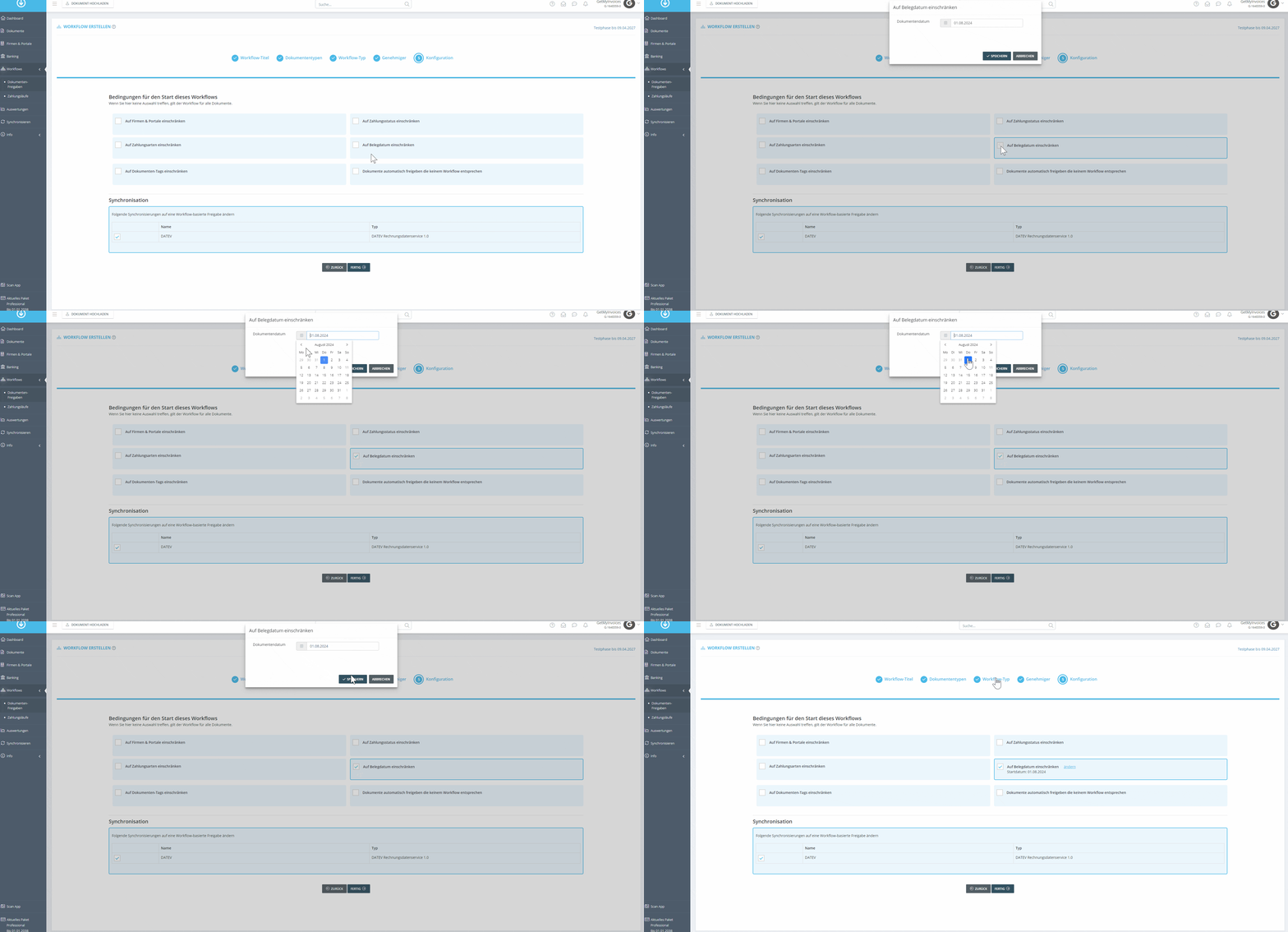
Limit by document date
- Specify the date from which invoices should be available for review. The invoice date extracted by OCR is used for this.
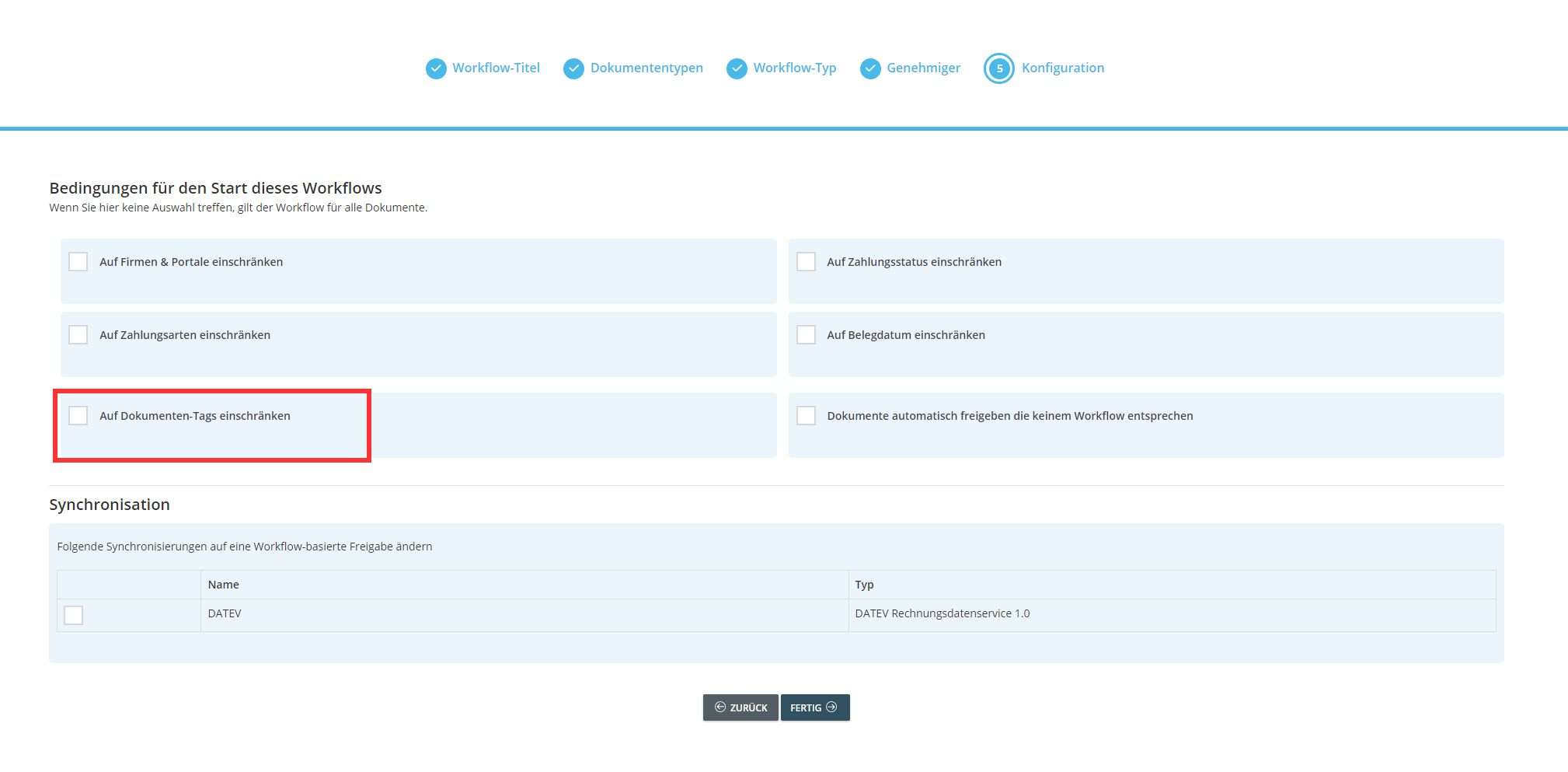
Limit to document tags
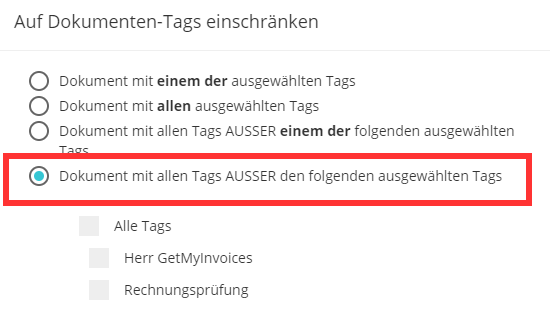
- You can filter documents by tags and specify whether invoices with specific tags are displayed in the approvals. There are several options:
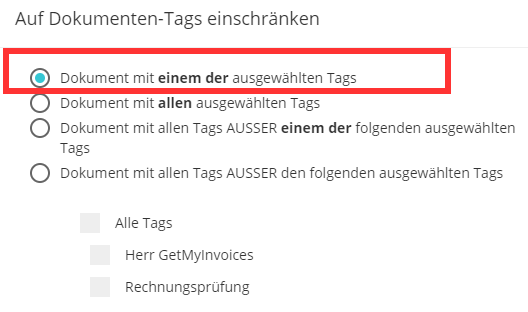
Documents with any of the selected tags: Here you can specify whether it is sufficient for incoming invoices to have just one of the tags you selected.
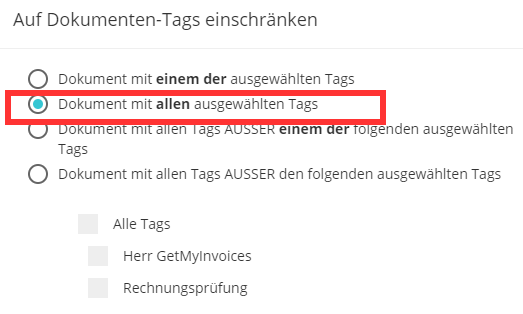
Documents with all selected tags: Incoming invoices must have all the tags you selected.
Documents with all tags EXCEPT one of the following selected tags: All documents that do not have the selected tag.
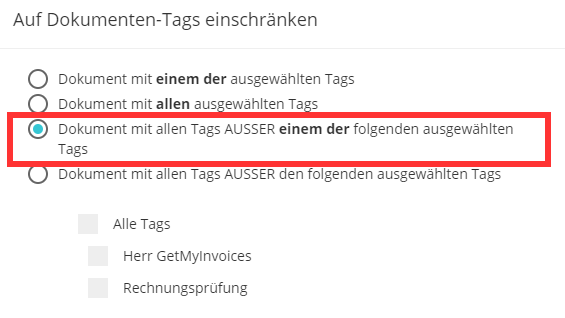
Documents with all tags EXCEPT the following selected tags