
How to create an approval process?


Step 1: Go to “Workflows” and “Document approval”.

Step 2: Assign a name for your workflow.
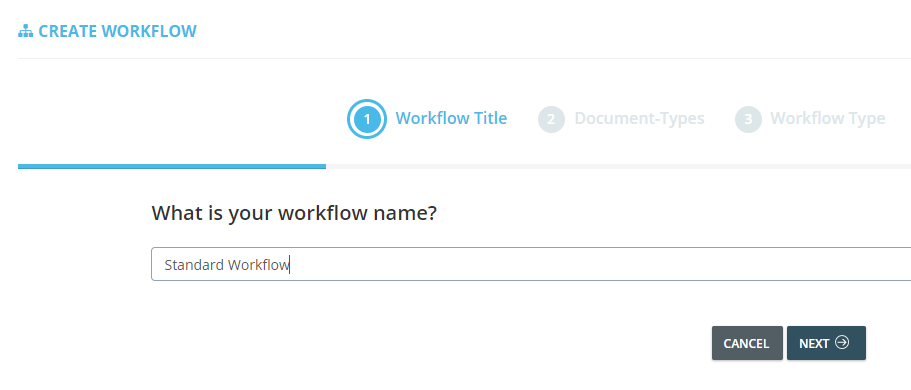
Step 2: Assign a name for your workflow. - How to create an approval process?

Step 3: Select the document types for which you want to set up your process.
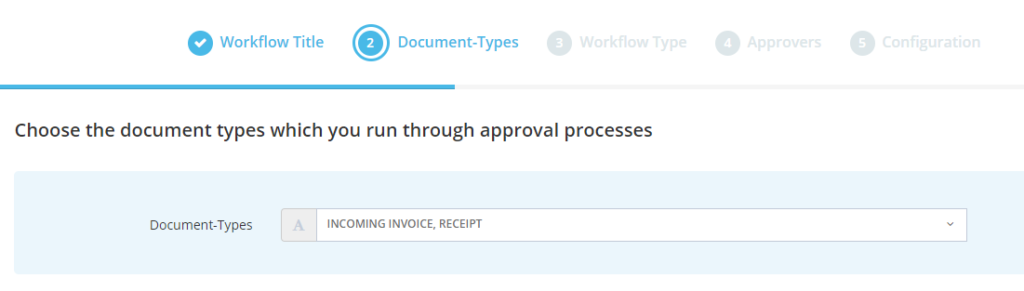
Step 3: Select the document types for which you want to set up your process. - How to create an approval process?

Step 4: Select your workflow. You can choose between predefined workflows or configure an individual process using the expert mode.
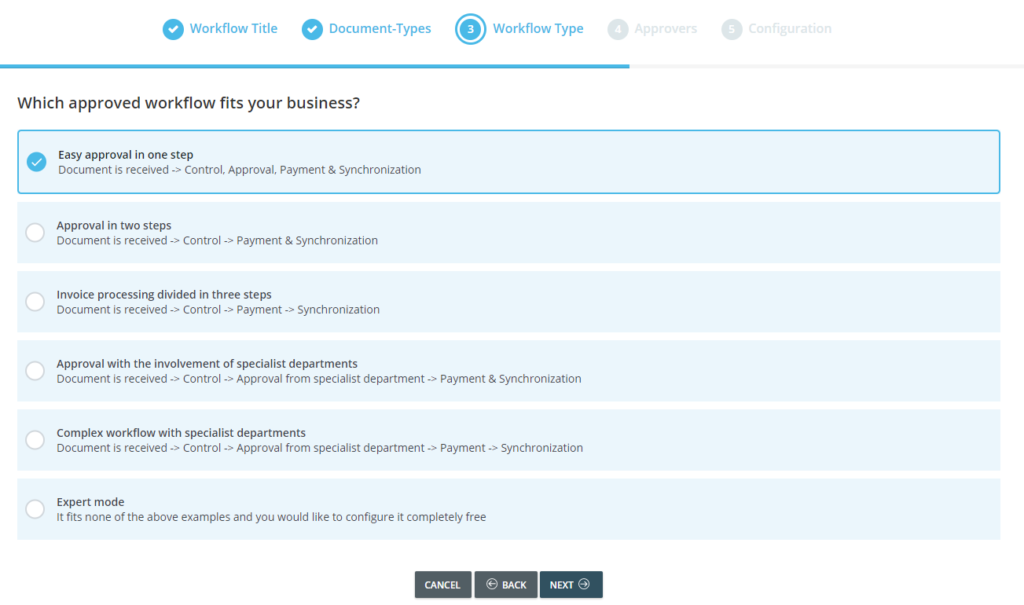
Step 4: Select your workflow. You can choose between predefined workflows or configure an individual process using the expert mode. - How

Step 5: Assign employees to the respective process steps.
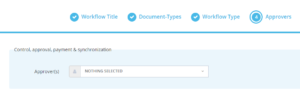
Step 5: Assign employees to the respective process steps. - How to create an approval process?

Step 6: Determine the conditions under which your workflow should be applied to documents and select your export target.
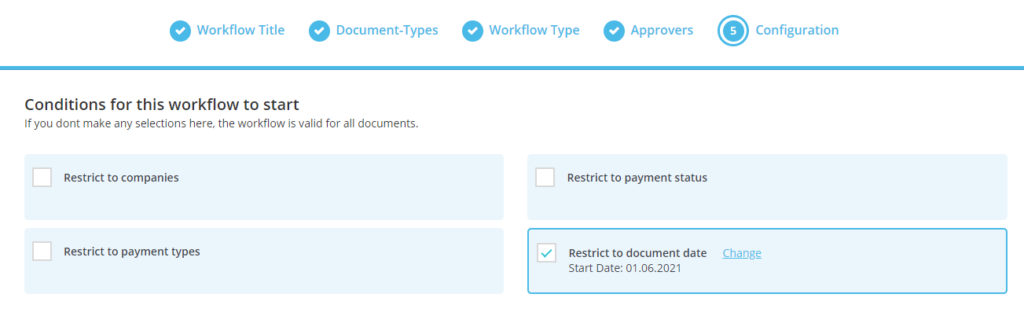
Step 6: Determine the conditions under which your workflow should be applied to documents and select your export target. - How to create an

Didn't find the right answer?

Get in touch with our support team - usually answered within one business day.

Contact support



