Deutsch
 Français
 Español
 Nederlands
 Italiano




If you need an older, archived document, retrieve it back into the GetMyInvoices document overview. This works in both list view and tile view.
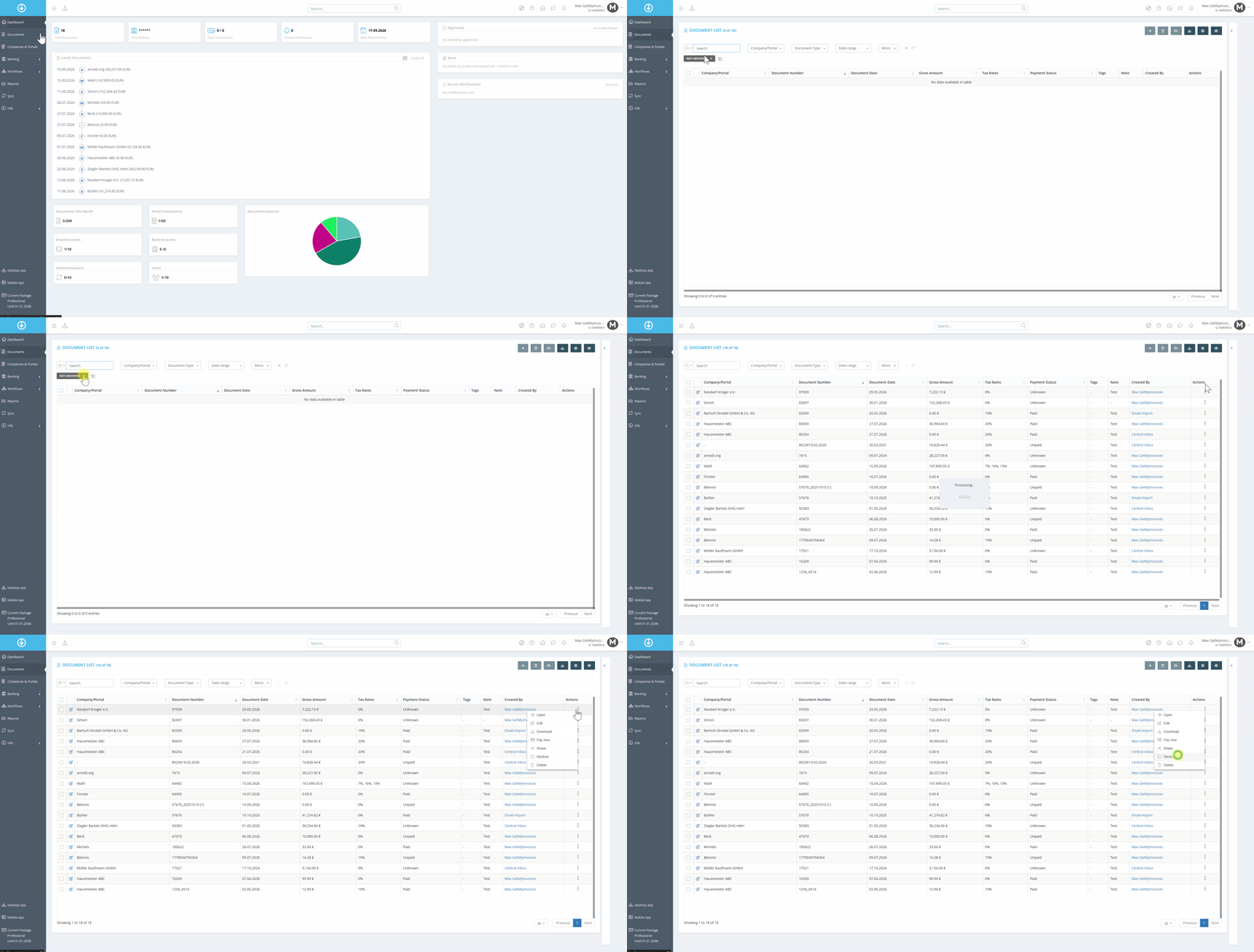
Step 1: Restore a Single Document - List View
- Click “Documents” in the menu on the left.
- Remove the “Not Archived” filter.
- Use the filter “Archived”
- Click the three dots in the “Actions” field.
- Select “Restore.”
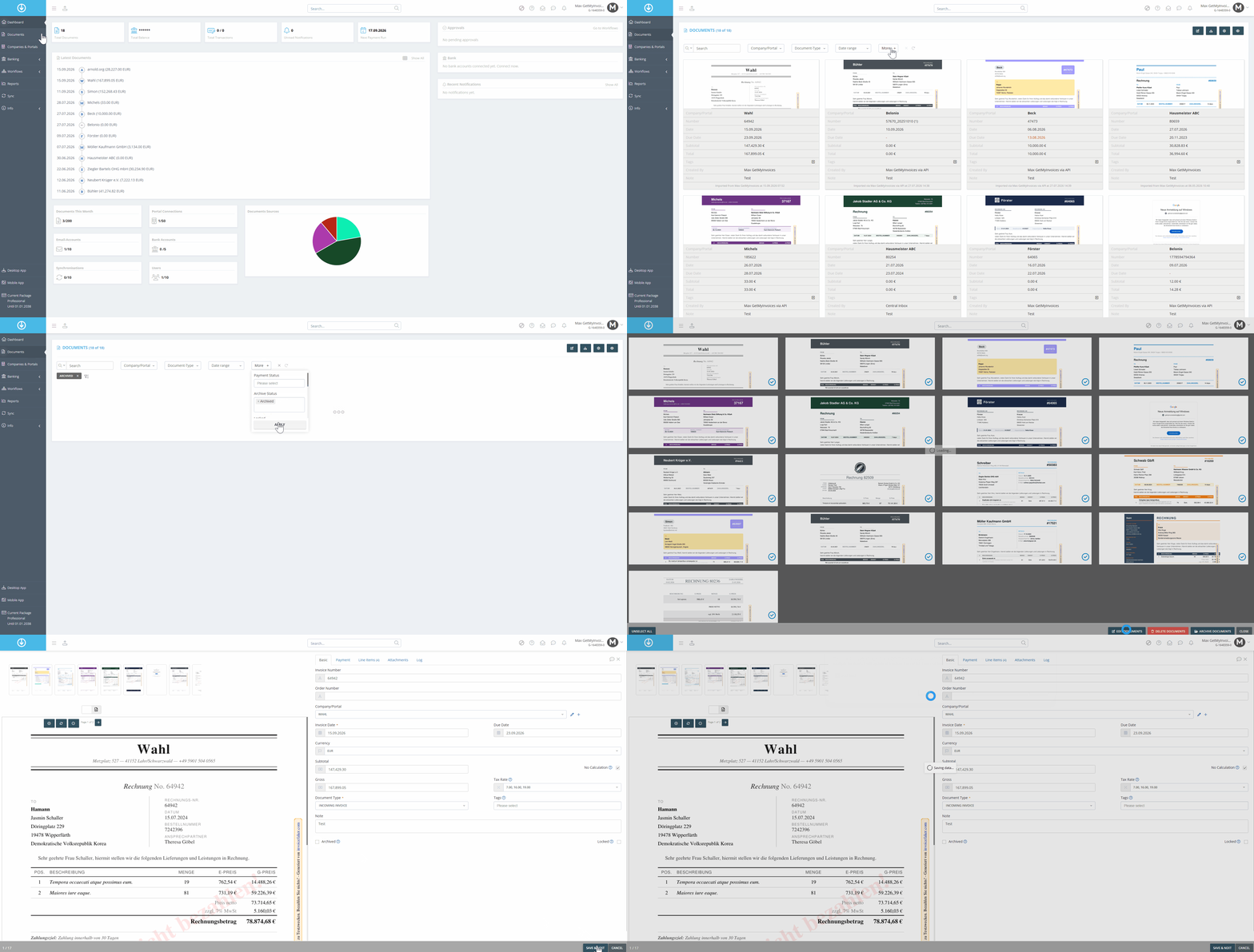
Step 2: Recover Multiple Invoices - Batch Processing
- Click “Documents” in the menu on the left.
- Select the Tile View
- Remove the “Not Archived” filter.
- Use filter “ Archived”
- Click “Edit Documents”
- Open the selected documents
- Remove “Archive”
- Click “Save and Next” and apply the change to all selected invoices