Deutsch
 Français
 Español
 Nederlands
 Italiano




If you have several accounts linked together, you will always have the possibility to manage them in your account. Learn how to link your accounts here . Read here how to switch between accounts.
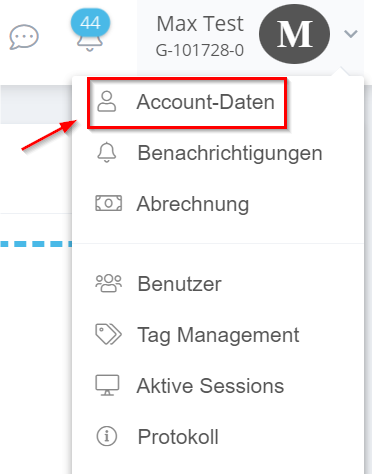
- Navigate with the mouse pointer to your account name and then click on “Account data”.
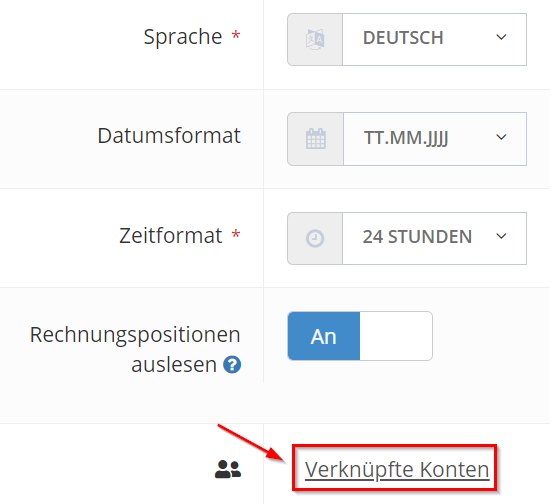
- scroll down to the settings and click on “Linked accounts” at the bottom right.
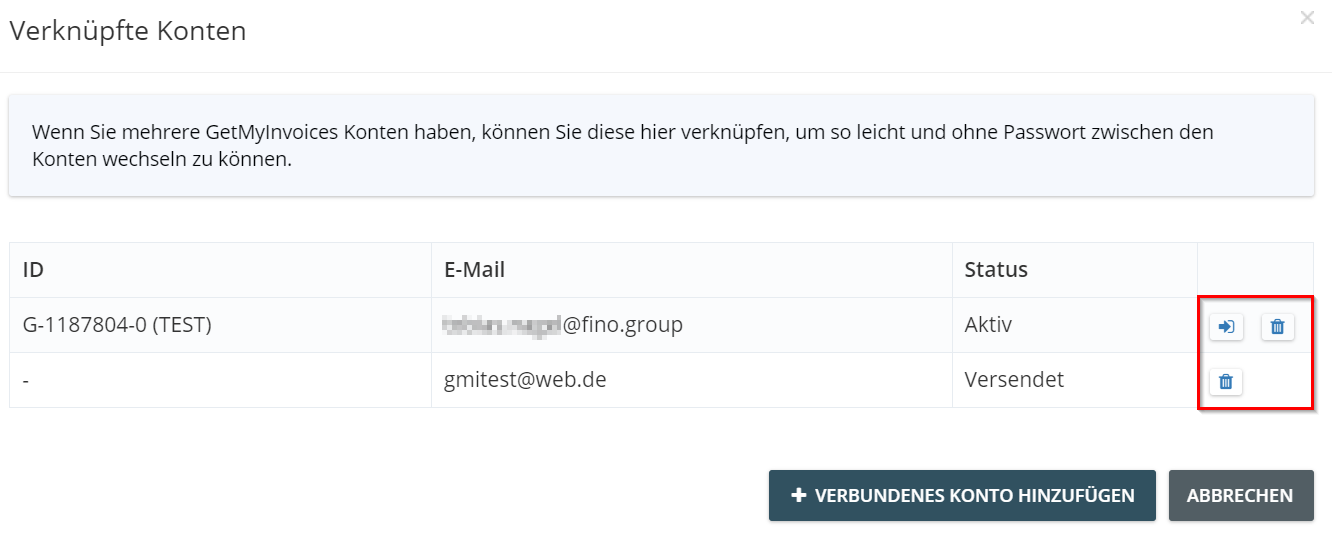
- on the right, via the icons, you can manage your accounts. You have the option to go directly to an account from here, or delete the link.