Deutsch
 Français
 Español
 Nederlands
 Italiano




If you no longer need a tag you've created, delete it in Tag Management.
Important note: Delete a tag with caution. Deleting a tag affects all documents to which it is assigned.
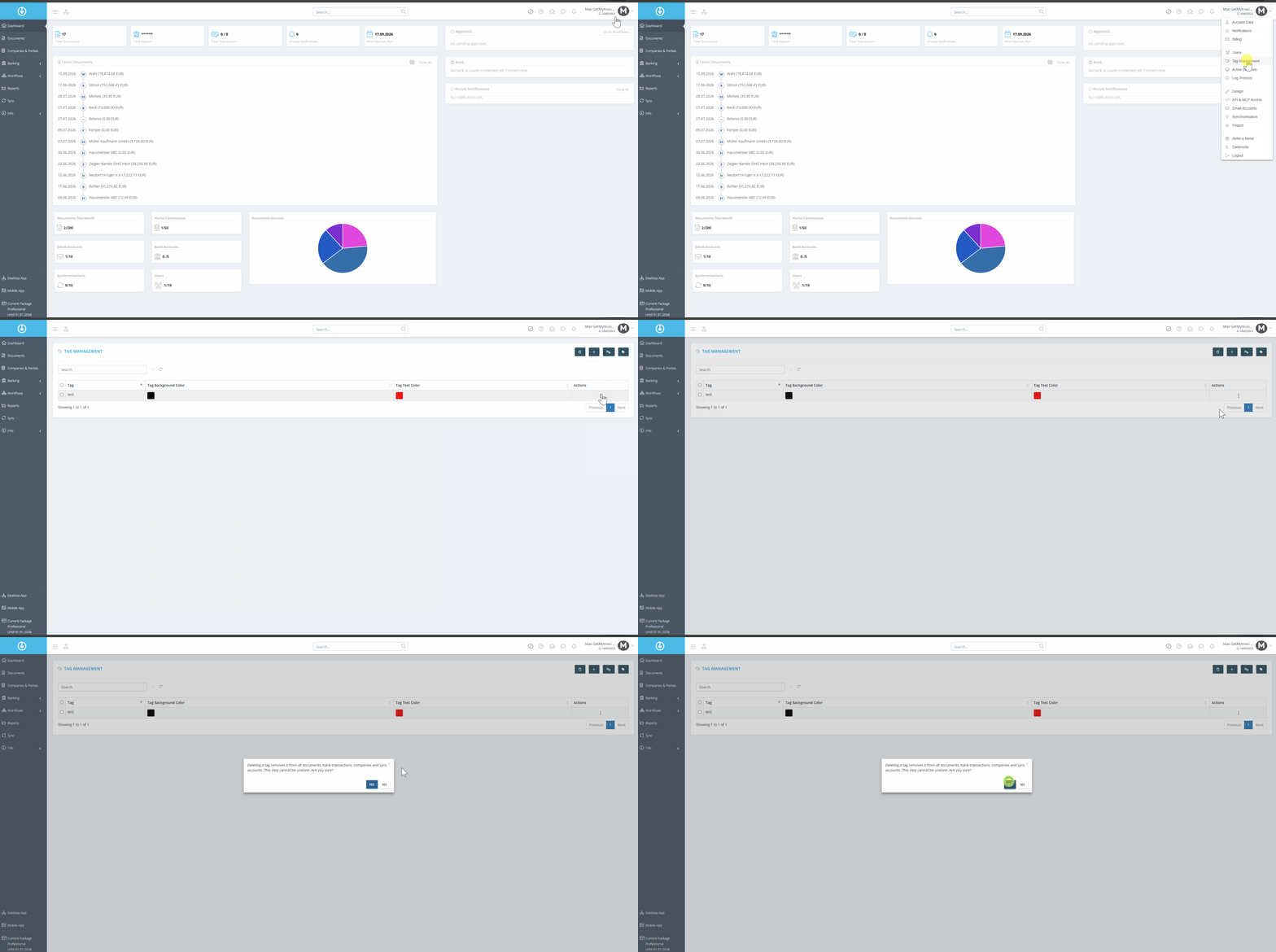
Step 1: Delete a tag
- Click your account name in the upper-right corner of the dashboard.
- Select “Tag Management” from the drop-down menu.
- Click the three dots next to the tag .
- Select “Delete”
- Confirm the deletion in the dialog box by clicking “Yes.”