

 Deutsch
 Français
 Español
 Nederlands
 Italiano




When connecting to an online portal, you may see a message stating that the data is incorrect for retrieving receipts or documents. In such cases, you can quickly and easily verify whether the stored login credentials are correct. Since many service providers offer different portals where invoices are made available, you can check the login at any time to ensure that the correct portal is connected and no errors occur.
Step 1
- Click Companies & Portals in the menu on the left.
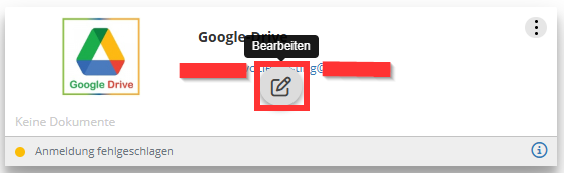
- Click Edit on the selected portal.
Step 2
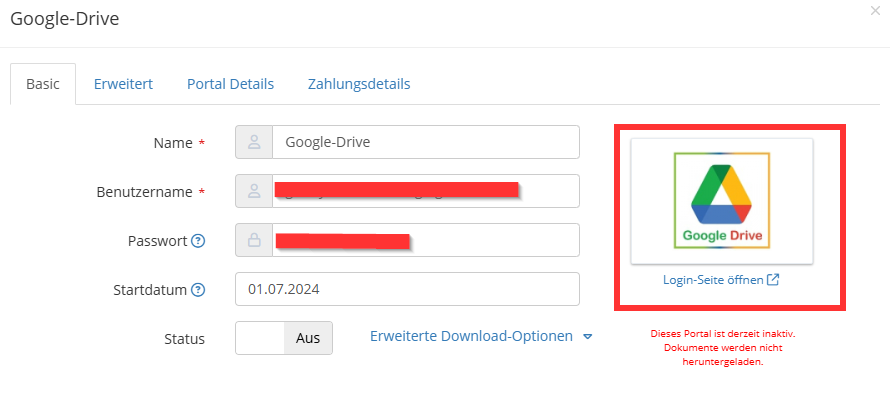
- Click the logo or Open Login Page.
- You will be automatically redirected to the online portal.
Step 3
- Check the saved login credentials.
You can now compare the credentials used to log in to the online portal with those saved in GetMyInvoices and make adjustments if necessary.