

 Deutsch
 Français
 Español
 Nederlands
 Italiano




Here's how to download invoices from GetMyInvoices.
Step 1 Open Documents
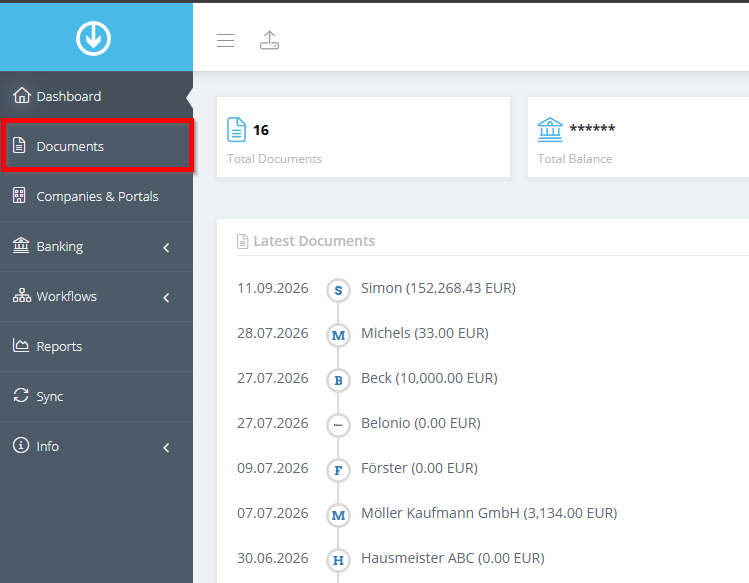
- Click “Documents” in the menu on the left.
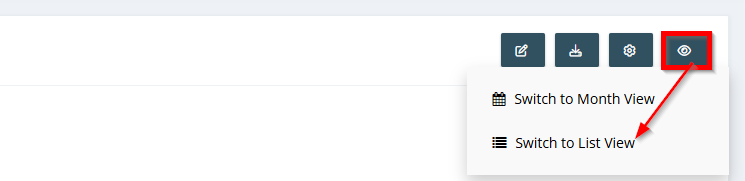
Switch to the list view. Although the download also works in the tile or month view, it is most reliable in the list view.
Step 2: Select and download documents
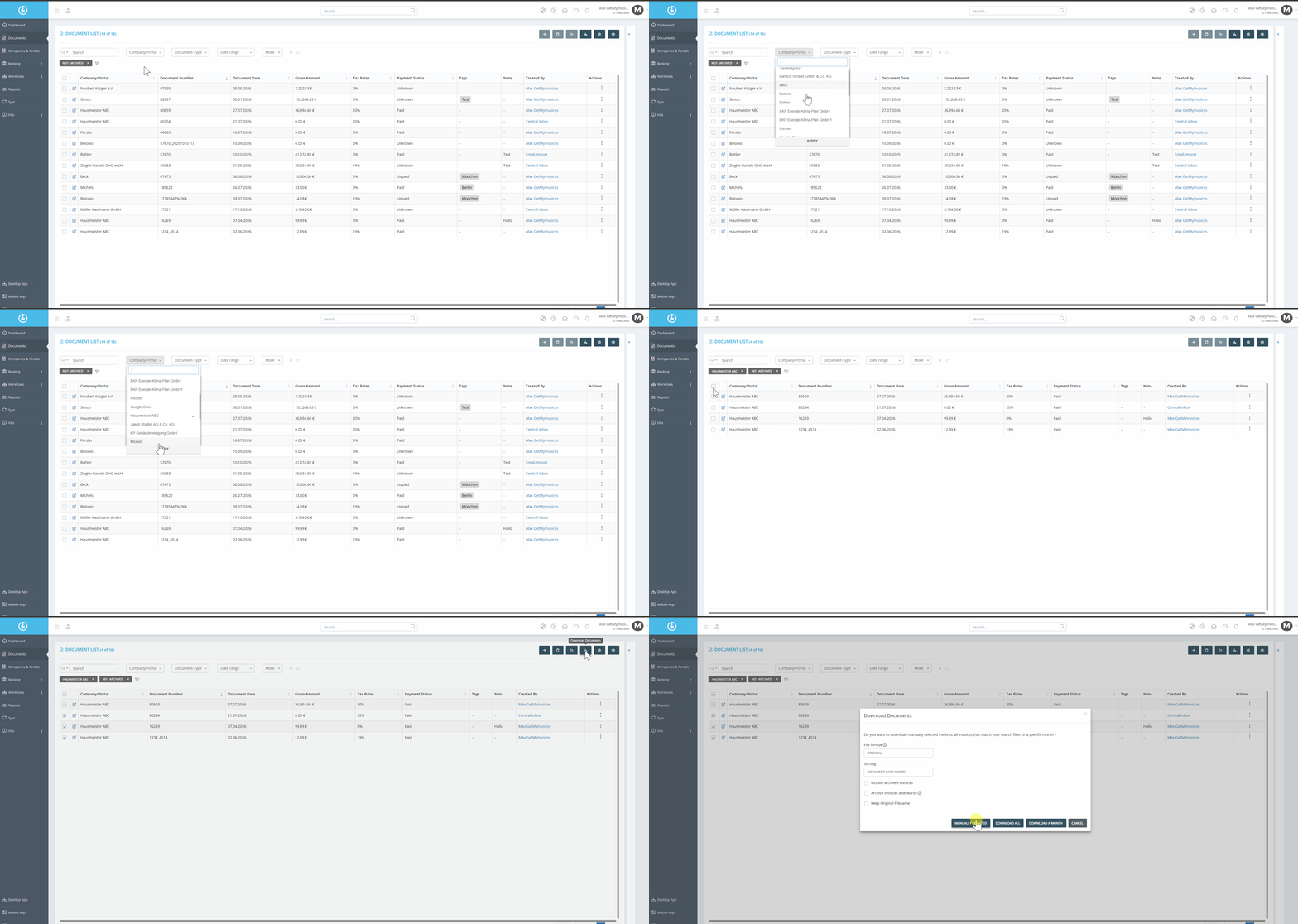
- Apply filters to narrow down the invoices you want.
- Select all invoices by checking the box above the list.
- Click the download icon and select “Manually Selected.”
Step 3: Complete the download
After a short while, a notification will appear in the dashboard, allowing you to start downloading the documents.

We will create a ZIP file. This ZIP file contains
- The selected documents as PDFs
- An Excel file containing the billing information from the respective documents
- A CSV file containing the billing information from the respective documents